
Magento to Shopify Plus Migration: Prevent SEO Traffic Loss
By:
Stop losing organic revenue. Learn the technical replatforming SEO checklist to migrate from Magento to Shopify Plus with zero traffic drops.
Migrating from Magento to Shopify Plus poses a catastrophic risk to your organic search traffic if URL structures and metadata are mismatched. This technical replatforming seo checklist provides a risk-mitigated, step-by-step execution framework to ensure zero loss in search visibility and revenue during your transition.
Key Takeaways
- The Split-Batch Redirect Protocol: Segment redirect CSVs into batches of 10,000 rows to bypass Shopify's native admin timeouts and API constraints.
- Standardized Path Mapping: Convert Magento's custom
.htmland nested category structures directly into Shopify's/collections/and/products/subfolders. - DNS-Level Wildcards: Deploy Cloudflare Workers for catalogs exceeding 100,000 URLs to offload server strain and maintain sub-500ms response times.
- Metadata Preservation: Export and map legacy custom meta titles and JSON-LD schema directly to Shopify metafields to prevent default template overwrites in 2026.
Why Magento's URL Architecture Conflicts with Shopify Plus
URL Mapping is the process of aligning legacy website paths with new platform structures to preserve search engine crawl equity. Magento allows completely custom, deeply nested URL paths, whereas Shopify Plus enforces rigid, standardized subfolders. Failing to map these differences correctly will result in widespread 404 errors and lost indexation.
/apparel/mens/shirts.html
/collections/mens-shirts
Product Page
/apparel/mens-classic-tee.html
/products/mens-classic-tee
CMS Page
/about-our-brand/
/pages/about-us
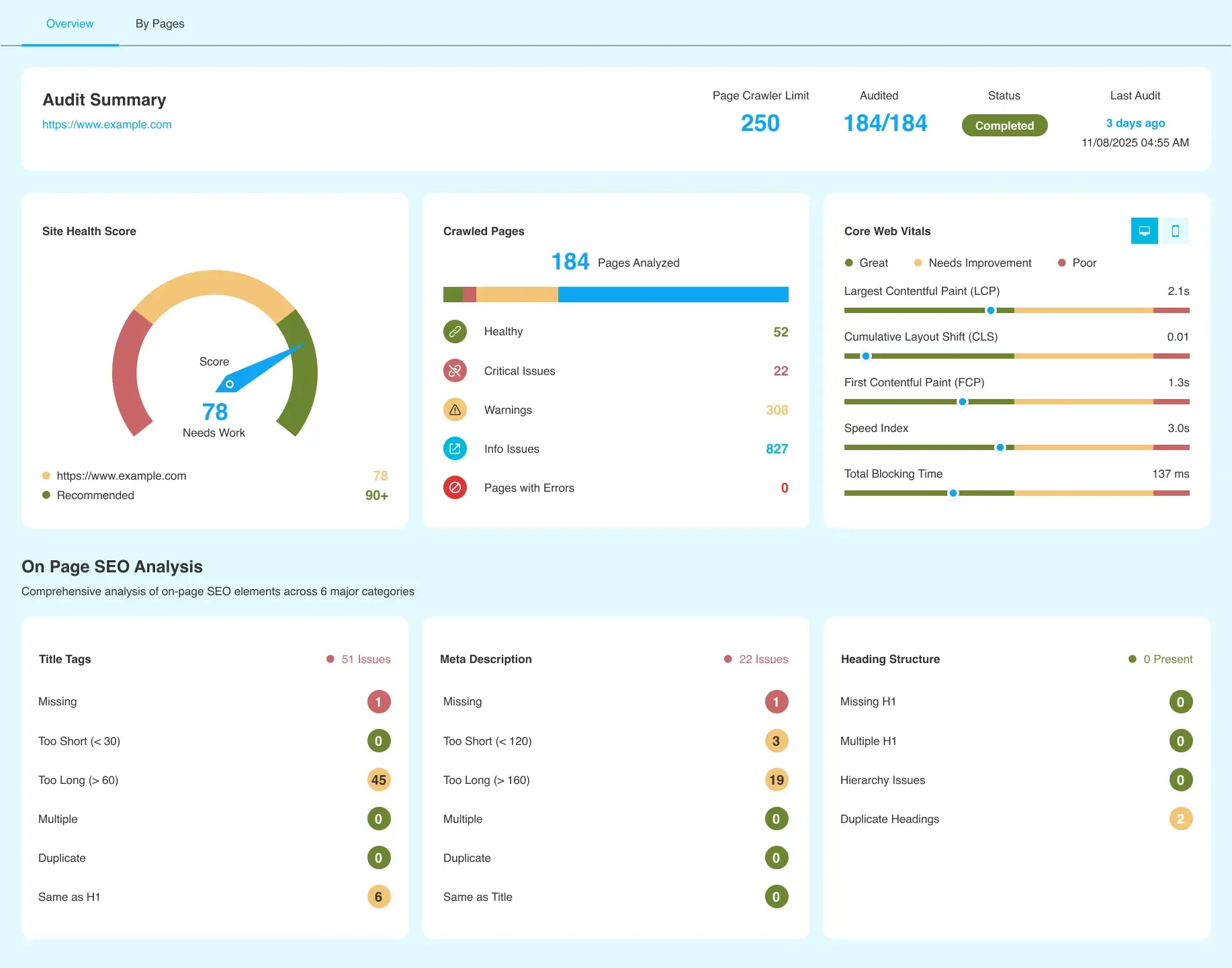
Phase 1: Pre-Migration Crawl and Magento SEO Baseline Audit
A structured sequence of technical audits, URL mapping protocols, and data validation steps executed during an e-commerce migration prevents organic search ranking drops. It ensures all legacy search equity, URL redirects, and metadata transfer seamlessly from Magento to Shopify Plus.
- Run a comprehensive crawl of your legacy Magento store using Screaming Frog or DeepCrawl to capture every indexable URL.
- Export all self-referencing canonicals, H1 tags, meta titles, descriptions, and hreflang configurations.
- Extract 12 months of landing page performance data from Google Analytics 4 (GA4) and Google Search Console (GSC).
- Identify high-value pages generating 90% of organic traffic and revenue to prioritize during mapping.
- Record baseline site speed metrics, Core Web Vitals, and current keyword positions for your top 100 terms.
Phase 2: Mapping Magento's Custom URL Structure to Shopify Plus Subfolders
To implement the URL mapping structure properly, our team executes the following sequence:
- Strip the .html extension from all legacy Magento product and category URLs.
- Map Magento category URLs to Shopify collection subfolders:
/category/subcategory/must map to/collections/subcategory/. - Map Magento product URLs to Shopify product subfolders:
/product-name.htmlmust map to/products/product-name/. - Map legacy CMS pages to Shopify pages:
/about-us/must map to/pages/about-us/. - Use custom metafields or Shopify tags to handle product attributes previously managed via Magento's layered navigation.
If your legacy catalog structure requires advanced routing logic, leverage custom Shopify Plus development to build scalable path rules before launching.
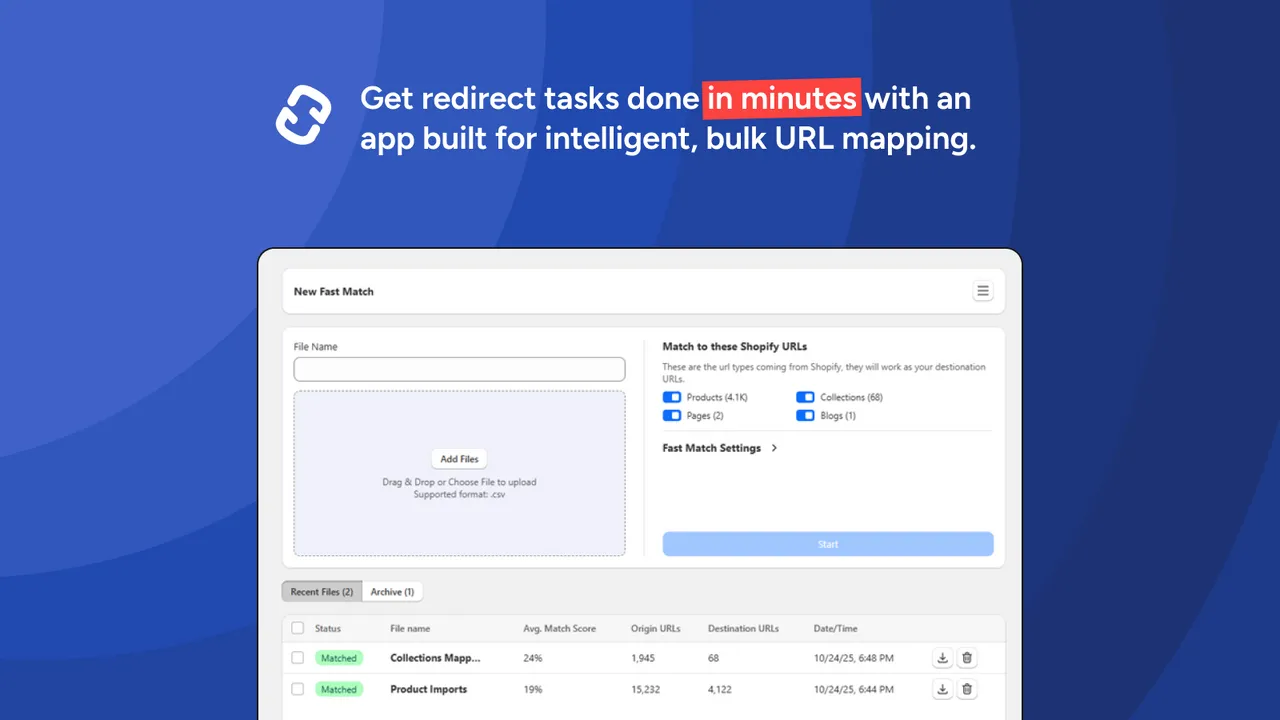
Phase 3: Executing the 301 Redirect Strategy (Bypassing Shopify's Bulk Upload Limits)
Shopify's native URL redirect tool has a bulk upload limit of 100,000 redirects, and large files frequently cause administrative timeouts. Managing enterprise-scale redirects requires a split-batch execution strategy.
Common Mistakes to Avoid
- Creating recursive redirect chains (e.g., URL A pointing to URL B, which points to URL C).
- Redirecting out-of-stock or legacy product pages directly to your homepage instead of the most relevant parent collection.
- Uploading uncompressed CSV files exceeding 50MB into the Shopify admin.
How to Fix and Execute the Redirect Upload
- Clean your redirect registry to ensure only 1-to-1 direct mappings with a
301status code are present. - Segment your redirect CSV files into smaller batches of maximum 10,000 rows per file.
- Use the Shopify Matrixify app or the Shopify Redirect API to bypass native admin interface upload bottlenecks.
- For catalogs exceeding 100,000 URLs, deploy wildcard redirect rules at the DNS level using Cloudflare Workers to offload server strain.
Phase 4: Migrating Meta Tags, Alt Text, and Schema Markup without Data Loss
A common pitfall during migration is overwriting manually optimized meta tags with Shopify's default automated templates. This loss of semantic data instantly degrades search engine understanding of your page content.
- Export Legacy Metadata: Extract all custom meta titles, meta descriptions, and H1 tags from your Magento database.
- Format for Shopify Import: Align the exported data columns with Shopify's import schema, specifically targeting the
SEO TitleandSEO Descriptionfields. - Preserve Image Alt Text: Ensure all product image alt attributes are mapped directly to the
Image Alt Textcolumn in your Shopify product CSV. - Deploy Structured Data: Implement structured JSON-LD schema (Product, Offer, and AggregateRating) directly into your Shopify theme code to replace Magento's legacy microdata.
To guarantee that your metadata and rich snippets transfer without data degradation, you can utilize specialized technical SEO and migration data audits to manage the data validation process.
Phase 5: Post-Launch SEO Validation and Google Search Console Monitoring
The first 72 hours post-launch are critical for identifying and resolving crawling errors before they impact search engine indexing.
- Submit your new Shopify
sitemap.xmlto Google Search Console immediately after pointing your DNS live. - Run a full post-launch crawl of the live Shopify site using Screaming Frog, comparing the live URLs against your pre-migration baseline.
- Verify that all mapped 301 redirects resolve to a
200 OKstatus code in under 500ms. - Monitor the "Indexing" report in Google Search Console daily for 30 days to identify unexpected 404 spikes.
- Inspect canonical tags on product pages to confirm they reference the primary product URL, avoiding duplicate collection-nested paths.
When to Hire a Shopify Plus Migration Consultant vs. Managing In-House
Deciding between managing your migration internally or partnering with an external specialist depends on catalog complexity and internal resource bandwidth.
Manage In-House If:
- Your catalog contains fewer than 5,000 SKUs with simple product options.
- You have a dedicated, in-house technical SEO team and front-end developer.
- Your current Magento URL structure closely matches Shopify's native paths, requiring minimal redirect mapping.
Hire a Shopify Plus Migration Consultant If:
- Your catalog exceeds 50,000 SKUs with complex parent-child variant configurations.
- Your organic search channel generates more than 30% of your total e-commerce revenue.
- You require a headless architecture or deep ERP integrations that impact URL routing.
How Avelize Approaches This
Our team deploys a structured 4-week migration program designed to preserve organic rankings and scale search visibility. We handle the entire technical lifecycle, from initial database extraction to post-launch validation, ensuring zero data degradation.
- Week 1: Baseline & Mapping — Comprehensive crawl and 1-to-1 URL mapping schema design.
- Week 2: Staging Validation — Testing redirects and metadata injection on a Shopify staging environment.
- Week 3: Redirect Deployment — Implementing the split-batch redirect protocol and DNS-level routing.
- Week 4: Post-Launch Monitoring — Real-time indexation tracking and GSC error resolution.
Frequently Asked Questions
What is the difference between Magento and Shopify Plus URL structures, and how does it impact SEO?
URL structure differences between Magento and Shopify Plus represent the highest risk factor during an e-commerce replatforming. Magento allows completely custom, deeply nested URL paths (such as /category/subcategory/product-name.html) because of its flexible Apache or Nginx routing configurations. Conversely, Shopify Plus enforces a rigid, standardized subfolder architecture where all products must live under /products/ and all collections under /collections/. This structural shift means that direct, legacy URL paths cannot be replicated natively on Shopify. To prevent catastrophic organic traffic loss, merchants must implement a comprehensive 301 redirect strategy that maps every legacy Magento URL to its corresponding Shopify subfolder. Failing to execute these 1-to-1 mappings results in immediate 404 errors, causing search engine crawlers to de-index high-value landing pages and permanently destroying years of accumulated domain authority and search engine results page (SERP) equity. By partnering with an experienced magento web development agency or a Shopify Plus migration consultant, brands can automate this mapping process to ensure seamless transition of SEO authority.
How long does a Magento to Shopify Plus SEO migration take?
A standard technical SEO migration takes between 4 to 8 weeks of active planning and validation. This timeline includes running pre-migration crawls, mapping URL structures, staging redirect testing, and executing post-launch validation audits.
Is Shopify Plus better for SEO than Magento?
Both platforms are highly capable. Magento offers absolute structural freedom but requires heavy development resources to maintain performance. Shopify Plus provides superior out-of-the-box speed, reliable hosting, and automated structured data, which reduces technical SEO overhead significantly.
Ready to secure your search equity? Contact our team for a comprehensive technical SEO and migration data audit to mitigate structural launch risks.
Published / Last reviewed: February 2026
Related Avelize Services: Services · Ecommerce Web Design Agency