
Shopify Plus B2B Wholesale Optimization: The 2026 Guide
By:
Stop losing wholesale revenue to clunky legacy portals. Automate high-volume orders and sync ERPs with shopify b2b wholesale optimization.
Shopify b2b wholesale optimization is the strategic configuration of native Shopify Plus features—such as Company Profiles, custom price lists, and Net payment terms—to automate high-volume offline workflows and sync ERP data in real time. By transitioning legacy wholesale operations to Shopify Plus, merchants can reduce manual order entry by up to 85% while providing a frictionless, self-serve buying experience. In our work with merchants, we have engineered robust integration pathways that bridge the gap between complex ERP architectures and modern e-commerce storefronts.
Key Takeaways
- The Dual-Sync Mapping Model: Map ERP customer hierarchies directly to Shopify Company and Location records to eliminate data duplication.
- Automated Net Terms: Assign Net 15/30/60 terms directly to Company Locations to reduce manual credit checks by 90%.
- Frictionless Reordering: Implement SKU search and CSV upload matrices to speed up bulk ordering for high-volume buyers.
- API Queueing: Use a middleware layer to prevent 422 Unprocessable Entity errors during peak ordering hours.
Mapping ERP Customer Data to Shopify Plus B2B Company Profiles
To avoid data duplication, you must map your ERP's hierarchical customer data directly to Shopify's Company and Location architecture. Shopify B2B Company Profiles are centralized account records that allow merchants to group multiple buyer locations, assign custom price lists, and establish distinct payment terms under a single corporate entity. Shopify Plus structures B2B accounts using this single "Company" record containing multiple "Company Locations."
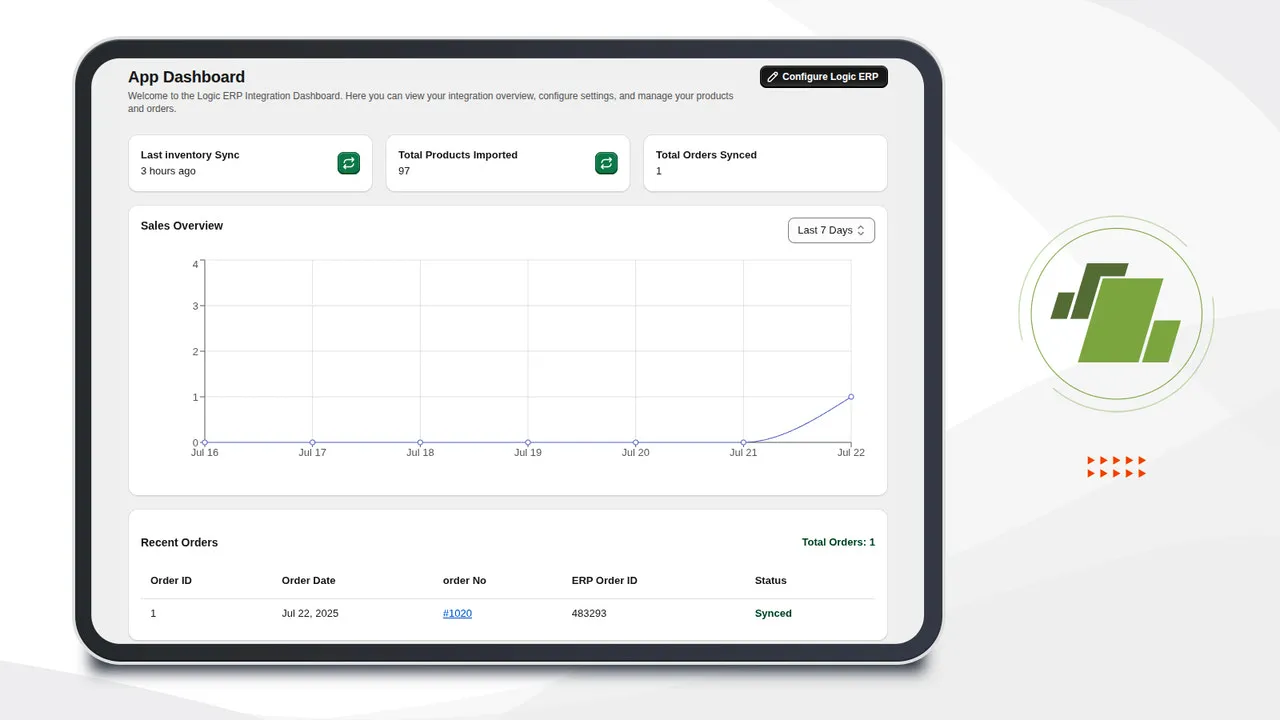
Our team utilizes "the ERP-to-Shopify dual-sync model" to align these systems:
- ERP Customer ID: Map this to the Shopify Company ID to maintain a single source of truth.
- ERP Billing/Shipping Addresses: Map these to individual Company Locations in Shopify.
- Buyer Permissions: Assign specific roles (Administrator, Location Administrator, or Ordering Only) to contact profiles linked to each Location.
For highly customized ERP schemas, utilizing Shopify Plus development services ensures exact field mapping and prevents data synchronization failures during high-volume order processing.
Configuring Custom Price Lists and Volume-Based Tiered Pricing
Shopify Plus B2B allows you to assign unique price lists to specific Company Locations, bypassing the need for complex tagging workarounds. When comparing native architecture to legacy setups, the efficiency gains are clear.
Comparison: Native Shopify B2B vs. Legacy Expansion Stores in 2026
Feature Native Shopify B2B (Plus) Legacy Expansion Stores Inventory Sync Real-time single inventory pool Multi-store latency (often 5-15 mins) Price List Management Direct CSV upload per Company Location Separate store catalogs or tag-based apps Maintenance Overhead Low (Single admin panel) High (Multiple themes and apps to update)- Fixed Price Lists: Upload CSV files containing SKU-specific pricing for high-tier accounts.
- Percentage-Based Adjustments: Apply global percentage discounts (e.g., 20% off MSRP) across specific collections.
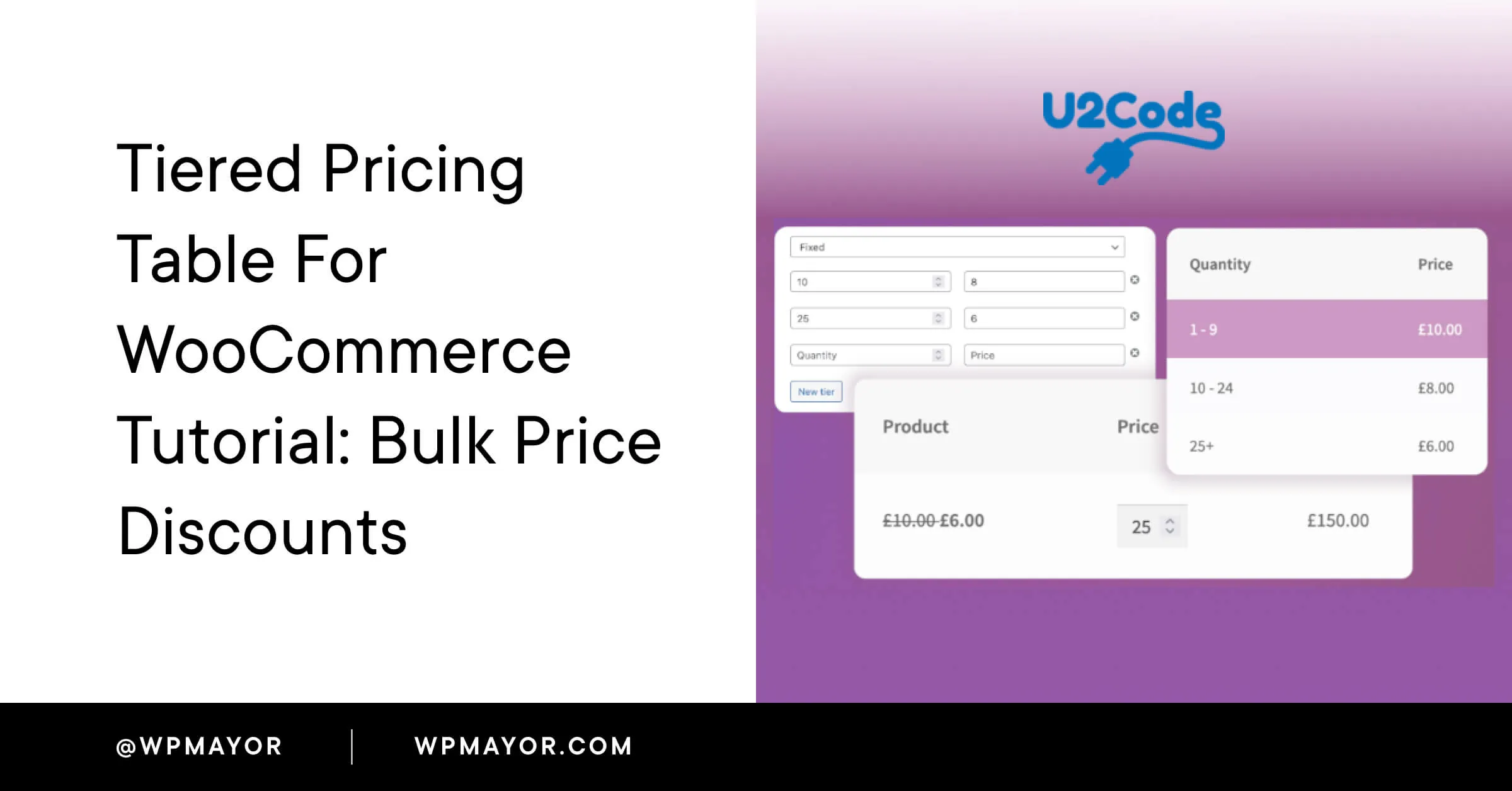
- Volume Pricing Breaks: Set up tiered pricing directly within the admin panel (e.g., 1-50 units at $10, 51-100 units at $8.50).
Ensure your ERP integration updates these price lists daily via the Shopify Admin API to reflect offline contract changes instantly.
Setting Up Net Payment Terms and Automated Checkout Workflows
Replicating offline credit terms online is critical for maintaining wholesale buyer loyalty and cash flow consistency. Assign payment terms directly to the Company Location profile. Shopify Plus supports standard terms including Net 15, Net 30, Net 60, and Due on Receipt.
- Automated Invoicing: Set checkout rules to allow buyers to submit orders without immediate payment.
- Credit Limits: Restrict checkout options if a buyer exceeds their pre-approved offline credit limit.
- Self-Serve Payments: Enable buyers to pay outstanding invoices via credit card or ACH directly from their Shopify customer portal.
Implementing these checkout rules often requires robust backend setup; our Shopify Plus development services can help structure these complex payment flows to ensure zero friction at checkout.
Restricting Catalog Visibility by Buyer Segment
Not all wholesale buyers should see your entire inventory. You must restrict product visibility to comply with regional distribution agreements and exclusive buyer contracts.
- Create Segmented Catalogs: Group specific products and variants into dedicated catalogs.
- Assign Catalogs to Locations: Link your custom catalogs to the appropriate Company Locations.
- Hide Retail Products: Ensure your standard retail catalog is completely hidden from authenticated B2B buyers to prevent accidental purchases of retail-only SKUs.
Optimizing the Quick Order Form for Frictionless Bulk Reorders
Wholesale buyers prioritize efficiency over discovery. A standard retail grid layout slows down the purchasing process for multi-SKU orders.
- Enable SKU Search: Add a fast-loading SKU search bar directly on the quick order page.
- CSV Upload Functionality: Allow buyers to upload a spreadsheet of SKUs and quantities to populate their cart instantly.
- Variant Grid Layouts: Display size and color matrix configurations on a single page, allowing buyers to enter quantities for 50+ variants simultaneously.
Troubleshooting ERP Sync Errors and Data Validation
When migrating offline processes, API rate limits and data mismatches represent the most common points of failure.
Common Mistakes to Avoid
- Syncing Raw ERP Data: Sending unvalidated ERP payloads directly to Shopify, which triggers 422 Unprocessable Entity errors.
- Ignoring API Rate Limits: Overloading the GraphQL Admin API during peak ordering hours without implementing a queue system.
- Mismatched Tax IDs: Failing to validate tax exemption certificates before importing company profiles, resulting in incorrect tax collection at checkout.
How to Fix and Implement a Robust Sync
- Implement a Middleware Layer: Use an iPaaS tool (e.g., Celigo, Mulesoft) to validate and transform ERP data before it hits Shopify.
- Use Shopify Flow for Automation: Build workflows to automatically put orders on hold if the ERP sync fails.
- Set Up Error Notification Webhooks: Configure real-time Slack or email alerts for any sync failures exceeding 5 consecutive minutes.
- Validate Tax Exemptions: Integrate Avalara AvaTax with your Shopify Plus admin to automate real-time tax exemption validation for B2B accounts.
How Avelize Approaches B2B Wholesale Optimization
We partner with high-volume brands to deploy optimized B2B architectures that scale. Our structured implementation process ensures zero operational downtime:
- Phase 1: Architecture & ERP Mapping (Weeks 1-3): Map complex ERP schemas to Shopify's Company/Location structure. KPI: 100% data alignment.
- Phase 2: Custom Catalog & Pricing Setup (Weeks 4-6): Configure custom price lists, volume breaks, and payment terms. KPI: Zero pricing discrepancies.
- Phase 3: Checkout & Middleware Integration (Weeks 7-10): Build robust API queues and middleware connections. KPI: <1.5s checkout response times.
Our technical SEO and development programs typically scale based on ERP complexity. Learn more about our Shopify Plus development services or explore our Technical SEO & GEO programs to maximize visibility.
Frequently Asked Questions
What is the difference between Shopify B2B and Shopify expansion stores for wholesale?
The primary difference between native Shopify B2B and legacy Shopify expansion stores lies in database architecture and operational efficiency. Native Shopify B2B allows merchants to manage both retail and wholesale operations from a single Shopify Plus store admin. It introduces the 'Company' entity, which maps multiple buyer locations, custom price lists, and Net payment terms directly to a single corporate account. Conversely, legacy expansion stores require a completely separate Shopify instance. This separate store model forces merchants to duplicate product catalogs, manually sync inventory across multiple backends, and build custom integrations to consolidate ERP data. By utilizing native Shopify B2B, merchants eliminate the subscription costs of secondary stores, reduce inventory sync latency to zero, and streamline ERP integration mapping. This architectural consolidation reduces operational overhead by up to 40% while ensuring a unified source of truth for all customer, order, and inventory data.
How long does a Shopify Plus B2B ERP integration take?
A standard ERP integration using middleware like Celigo or custom-built Shopify Flow connectors typically takes 6 to 10 weeks, depending on the complexity of your legacy data schema and real-time sync requirements.
Is Shopify Plus B2B worth it for mid-market merchants?
Yes. For merchants processing over $10M in annual wholesale volume, the native B2B features eliminate the need for expensive third-party wholesale apps and custom-coded workarounds, saving thousands in monthly maintenance costs.
Ready to scale your wholesale operations without breaking your backend? Contact our team to discuss our Shopify Plus development services and accelerate your B2B growth.
Published / Last reviewed: May 24, 2026
Related Avelize Services: Services · Ecommerce Web Design Agency