
Checkout Extensibility CRO: Shopify Plus Optimization Guide
By:
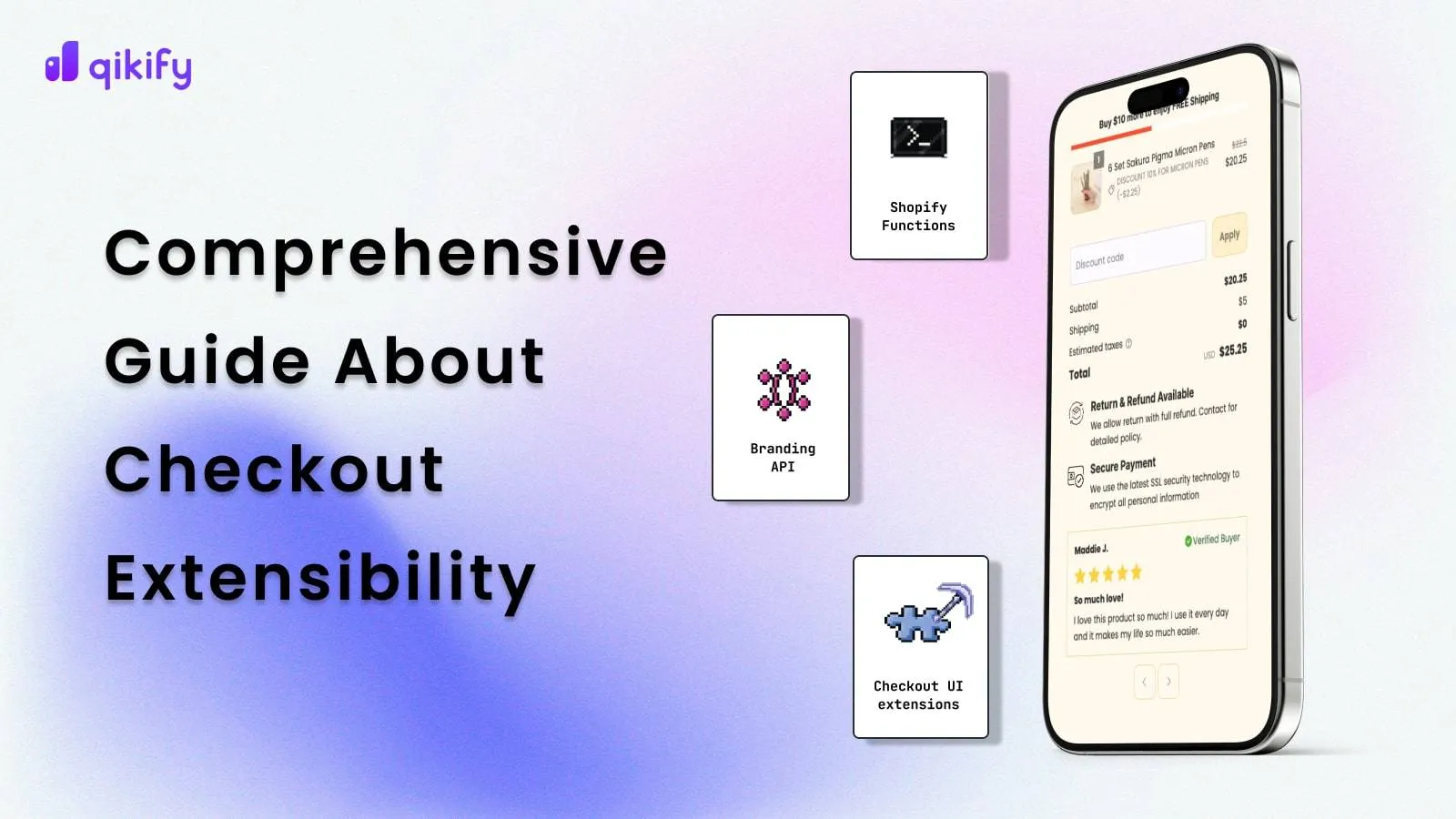
Checkout Extensibility CRO Shopify Plus Optimization Guide: a practical Shopify Plus guide to the SEO, CRO, and revenue decisions that matter for ecommerce...
Checkout Extensibility CRO is the systematic optimization of Shopify Plus's native, app-based checkout framework to maximize conversion rates and minimize drop-offs. By replacing legacy checkout.liquid files with secure, upgrade-safe UI extensions and Shopify Functions, our team helps merchants run high-speed, personalized checkout experiences without compromising page load performance. In our work with merchants, we have found that a structured migration preserves critical tracking, maintains speed, and boosts checkout-to-order conversion rates.
Key Takeaways
- The Checkout-3 Payload Audit: Limit active checkout apps to a maximum of 3 to prevent network bottlenecks and main-thread blocking.
- The 1.5-Second Threshold: Keep checkout page load times under 1.5 seconds by shifting complex calculations to server-side Shopify Functions.
- The Dual-Profile Testing Protocol: Use separate Checkout Profiles in Shopify Admin to run controlled A/B tests on one-page versus multi-page layouts.
- The Metafield-First Rule: Avoid hardcoding static content inside UI extensions; use metafields to allow marketing teams to update copy dynamically.
Why the Migration to Checkout Extensibility is a CRO Risk (And Opportunity)
The transition to Checkout Extensibility removes the risk of broken checkout pages during platform updates. However, blindly migrating custom JavaScript hacks into multiple third-party apps will degrade performance and hurt conversions.

- Sandboxed execution: UI extensions run in a sandboxed environment, preventing rogue scripts from blocking the main thread.
- API-first customization: Custom logic is handled server-side via Shopify Functions, eliminating flash-of-unstyled-content (FOUC) issues.
- Standardized UI components: Native components ensure a cohesive user experience that aligns with modern checkout UX best practices.
To ensure your new checkout matches or exceeds your legacy conversion baselines, partner with experts in conversion rate optimization and UX design to map your customer journey accurately.
Phase 1: The Shopify CRO Audit Checklist for Legacy checkout.liquid Customizations
Before deprecating your checkout.liquid file, you must document every customization, tracking script, and styling hack currently live on your store.
- Identify all script tags: Locate third-party tracking pixels, heatmaps, and customer chat widgets embedded directly in the legacy file.
- Document CSS overrides: Map all custom stylesheets used to modify fonts, button sizes, colors, and layout spacing.
- Audit conditional logic: List all custom JavaScript used to hide shipping methods, restrict payment gateways, or display custom error messages.
- Track custom UI elements: Note the exact placement of trust badges, delivery estimators, gift wrap options, and upsell carousels.
- Measure performance baselines: Record your current checkout page load speed, step-to-step drop-off rates, and overall checkout-to-order conversion rate.
Phase 2: Mapping Legacy Hacks to Native Shopify Plus Automation and UI Extensions
Legacy checkouts relied on fragile JavaScript selectors to manipulate DOM elements. Checkout Extensibility replaces these hacks with stable, API-backed alternatives.
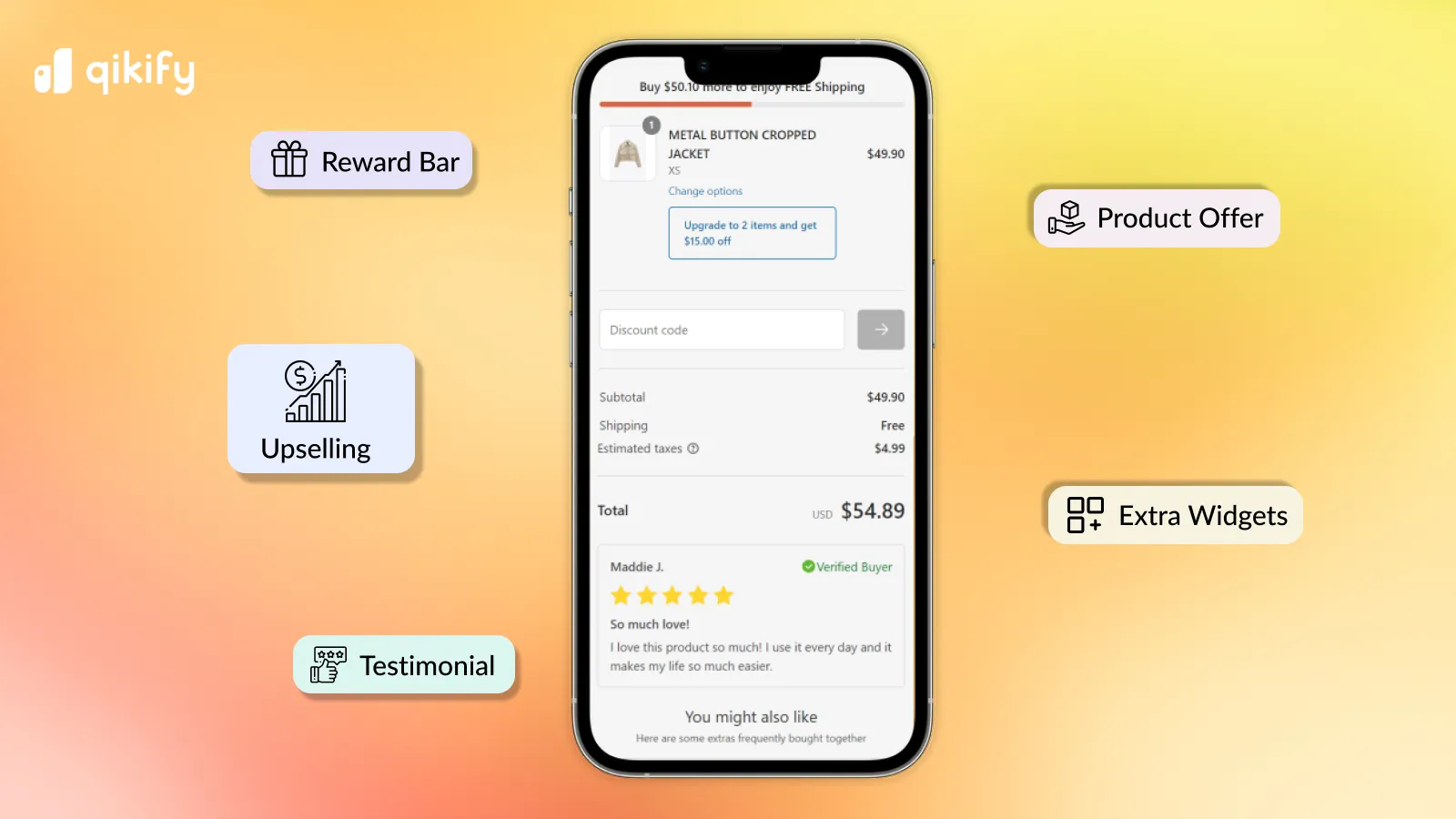
- Custom fields: Replace custom HTML input fields with Checkout UI Extensions that save data directly to cart attributes or metafields.
- Payment and shipping customization: Replace JavaScript hiding logic with Shopify Functions to dynamically reorder, rename, or hide options based on cart contents.
- Product upsells: Replace heavy third-party widgets with native product offer extensions placed at critical decision points like the information or shipping step.
For highly complex logic that cannot be solved by off-the-shelf apps, utilizing custom Shopify development services ensures your bespoke business rules are built directly into native Shopify Functions.
What to Avoid
- Do not use generic, unoptimized public apps to replicate simple UI changes; they introduce unnecessary external dependencies.
- Avoid hardcoding static content inside UI extensions; use metafields so your marketing team can update copy without developer intervention.
How to Fix
- Use the Shopify CLI to build lightweight, custom UI extensions tailored to your exact brand guidelines.
- Leverage Cart Transforms to bundle products or offer dynamic discounts natively without relying on draft orders.
Phase 3: Optimizing Checkout Load Speed by Auditing Third-Party App Payloads
Although Checkout Extensibility sandboxes apps to protect the main thread, excessive network requests from poorly coded apps will still delay rendering and lower conversion rates.
- Minimize app density: Limit your checkout to a maximum of 2 to 3 essential active apps to prevent network bottlenecks.
- Audit network payloads: Use Chrome DevTools to monitor the size and transfer time of assets loaded by checkout extensions.
- Prioritize server-side operations: Shift complex calculations, discount logic, and validation rules to server-side Shopify Functions.
To prevent performance degradation during high-traffic sales events, implement a structured approach to Shopify speed optimization to keep your checkout load time under 1.5 seconds.
Phase 4: Designing High-Converting One-Page vs. Multi-Page Checkout Flows
Shopify Plus now allows operators to choose between a streamlined one-page checkout and a traditional multi-page layout.
- One-page checkout: Best for low-AOV, high-impulse purchases and stores with high mobile traffic share where friction must be minimized.
- Multi-page checkout: Best for high-AOV, highly customized products, or international shipments requiring complex shipping inputs and explicit trust-building steps.
What to Avoid
- Do not switch to a one-page checkout without analyzing your customer demographics; older audiences often prefer the deliberate steps of a multi-page flow.
- Avoid cluttering the one-page checkout layout with too many UI extensions, which can cause visual fatigue and cart abandonment.
How to Fix
- Configure separate Checkout Profiles in your Shopify admin to test both layouts under identical traffic conditions.
- Place non-essential UI extensions, such as post-purchase surveys or loyalty program sign-ups, exclusively on the Order Thank You page.
Phase 5: Setting Up A/B Tests for Checkout Extensibility Elements
Never deploy checkout modifications to 100% of your traffic without empirical validation. Shopify Plus allows you to run controlled A/B tests on individual checkout profiles.
- Isolate variables: Test one element at a time, such as the placement of a trust badge or the copy of an upsell offer.
- Use Web Pixels API: Track conversion events and checkout behavior securely without injecting custom tracking scripts into the checkout header.
- Monitor micro-conversions: Track progression rates from the information step to shipping, and shipping to payment, rather than just final completed orders.
Establish a strict testing window of at least 14 days or until you reach 95% statistical significance before permanently adopting any new checkout layout.
How Avelize approaches checkout extensibility CRO in 2026
Our team executes a structured, 3-step optimization program to maximize your checkout performance:
- The Checkout-3 Payload Audit (Week 1): We analyze all active checkout apps and scripts using Chrome DevTools, reducing network payloads to ensure a sub-1.5-second load time. KPI: 20%+ reduction in checkout page load time.
- Native UI Extension Engineering (Weeks 2-3): We build custom, lightweight UI extensions using the Shopify CLI, replacing heavy third-party apps with server-side Shopify Functions. KPI: Zero flash-of-unstyled-content (FOUC).
- Dual-Profile A/B Testing (Weeks 4-6): We configure separate Checkout Profiles to run split tests on one-page vs. multi-page layouts. KPI: 95%+ statistical significance on conversion rate lifts.
Ready to maximize your checkout conversion rates without sacrificing site performance? Partner with our team for a comprehensive Technical SEO & GEO program or a dedicated Shopify development program to seamlessly migrate and optimize your checkout experience.
Published / Last reviewed: October 24, 2026
Shopify Plus Conversion Review Framework
Conversion work on Shopify Plus should connect user experience, technical performance, merchandising, checkout behavior, and measurement quality. A redesign alone rarely fixes conversion if the page is slow, the offer is unclear, or analytics cannot explain where users hesitate.
- Review PDP clarity, trust signals, product discovery, and mobile usability.
- Audit app and script impact on Core Web Vitals and checkout flow.
- Compare conversion drop-offs by device, traffic source, product type, and landing page.
- Turn findings into a prioritized CRO backlog with measurable hypotheses.
Authoritative References
Use these official resources to verify platform-specific claims and implementation details before making commercial or technical decisions.
- Shopify Plus overview
- Shopify Functions documentation
- Checkout Extensibility documentation
- Google Search Central: Core Web Vitals
Related Avelize Services and Guides: Checkout Ux · Plus Customization