
Replatform to Shopify Plus: Enterprise Migration Blueprint
By:
Shopify Replatforming: a practical Shopify Plus guide to the SEO, CRO, and revenue decisions that matter for ecommerce teams.
When enterprise merchants replatform to Shopify Plus, success depends on aligning legacy data schemas with native platform thresholds while preventing organic search visibility loss. Executing a seamless migration requires systematic data sequencing, 1:1 301 redirect mapping via GraphQL, and replacing legacy checkout.liquid logic with Checkout Extensibility and Shopify Functions. This technical roadmap establishes the architectural steps, API limits, and cutover protocols needed to execute a zero-downtime transition without operational disruption.
Key Takeaways
- API Allocations: Shopify Plus provides 10,000 GraphQL cost points per minute, requiring exponential backoff for high-frequency ERP syncs.
- SEO Protection: Build a complete 1:1 301 redirect matrix and batch-upload via the
urlRedirectsGraphQL mutation (250 operations/call) to preserve organic domain authority. - Variant Scaling: Native platform limits capping products at 100 variants can expand up to 2,000 variants using GraphQL Product APIs.
- Checkout Architecture: Replace deprecated
checkout.liquidwith Shopify Functions, achieving sub-5ms backend execution times for enterprise logic.
Audit Legacy System Architecture and Scope Shopify Plus Platform Limits
To replatform to Shopify Plus successfully, enterprise teams must audit legacy data schemas against platform thresholds: 10,000 API calls per minute, 100 variants per product (expanding via GraphQL), and checkout customization via Checkout Extensibility. Validating these platform constraints early prevents custom middleware bottlenecks and unexpected architectural redesigns during migration.

Audit legacy database structures across platforms like Magento, Salesforce Commerce Cloud, or SAP Hybris against native Shopify data models.
Identify custom backend logic that must shift to app integrations or custom middleware built via development services for Shopify Plus.
- Evaluate variant counts against platform limits (100-variant limit natively, expand to 2,000 variants via GraphQL Product APIs).
- Map API rate limits against ERP sync frequencies (10,000 GraphQL cost points per minute).
- Catalog legacy database hooks, triggers, and stored procedures requiring API replacement.
- Review store structures across multi-region expansion stores (up to 10 expansion stores included in core tier).
Sequence Customer, Order, and Product Catalog Data Migration without Data Loss
Data migration requires a strict execution order to preserve relational integrity across entities. Executing migration scripts in parallel without primary-key mapping corrupts customer order history and breaks transaction tracking.
Data Migration Checklist
- Export and sanitize customer records, creating a primary key mapping table.
- Import historical product taxonomy, attributes, and inventory levels.
- Migrate active and historical customer accounts via bulk account invite APIs.
- Import historical orders (minimum 2 years of order history) tied to mapped customer IDs.
- Run delta synchronization scripts 24 hours prior to final DNS cutover.
What to Avoid
- Unhashed Password Imports: Importing unhashed legacy passwords directly is prohibited; Shopify requires Multipass integration or forced customer password resets.
- Active Order Race Conditions: Migrating active order states without locking legacy order processing engines creates status mismatches.
- Unmapped Variant IDs: Neglecting variant ID re-mapping breaks downstream ERP and OMS sync pipelines.
Protect Organic Search Rankings: Executing 301 Redirect Mapping and Metadata Preservation
Unplanned URL architecture changes destroy domain authority and organic visibility within days of launching. Use automated crawl tools to extract 100% of legacy indexed URLs before modifying any DNS settings.
Implement automated technical routing and Shopify SEO services to enforce precise canonical rules and metadata alignment.
How to Implement 301 Redirects and SEO Preservation
- Export complete legacy URL structure including query parameters, collection paths, and canonical tags.
- Generate a 1:1 301 redirect matrix mapping legacy paths to exact Shopify URL structures (
/products/,/collections/). - Upload URL redirects via Shopify CSV Bulk Import or
urlRedirectsGraphQL mutation in batches of 250 operations per call. - Preserve legacy title tags, meta descriptions, and H1 elements in custom metafields to ensure zero metadata loss.
- Audit redirect loops and 404 response codes within Google Search Console immediately post-launch using dedicated SEO & data integration strategies.
Integrate Core Enterprise Stack: Connecting ERP, OMS, and CRM via Shopify GraphQL APIs
Enterprise integrations require decoupled architecture utilizing Shopify Admin GraphQL APIs instead of REST endpoints. GraphQL minimizes payload sizes and maximizes rate limit allocations across high-frequency ERP transactions.
- Utilize Webhooks for real-time order creation, inventory updates, and fulfillment notifications.
- Build resilient retry mechanisms with exponential backoff handling HTTP status 429 (Too Many Requests) responses.
- Leverage middleware (AWS Lambda, Azure Functions) to translate payloads using custom coding services for Shopify.
- Implement staging environment webhooks to validate inventory updates within 500 milliseconds of trigger.
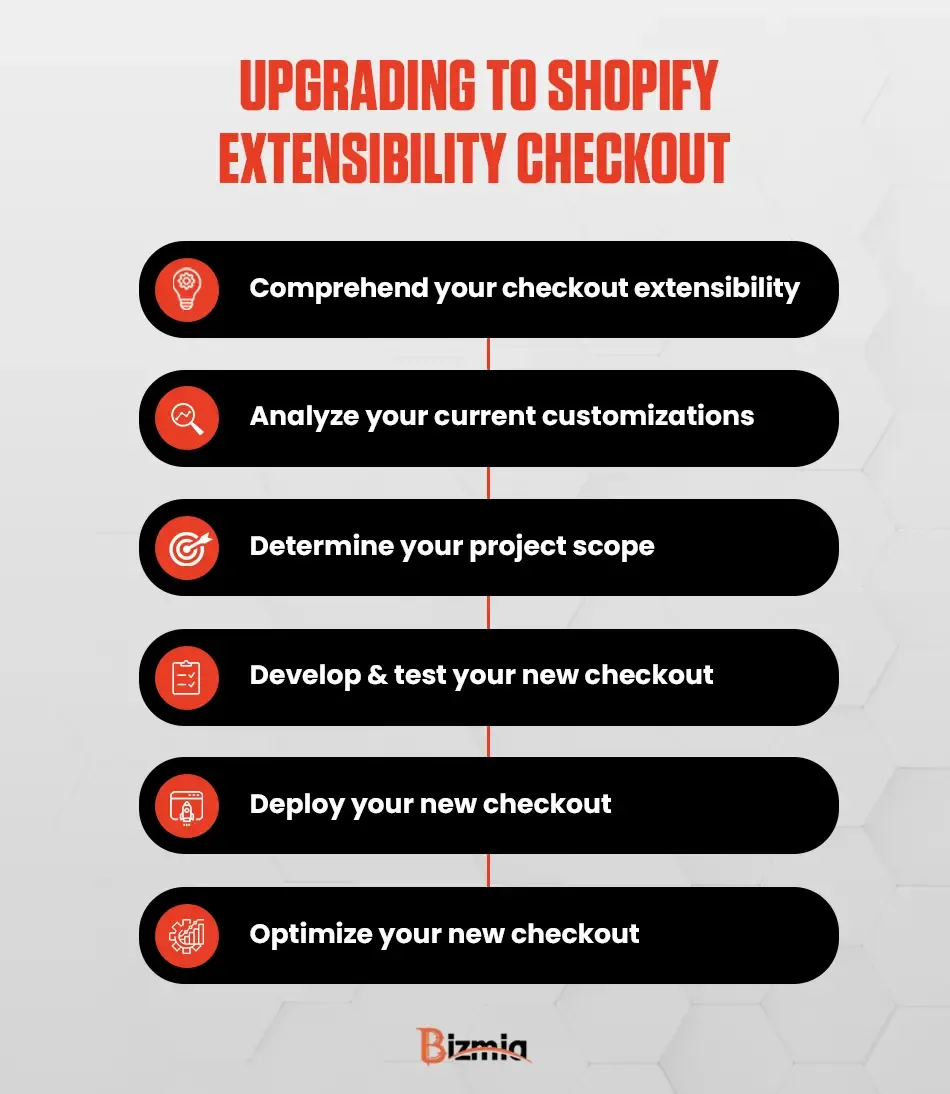
Configure Checkout Extensibility, Shopify Functions, and Custom Logic
Legacy checkout.liquid layouts are deprecated; enterprise implementations must deploy Checkout Extensibility and Shopify Functions. Shopify Functions run directly on native infrastructure, providing sub-5ms execution times for custom backend logic.
- Payment Customizations: Dynamically hide, reorder, or rename payment gateways based on customer tags or order totals.
- Delivery Customizations: Merge shipping options, calculate custom B2B freight logic, or filter carrier services.
- Order Validation: Enforce minimum order quantities, custom purchase limits, or enterprise B2B validation rules.
- UI Extensions: Build custom checkout components using React-based UI Extension APIs designed via design & UX frameworks.
Execute Pre-Launch User Acceptance Testing (UAT) and DNS Cutover Protocol
Cutover failure occurs when domain propagation, SSL provisioning, and payment webhooks are not synchronized. Follow a rigid, timed protocol on launch night to maintain continuous operational availability.
- Set DNS TTL (Time to Live) values to 300 seconds at least 72 hours before launch.
- Execute full UAT covering credit card processing, gift cards, tax calculations (Vertex/Avalara), and ERP order flow.
- Lock legacy e-commerce database write permissions to prevent orphan orders during cutover.
- Update A records to 23.227.38.65 and CNAME records to shops.myshopify.com.
- Verify SSL certificate provisioning and run benchmark testing via Shopify speed optimization to confirm Core Web Vitals under load.
How Avelize Approaches Enterprise Shopify Plus Replatforming
At Avelize, our engineering team executes enterprise replatforming initiatives through a phased 12-week technical sprint framework. We begin with comprehensive GraphQL data schema mapping and infrastructure staging, followed by automated redirect generation and middleware build-out. Before final DNS cutover, we conduct load testing and multi-stage user acceptance testing (UAT) to guarantee zero data loss, sub-5ms checkout function execution, and complete SEO authority preservation. Explore our specialized Shopify Plus development services to accelerate your enterprise migration.
Frequently Asked Questions
How long does an enterprise replatform to Shopify Plus take?
A typical enterprise Shopify Plus migration takes between 12 to 20 weeks depending on catalog complexity, custom middleware requirements, ERP integration scope, and rigorous UAT testing protocols.
How do you prevent organic traffic drops during a Shopify Plus replatform?
To prevent organic traffic drops when you replatform to Shopify Plus, engineering teams must execute a comprehensive 1:1 301 redirect strategy before DNS cutover. Start by crawling 100% of legacy indexed URLs across all product, collection, and canonical structures. Next, map each legacy path directly to its corresponding Shopify URL pattern, using custom metafields to preserve exact page titles, meta descriptions, and H1 tags. Upload redirects using the urlRedirects GraphQL mutation in batches of 250 operations per call to prevent timeout errors. During cutover, verify canonical tag alignments and keep legacy server redirects active. Post-launch, monitor Google Search Console for crawl errors, unexpected 404 response codes, or redirect chains. Combining granular routing rules with automated SEO monitoring ensures full domain authority and keyword ranking retention across search engines. In our work with merchants at Avelize, rigorous pre-launch redirect auditing consistently prevents the severe organic search drops typical of unmanaged enterprise e-commerce platform migrations.
Can Shopify Plus handle over 100 product variants?
Yes. While native Shopify interface settings cap variants at 100 per product, Shopify Plus merchants can expand catalog capabilities up to 2,000 variants per product using GraphQL Product APIs and custom storefront structures.
What is the difference between checkout.liquid and Checkout Extensibility?
Checkout Extensibility replaces legacy checkout.liquid files with modular UI extensions and Shopify Functions, delivering sub-5ms backend execution times, upgraded security compliance, and seamless compatibility with Shop Pay.
Published / Last reviewed: February 2026
Shopify Plus Migration Risk Checklist
A Shopify Plus migration should be planned around risk, not only around launch tasks. The most important work is deciding which URLs, templates, analytics events, redirects, integrations, and checkout flows must survive the move without damaging revenue or organic search visibility.
- Map current revenue-driving URLs and search queries before changing templates.
- Validate redirects, canonicals, structured data, and sitemap output before launch.
- Test checkout, payments, analytics, consent, and third-party scripts in a staging flow.
- Measure Core Web Vitals, conversion rate, crawl errors, and revenue after launch.
Phased Shopify Plus Implementation Plan
For many teams, a phased migration is safer than changing every business-critical system at once. Start with the pages and flows that create the highest revenue or SEO risk, then move into secondary templates, automation, and experimentation after the foundation is stable.
Authoritative References
Use these official resources to verify platform-specific claims and implementation details before making commercial or technical decisions.
Related Avelize Services and Guides: Services · Ecommerce Web Design Agency