
Salesforce to Shopify Plus: Custom Object Migration Guide
By:
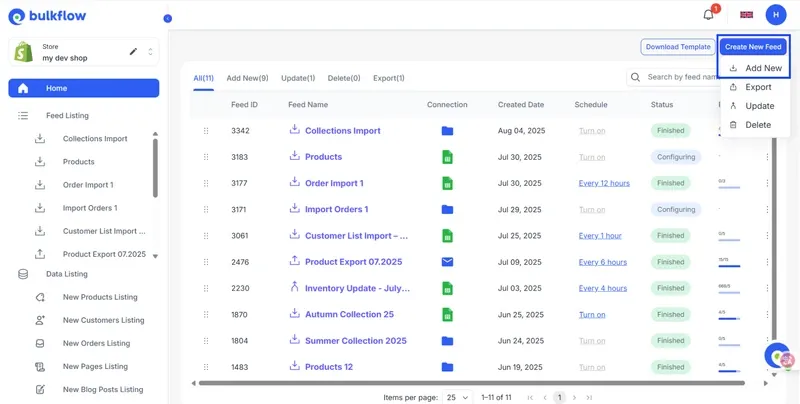
Salesforce To Shopify Plus Custom Object Migration Guide: a practical Shopify Plus guide to the SEO, CRO, and revenue decisions that matter for ecommerce teams.
Migrating from Salesforce Commerce Cloud to Shopify Plus frequently fails because Salesforce's deeply nested, relational custom objects cannot natively map to Shopify's flatter data model, resulting in corrupted order records and broken customer histories. In our work with merchants, we solve this by transforming Salesforce relational schemas into Shopify Metaobjects and executing high-throughput imports via the GraphQL Admin API. This technical blueprint ensures a zero-loss data migration for enterprise brands.
Key Takeaways
- Relational Mapping: Map Salesforce Custom Objects to Shopify Metaobjects to preserve complex database relationships without flattening critical data.
- API Optimization: Use the Shopify GraphQL Admin API's
bulkOperationRunMutationto achieve import speeds of up to 10,000 records per minute, bypassing REST rate limits. - Data Normalization: Standardize address fields to ISO 3166-1 alpha-2 formats and validate email syntaxes prior to ingestion to prevent silent API rejections.
- Reconciliation Protocol: Implement a 5% programmatic sampling audit alongside 100% financial value matching to guarantee data integrity post-migration.
Auditing Salesforce Custom Objects vs. Shopify Plus Native Schema
A Salesforce to Shopify Plus migration requires translating Salesforce’s highly relational, multi-object database (such as Custom Objects, Accounts, and Contacts) into Shopify’s flatter, API-first architecture. This process utilizes Shopify Metafields and Metaobjects to preserve complex data relationships without losing historical customer, order, or product context.

Salesforce custom object migration is the process of extracting, transforming, and loading non-standard relational database tables from Salesforce Commerce Cloud into Shopify's Metaobject and Metafield architecture.
Before writing migration scripts, you must audit and map these structural differences:
Salesforce Entity Shopify Plus Equivalent Mapping Strategy Account (B2B) Company Node Direct mapping to Shopify B2B Company profiles Contact Customer Record Consolidated into Customer profiles linked to Company Custom Object (e.g., Warranty) Metaobject Define structured Metaobject schemas with references Polymorphic Lookup Metafield Reference Resolve into explicit, single-destination references- Account vs. Customer: Salesforce separates B2B Accounts from individual Contacts. Shopify Plus consolidates these into a single Customer record, utilizing Company nodes for B2B relationships.
- Custom Objects: Salesforce Custom Objects (e.g., warranty registrations, loyalty tiers) have no native equivalent in Shopify and must be mapped to Metaobjects.
- Polymorphic Lookups: Salesforce fields that link to multiple object types must be resolved into explicit, single-destination references in Shopify.
Mapping Salesforce Relational Data to Shopify Metaobjects and Metafields
To prevent data loss, you must map Salesforce relational custom objects to Shopify Metaobjects and Metafields. Metaobjects act as custom database tables within Shopify, allowing you to define structured, multi-field schemas that associate back to products, orders, or customers.
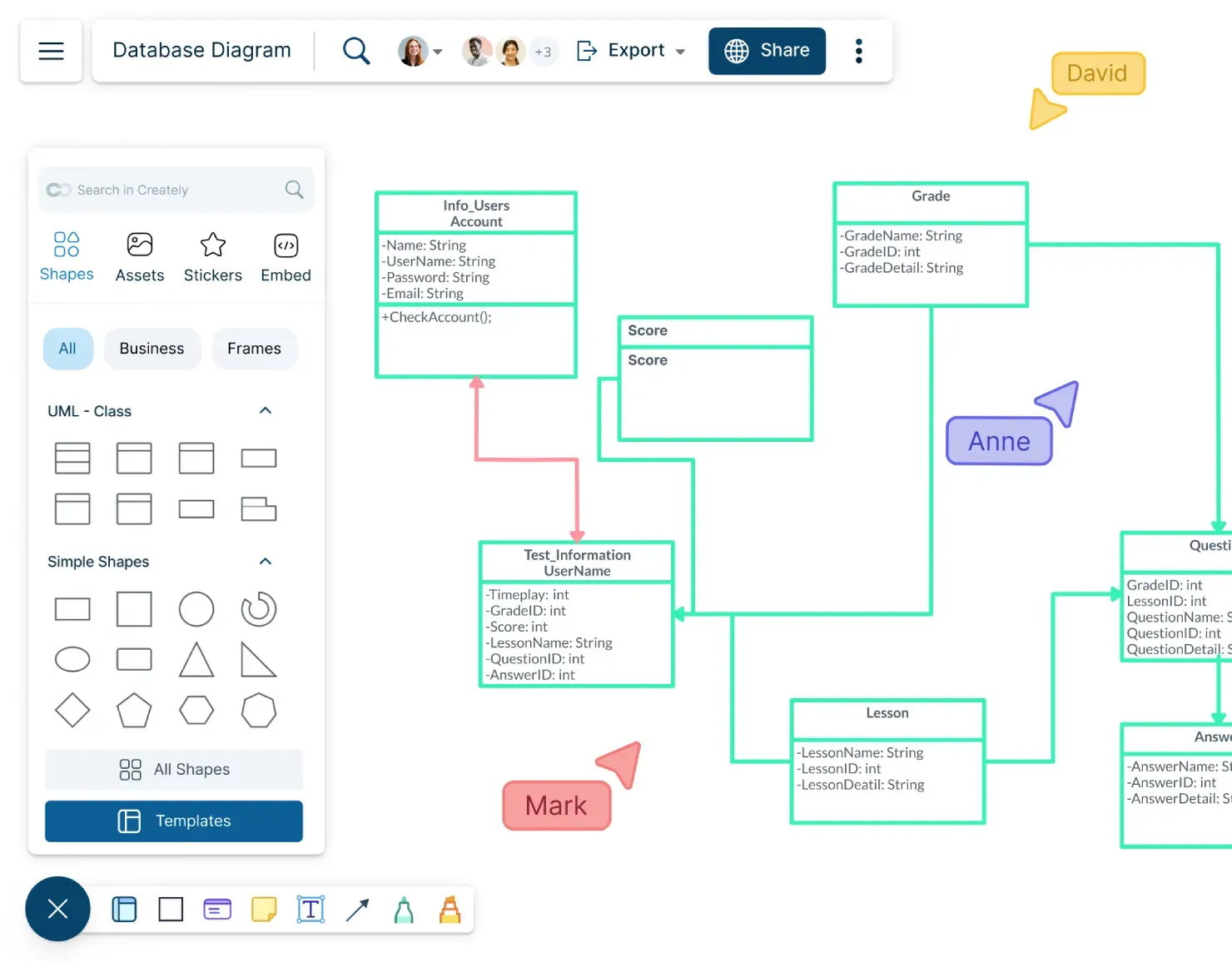
For complex schema transformations that cannot be handled by standard out-of-the-box apps, leveraging expert custom Shopify development services ensures relational integrity is maintained at scale.
Step-by-Step Schema Implementation
- Identify Custom Relations: Locate all Salesforce Custom Objects linked via Lookup or Master-Detail relationships.
- Define Shopify Metaobjects: Create a Metaobject definition in Shopify for each custom entity, specifying field types (e.g., single_line_text_field, reference, json).
- Establish Links: Use Metafield reference types to link the Metaobject to the target Customer, Product, or Order resource.
Building the ETL Pipeline: Extracting Salesforce Data and Cleaning API Payloads
Your ETL (Extract, Transform, Load) pipeline must handle data extraction from Salesforce via Bulk API 2.0, sanitize the payloads, and format them for Shopify's ingestion engines.
What to Avoid (Common Mistakes)
- Raw SOQL Exports: Do not import raw Salesforce SOQL exports directly into transformation scripts; they contain system fields and null values that break Shopify validation.
- Ignoring Address Normalization: Salesforce allows loose address formatting, whereas Shopify requires strict ISO 2-letter country and province codes. Failure to normalize causes API rejection.
- Neglecting External IDs: Failing to write the Salesforce Record ID to a Shopify Metafield prevents post-migration reconciliation and breaks delta syncs.
How to Fix and Build the Pipeline
- Extract: Use Salesforce Bulk API 2.0 to query objects in parallel batches, extracting data into compressed CSVs to minimize API limits.
- Transform: Run a Node.js or Python transformation worker to map Salesforce field values to Shopify-compliant JSON payloads.
- Sanitize: Strip out system fields (e.g., LastModifiedDate), validate email syntaxes, and map country codes using ISO 3166-1 alpha-2 standards.
Executing the Import via Shopify GraphQL Admin API in 2026
The REST Admin API is highly susceptible to rate-limiting. For enterprise-scale migrations, you must use the Shopify GraphQL Admin API to maximize throughput and leverage bulk mutations.
GraphQL Migration Checklist
- Authenticate with a Shopify Custom App using write scopes for products, customers, orders, and metafields.
- Implement a queue-based worker utilizing Shopify's GraphQL calculatedQueryCost headers to dynamically adjust request pacing.
- Use the bulkOperationRunMutation API for massive datasets to bypass synchronous rate limits. This is the cornerstone of our 2026 GraphQL bulk ingestion pattern.
- Monitor the userErrors array in every GraphQL response to catch silent failures that do not trigger HTTP error codes.
By using the asynchronous bulk mutation API, you can import up to 10,000 records per minute, representing a 10x speed improvement over synchronous REST calls.
Post-Migration Data Integrity Validation and Reconciliation Protocols
Once the import phase completes, you must execute rigorous reconciliation protocols to verify that 100% of the record volume and financial values match the source system.
Post-migration, you must also run rigorous technical audits to ensure 301 redirect maps are flawless; utilizing specialized SEO and data migration audit services prevents organic traffic drops during platform cutovers.
Reconciliation Verification Protocols
- Record Count Matching: Run aggregate database queries on both Salesforce and Shopify to verify that the total counts of customers, products, and orders match exactly.
- Financial Value Audits: Compare order financial totals, tax lines, and refund amounts for historical orders to ensure zero variance.
- Relational Integrity Checks: Programmatically sample 5% of the imported customer records to verify that their associated Metaobjects and historical order links are fully intact.
How Avelize Approaches This
In our work with merchants, we execute Salesforce to Shopify Plus migrations using a structured, four-phase engineering framework designed to eliminate downtime and preserve 100% of historical data.
- Discovery & Schema Mapping (Weeks 1-2): We audit your Salesforce database, map all custom objects, and build the target Shopify Metaobject schema. KPI: 100% schema alignment.
- ETL Pipeline Engineering (Weeks 3-5): Our team builds custom Node.js extraction and transformation pipelines, normalizing addresses and validating customer records. KPI: Zero validation errors during dry runs.
- Dry Run & Delta Syncs (Weeks 6-7): We run a full-scale staging migration, followed by delta syncs to capture new transactions. KPI: Under 4 hours of final cutover window.
- Reconciliation & Launch (Week 8): We execute our programmatic validation protocols, matching financial records and verifying redirects. KPI: 100% data reconciliation.
Our technical migration programs typically span 8 to 12 weeks, depending on database complexity, with pricing starting at $45,000. Learn more about our Shopify Plus migration services.
Frequently Asked Questions
How do you migrate Salesforce custom objects to Shopify Plus without losing relational links?
To migrate Salesforce custom objects to Shopify Plus without losing relational links, we utilize the Salesforce-to-Shopify relational mapping protocol. This method maps Salesforce's relational database tables (such as Custom Objects, Accounts, and Contacts) directly to Shopify Metaobjects and Metafields. First, we define a structured Metaobject schema in Shopify that mirrors the fields of the Salesforce Custom Object. Next, we extract the data using Salesforce Bulk API 2.0 to preserve the unique Salesforce Record ID. During the transformation phase of our ETL pipeline, we write this Salesforce ID to a dedicated Shopify Metafield, which acts as an external lookup key. Finally, we use the Shopify GraphQL Admin API to programmatically link the newly created Metaobject entries to their corresponding Customer, Product, or Order records using Metafield reference types. This maintains strict relational integrity across all historical data without flattening complex structures.
What is the difference between Salesforce standard objects and Shopify's data model?
Salesforce relies on a highly relational, multi-object database structure where Accounts, Contacts, and Custom Objects are linked via complex lookup fields. Shopify Plus uses a flatter, API-first schema centered around core commerce entities like Customers, Orders, and Products. To bridge this gap, Shopify B2B Company nodes are used for Accounts, and Metaobjects are used to handle custom relational tables.
How long does a Salesforce to Shopify Plus data migration take?
An enterprise-grade migration typically takes between 8 to 12 weeks. This timeline includes schema mapping, ETL pipeline development, dry-run testing in a sandbox environment, final delta syncs during the cutover window, and post-migration financial reconciliation.
Ready to transition your enterprise store without risking your historical data or search visibility? Contact our engineering team today to discuss our Technical SEO & GEO programs and data migration services.
Published / Last reviewed: February 2026
Shopify Plus Migration Risk Checklist
A Shopify Plus migration should be planned around risk, not only around launch tasks. The most important work is deciding which URLs, templates, analytics events, redirects, integrations, and checkout flows must survive the move without damaging revenue or organic search visibility.
- Map current revenue-driving URLs and search queries before changing templates.
- Validate redirects, canonicals, structured data, and sitemap output before launch.
- Test checkout, payments, analytics, consent, and third-party scripts in a staging flow.
- Measure Core Web Vitals, conversion rate, crawl errors, and revenue after launch.
Phased Shopify Plus Implementation Plan
For many teams, a phased migration is safer than changing every business-critical system at once. Start with the pages and flows that create the highest revenue or SEO risk, then move into secondary templates, automation, and experimentation after the foundation is stable.
Authoritative References
Use these official resources to verify platform-specific claims and implementation details before making commercial or technical decisions.
Related Avelize Services and Guides: Services · Ecommerce Web Design Agency