
Scaling Shopify Plus: Enterprise Growth & API Strategies
By:
Scaling Shopify Plus Enterprise Growth & Api Strategies: a practical Shopify Plus guide to the SEO, CRO, and revenue decisions that matter for ecommerce teams.
Scaling Shopify Plus requires moving past basic theme configurations to architect a highly resilient, API-first enterprise platform. In our work with merchants, we have found that true enterprise platform scaling is achieved by transitioning to GraphQL, deploying Shopify Functions, and consolidating B2B and D2C channels. This technical guide outlines the exact configuration blueprints required to scale your Shopify Plus store to $10M+ in annual revenue without disrupting your core operational stack.
Key Takeaways
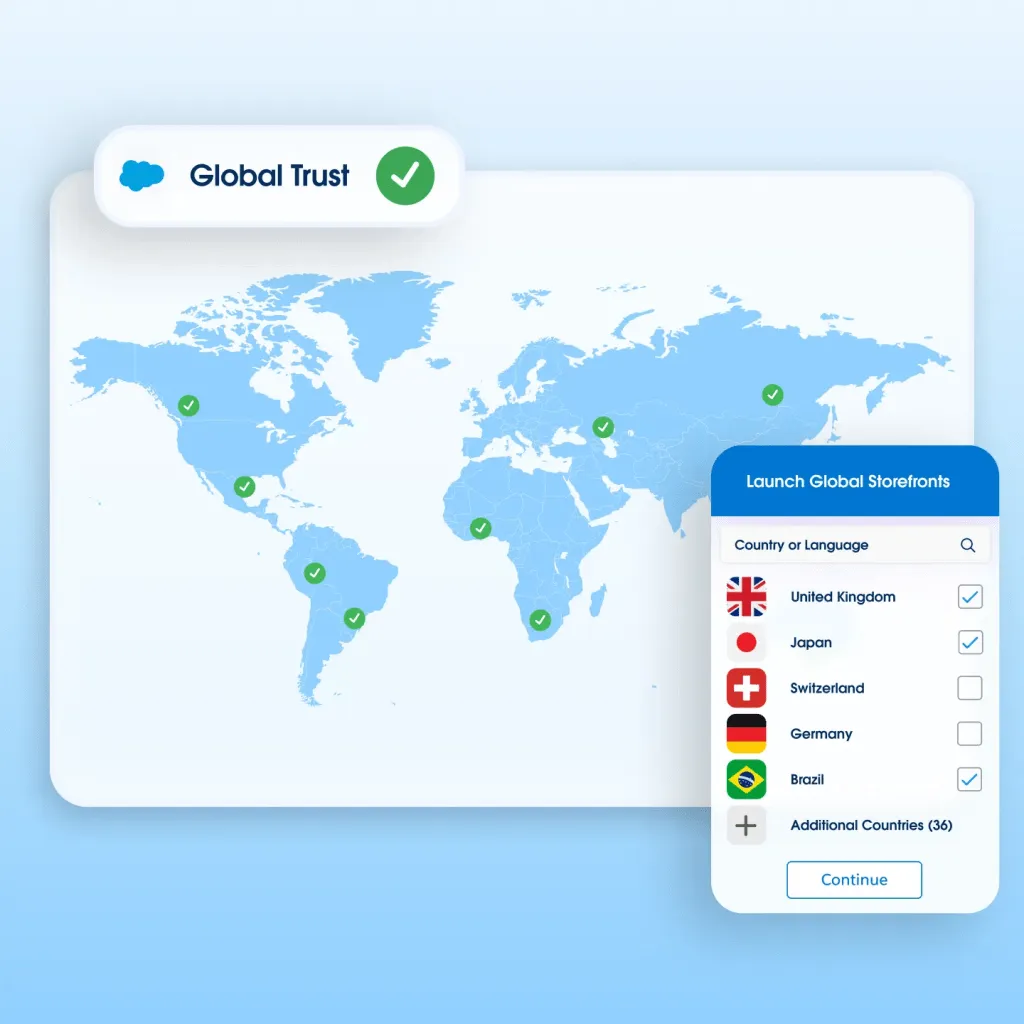
- Deploy "the nine-store localization blueprint" using Shopify Markets and expansion stores to target distinct geographic regions under a single contract.
- Transition from legacy REST APIs to GraphQL to double your API rate limit allocation and process up to 10,000 records in a single bulk mutation.
- Implement "the BFCM-30 rollback playbook" via Launchpad and Shopify Flow to automate flash sales and protect your checkout pipeline.
- Replace deprecated checkout.liquid with Shopify Functions (Delivery, Payment, and Order Discount APIs) to customize checkout logic securely in 2026.
Architecting Multi-Store Expansion: How to Configure Shopify Plus Expansion Stores for International Localization
Shopify Plus expansion stores are localized storefronts deployed under a single contract to target distinct geographic markets. This architecture allows brands to customize currencies, local payment methods, language translations, and inventory rules while maintaining a unified backend synchronization with their core ERP system. To scale international operations efficiently, you must establish a hub-and-spoke model using a centralized configuration strategy.

- Use a single codebase via GitHub integration to push theme updates across all expansion stores simultaneously.
- Map inventory locations specifically to regional warehouses to prevent cross-border shipping delays.
- Implement automated currency conversion and localized pricing rules using Shopify Markets.
- Leverage custom Shopify development to sync customer data and order histories across regional storefronts back to your centralized ERP.
For complex international setups, our team designs custom localization architectures. Learn more about our Shopify Plus migrations and development programs.
Bypassing API Rate Limits: Transitioning to GraphQL and Shopify Plus-Exclusive API Allocations
Legacy REST API integrations frequently fail during high-volume sales events due to strict rate limits. Shopify Plus resolves this bottleneck by doubling your API rate limit allocation and offering advanced GraphQL endpoints. Transitioning your integrations from REST to GraphQL is critical for maintaining real-time ERP syncs.
Feature Legacy REST API GraphQL Storefront API Rate Limit Allocation Standard baseline Double baseline (Plus exclusive) Payload Efficiency Over-fetches full objects Under-fetches; requests exact fields Bulk Operations Not supported natively Up to 10,000 records asynchronously- Audit existing middleware integrations to identify legacy REST endpoints that consume excessive API calls.
- Refactor high-frequency sync queries, such as inventory updates and order exports, to GraphQL to reduce payload sizes.
- Utilize bulk mutations to process up to 10,000 records in a single asynchronous API call.
- Implement webhook subscriptions with Amazon EventBridge to handle real-time event processing without polling.
- Partner with professional development teams to rebuild custom middleware integrations that leverage these higher rate limits.
Automating High-Volume Flash Sales: Configuring Launchpad and Shopify Flow to Prevent Checkout Crashes
Sudden spikes in traffic during product drops can overwhelm your backend systems and lead to lost revenue. Utilizing native automation tools ensures your store remains stable under extreme loads. Follow this technical checklist to automate your flash sales and protect your checkout pipeline using "the BFCM-30 rollback playbook":
- Schedule the Event: Set precise start and end times in Launchpad to automate theme changes, price adjustments, and inventory releases.
- Enable Bot Protection: Activate Shopify's native bot protection prior to the sale to block automated checkout scripts.
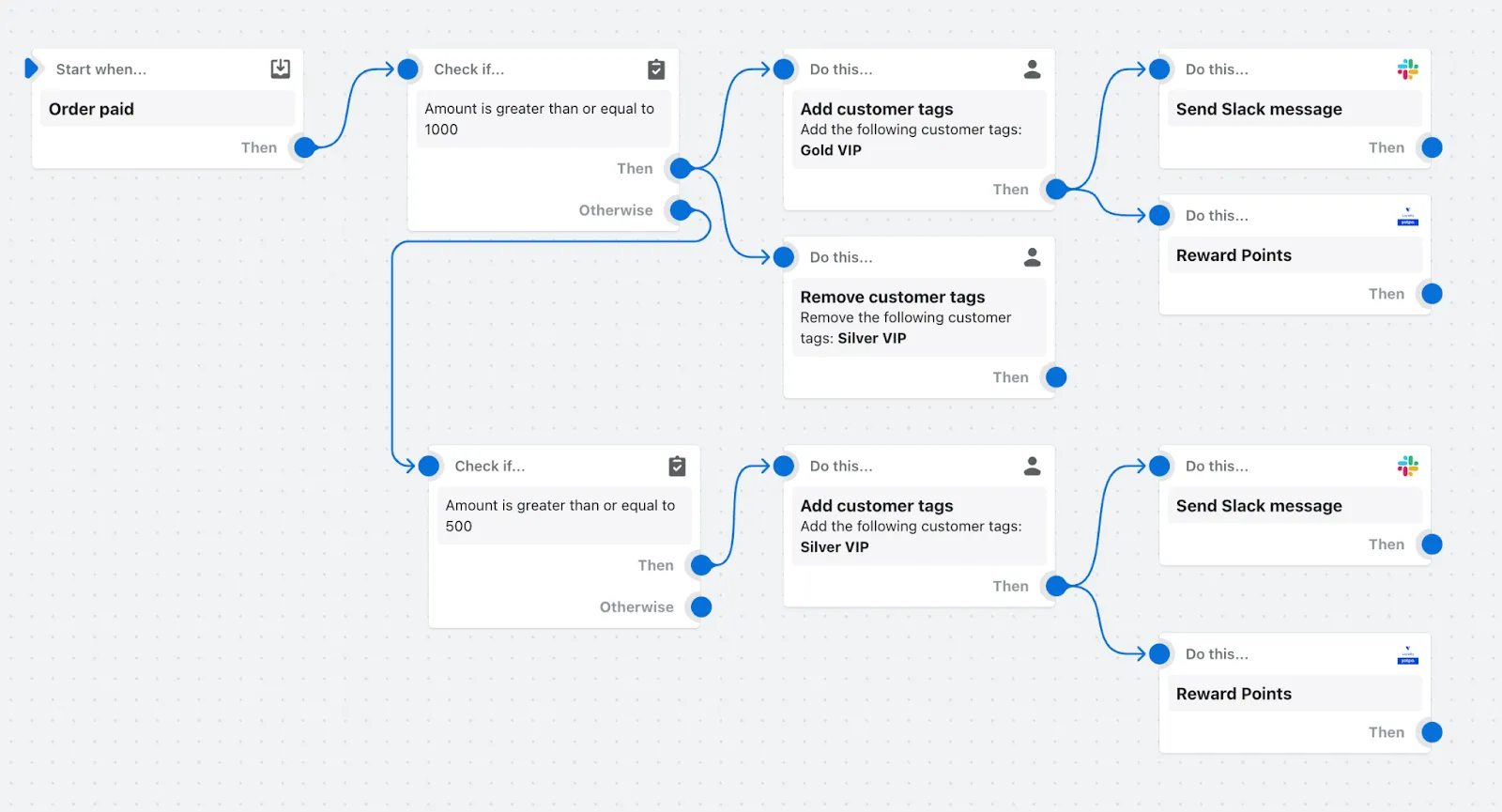
- Set Up Flow Automation: Create a Shopify Flow workflow to automatically tag high-risk orders and pause fulfillment for fraud review.
- Monitor Capacity: Track checkout throughput in real-time using the Shopify Plus live view dashboard.
- Automate Post-Sale Reversion: Configure Launchpad to instantly restore baseline pricing, themes, and inventory levels when the event ends.
Customizing Checkout Logic: Replacing checkout.liquid with Shopify Functions for Dynamic Pricing and Shipping
The deprecation of checkout.liquid requires brands to transition to Shopify Functions to customize checkout experiences without compromising site speed or security. In 2026, maintaining a fast, extensible checkout is paramount to conversion rate optimization.
What to Avoid
- Using deprecated checkout.liquid scripts that bypass modern Shopify checkout optimizations.
- Hardcoding discount codes and shipping rules instead of leveraging dynamic Shopify Functions APIs.
- Failing to test checkout customizations under simulated high-volume traffic.
How to Fix
- Rebuild custom shipping rules using the Delivery Customization API to offer dynamic carrier options.
- Deploy the Payment Customization API to dynamically hide or reorder payment gateways based on customer tags or cart value.
- Use the Order Discount API to execute complex, tiered B2B and D2C promotional logic at checkout without slowing down page load speeds.
- Ensure your store undergoes regular speed optimization audits to maintain fast checkout loading times.
To audit your checkout performance, explore our dedicated Conversion Rate Optimization (CRO) retainers.
Unifying B2B and D2C Operations: Setting Up Wholesale Channels on a Single Shopify Plus Admin
Running separate Shopify instances for wholesale and retail operations creates fragmented inventory data and doubles your administrative overhead. Consolidating your D2C and B2B channels into a single Shopify Plus admin streamlines operations and secures your data pipeline.
- Create distinct B2B company profiles directly linked to existing D2C customer records.
- Configure custom price lists and volume-based pricing breaks for specific wholesale accounts.
- Set up flexible payment terms, such as Net 30 or Net 60, directly inside the native checkout.
- Utilize the B2B checkout to allow wholesale buyers to submit purchase orders instead of immediate credit card payments.
- Maintain a single inventory pool across both channels to eliminate stock discrepancies and ERP sync errors.
How Avelize approaches enterprise Shopify Plus scaling
Our team implements a structured, three-phase engineering framework to scale Shopify Plus storefronts without operational downtime:
- Phase 1: Technical Discovery & Architecture Audit (Weeks 1-2) — We map your entire integration ecosystem, identifying legacy REST bottlenecks and checkout.liquid dependencies.
- Phase 2: API & Middleware Refactoring (Weeks 3-6) — We rebuild custom middleware integrations using GraphQL bulk mutations and Amazon EventBridge webhooks to guarantee 100% data sync reliability.
- Phase 3: Checkout & Function Deployment (Weeks 7-8) — We deploy custom Shopify Functions to replace legacy scripts, ensuring sub-10ms checkout execution times.
Frequently Asked Questions
What is the difference between checkout.liquid and Shopify Functions for enterprise scaling?
The primary difference between checkout.liquid and Shopify Functions lies in execution architecture, security, and upgradeability. Checkout.liquid was a theme-based layout file that allowed merchants to inject custom HTML, CSS, and JavaScript directly into the checkout flow. However, this approach introduced severe security vulnerabilities, broke automatic platform updates, and degraded page load speeds during high-volume traffic spikes. In contrast, Shopify Functions execute custom backend logic directly on Shopify's infrastructure using WebAssembly (Wasm). This serverless execution model ensures that custom discount, shipping, and payment rules run in under 10 milliseconds, maintaining PCI compliance and platform stability even during extreme flash sales. By replacing checkout.liquid with Shopify Functions, enterprise merchants achieve a more secure, scalable, and upgradeable checkout experience that natively integrates with Shopify's checkout extensibility framework, eliminating the risk of checkout crashes and ensuring compatibility with future platform updates.
Is Shopify Plus worth it for B2B wholesale operations?
Yes. Shopify Plus consolidates wholesale and retail channels into a single admin, reducing administrative overhead and eliminating inventory sync errors. It offers native B2B features like custom price lists, volume-based pricing, and flexible payment terms (Net 30/60) directly inside the checkout.
How long does a Shopify Plus migration take?
A standard enterprise migration to Shopify Plus typically takes between 90 to 120 days. This timeline depends on the complexity of your legacy ERP integrations, product catalog size, and custom checkout requirements.
Ready to scale your enterprise storefront? Learn more about our Shopify Plus migrations and development programs to secure your infrastructure for high-volume growth.
Published / Last reviewed: October 24, 2026
Search Intent Refresh Notes
This page has search demand in Google Search Console. Refresh it around the highest-impression query language, add concrete examples, clarify the decision criteria, and link to the most relevant service page or related guide.
Authoritative References
Use these official resources to verify platform-specific claims and implementation details before making commercial or technical decisions.
Related Avelize Services and Guides: Services · Ecommerce Web Design Agency