
Shopify AI Merchandising: Scale Product Discovery
By:
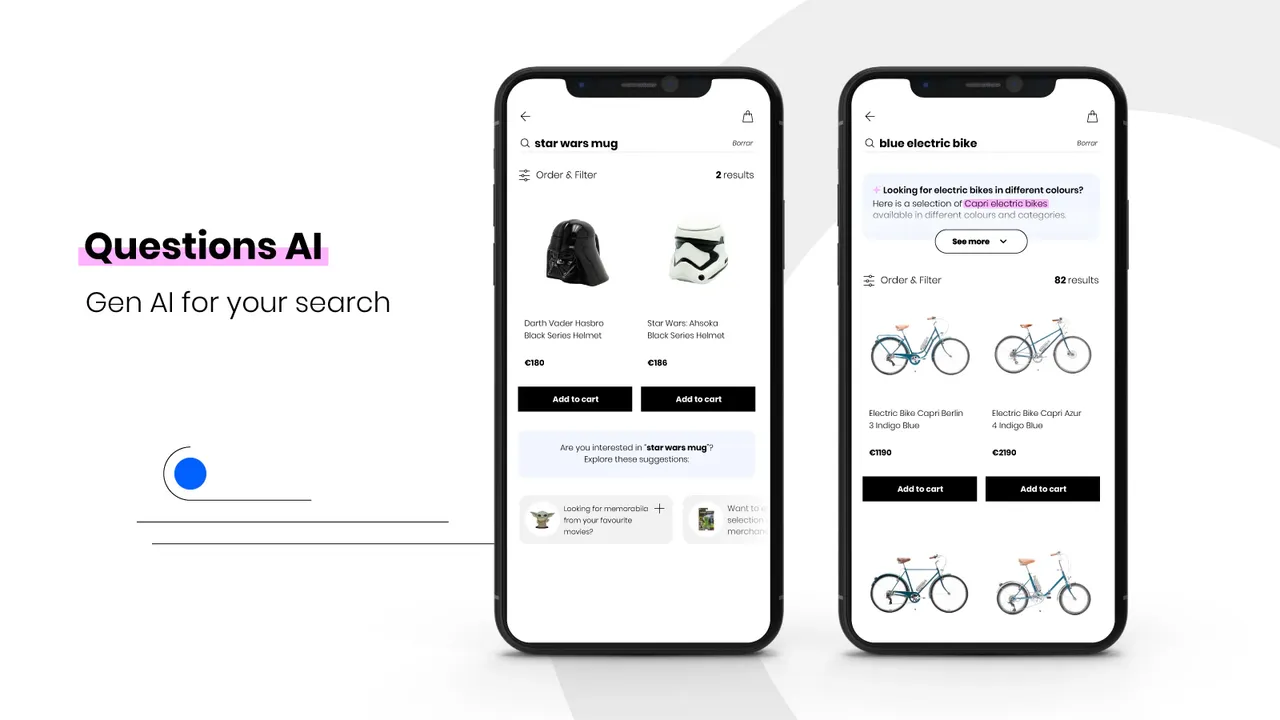
How Shopify AI merchandising tools improve product discovery — covering semantic search, collection ranking signals, and personalisation for high-SKU stores.
How can Shopify Plus merchants automate product discovery to capture lost revenue? In our work with merchants, we deploy Shopify AI merchandising to replace manual collection curation with machine learning models that dynamically align search intent, personalized recommendations, and real-time inventory levels. By transitioning to automated, intent-based discovery, high-volume stores can eliminate search drop-offs and increase conversion rates by up to 30%.
Key Takeaways
- 30% Conversion Lift: Replacing legacy keyword search with native semantic search eliminates "zero results" pages.
- The 10-Percent Demotion Protocol: Automate inventory-based merchandising using Shopify Flow to push low-stock items to the bottom of collections.
- Dynamic Recommendations: Leverage Shopify Magic to serve personalized product blocks, targeting a recommendation CTR of over 8%.
- Zero-Maintenance Collections: Combine AI-generated tags with rule-based Smart Collections to automate catalog management in 2026.
Configuring Shopify Semantic Search to Match Natural Language Queries
Standard keyword search fails when customers search using natural language, synonyms, or descriptive phrases. Shopify’s native Semantic Search uses machine learning to understand buyer intent rather than matching exact text strings.

- Activate the feature: Install the free Shopify Search & Discovery app and navigate to Settings to enable Semantic Search.
- Support multi-word queries: The AI model parses phrases like "warm waterproof boots" and associates them with product attributes without requiring manual synonym setup.
- Handle typos automatically: Built-in tolerance ensures that spelling errors do not result in "zero results" pages.
For complex catalogs requiring deeper integration, utilizing expert Custom Shopify Development ensures semantic search API calls align with custom headless frontends.
Setting Up AI-Powered Smart Collections and Automated Tagging
Manual collection curation consumes hours of merchandising time. By combining Shopify Magic with Smart Collections, we can automate product categorization and keep collections dynamically updated.
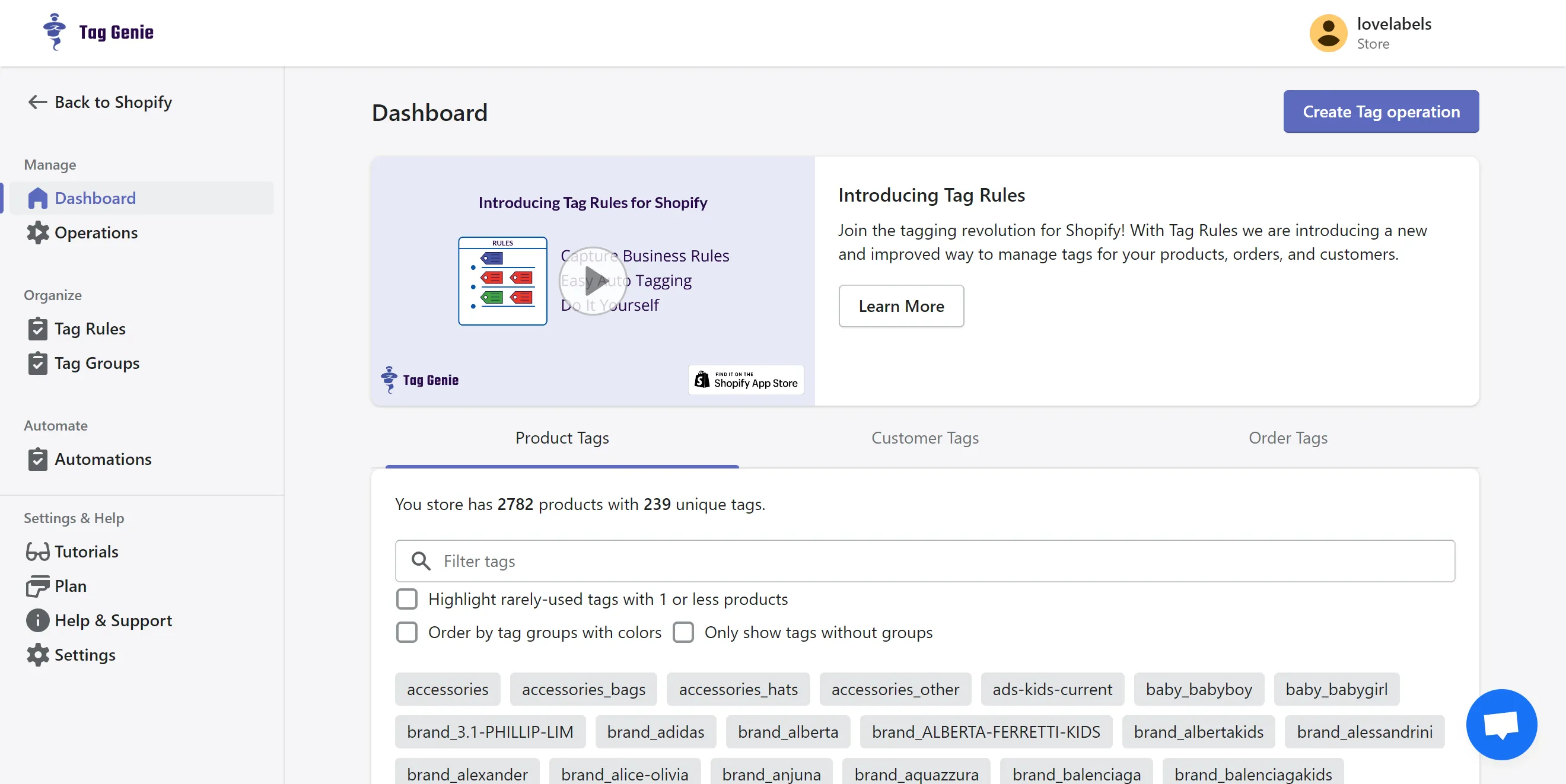
- Deploy Shopify Magic for tagging: Use the native AI text generation tool in your Shopify Admin to generate consistent product tags based on your product descriptions.
- Establish rule-based Smart Collections: Create collections that automatically pull products based on these AI-generated tags, price points, and inventory levels.
- Enforce automated exclusions: Add a rule where Inventory Stock is greater than 0 to prevent out-of-stock items from cluttering your landing pages.
To maximize the organic visibility of these automated collections, pairing your structure with dedicated Technical SEO & GEO programs guarantees that AI-generated tags do not create duplicate content issues.
Implementing Personalized Product Recommendations Using Shopify Magic
Shopify Magic uses historical purchase data, cart patterns, and product descriptions to display personalized recommendations to individual shoppers. Whether you are running a monolithic Liquid theme or a headless Hydrogen storefront utilizing the GraphQL Storefront API, Shopify's recommendation engine integrates seamlessly.
Follow this implementation checklist to deploy personalized recommendations across your product pages:
- Open the Shopify Search & Discovery app in your store admin.
- Navigate to the Recommendations tab on the left-hand menu.
- Select a high-traffic target product to customize its complementary product listings.
- Toggle on Show dynamic recommendations to allow Shopify's AI to automatically optimize the product mix based on real-time user behavior.
- Open your Theme Editor, navigate to the product page template, and add the "Related Products" or "Complementary Products" block to the layout.
Leveraging Agentic Commerce: Automating Inventory-Based Merchandising Decisions
Agentic commerce uses automated rules to make real-time merchandising adjustments based on back-end inventory levels, preventing wasted ad spend on sold-out products. In our work with merchants, we implement the 10-percent demotion protocol to manage stock fluctuations dynamically.
- Configure automated demotion: Set up Shopify Flow to monitor inventory. When a variant falls below 10% stock, automatically push the product to the bottom of collection pages.
- Boost high-margin items: Use collection sorting rules to prioritize high-margin, high-stock items in your default "Featured" sort order.
- Automate seasonal transitions: Use tag-based rules to automatically archive out-of-season products and publish fresh inventory without manual oversight.
By passing these inventory states to Klaviyo and Triple Whale, your marketing stack stays in sync with real-time merchandising, protecting your margins during high-traffic events like BFCM.
Measuring Success: Key Merchandising Metrics and Search Analytics to Track
To ensure your AI merchandising configurations are driving revenue, monitor these specific metrics within your Shopify Analytics dashboard:
- Search Conversion Rate: Target a conversion rate of >4% for users who interact with search.
- Search Exit Rate: Aim to keep this metric below 15% to verify that semantic search is returning relevant results.
- Recommendation Click-Through Rate (CTR): Monitor the performance of your Shopify Magic recommendation blocks, targeting a >8% CTR.
- Average Order Value (AOV) Lift: Track the difference in AOV between shoppers who interact with AI recommendations versus those who do not.
Common Merchandising Mistakes and How to Fix Them
What to Avoid
- Over-relying on manual synonyms: Hardcoding too many manual search synonyms overrides and confuses Shopify's semantic search AI.
- Ignoring out-of-stock visibility: Allowing out-of-stock products to remain at the top of high-traffic collection pages kills conversion rates.
- Neglecting mobile widget performance: Heavy recommendation carousels can slow down mobile load times, increasing bounce rates and hurting Core Web Vitals.
How to Fix It
- Audit your synonyms quarterly: Clean out your Search & Discovery app settings and delete any exact-match synonyms that Shopify's semantic search now handles natively.
- Build a Shopify Flow workflow: Create a workflow that automatically tags out-of-stock items as "oos-hide" and configure your collections to exclude this tag.
- Optimize page speed: Ensure your site speed is optimized by reviewing Conversion Rate Optimization (CRO) retainers to keep your AI elements loading instantly on mobile devices.
How Avelize Approaches AI Merchandising
Our team integrates native Shopify AI tools and custom headless discovery APIs to maximize conversion rates. We execute this through a structured optimization program:
- Phase 1: Search & Discovery Audit (Week 1): We analyze your current search exit rates and zero-result queries to identify immediate revenue leaks.
- Phase 2: Semantic Search & Tagging Automation (Weeks 2-3): We deploy Shopify Magic, configure semantic search, and set up automated tagging rules.
- Phase 3: Agentic Inventory Workflows (Week 4): We build custom Shopify Flow routines to enforce the 10-percent demotion protocol across your catalog.
- Target KPI: A minimum 25% increase in search-to-cart conversion rate and a search exit rate below 12% within 60 days of deployment.
Ready to automate your product discovery? Explore our Technical SEO & GEO programs to scale your store's performance.
Frequently Asked Questions
What is the difference between legacy keyword search and Shopify Semantic Search?
Shopify Semantic Search is an AI-powered search technology that interprets the underlying buyer intent and context of a query, whereas legacy keyword search relies on exact text string matching. Legacy systems require merchants to manually configure extensive synonym lists and typo-tolerance rules to prevent 'zero results' pages when shoppers use natural language. In contrast, Shopify's native semantic search uses machine learning models to parse multi-word, descriptive queries (such as 'warm waterproof winter boots') and automatically associates them with relevant product attributes, even if those exact words do not exist in the product title. By understanding synonyms, context, and typos automatically, semantic search eliminates manual maintenance, reduces search exit rates below 15%, and increases search-to-cart conversion rates by up to 30% for high-volume Shopify Plus merchants operating in 2026. This shift from syntactic to semantic processing ensures that high-intent traffic is immediately routed to the correct purchasing path, directly maximizing return on ad spend.
How long does it take to set up Shopify AI merchandising?
Basic setup using the native Shopify Search & Discovery app takes less than a day. However, fully optimizing smart collections, configuring custom Shopify Flow automation protocols, and auditing your catalog tags typically requires two to four weeks of iterative testing to maximize conversion rates.
Is Shopify Semantic Search available on all Shopify plans?
Yes, Shopify Semantic Search is available to merchants on Shopify, Advanced, and Shopify Plus plans who use the native Search & Discovery app. It requires your store language to be set to English and your search results page to be powered by native Shopify search.
Published / Last reviewed: May 2026
Shopify Plus Conversion Review Framework
Conversion work on Shopify Plus should connect user experience, technical performance, merchandising, checkout behavior, and measurement quality. A redesign alone rarely fixes conversion if the page is slow, the offer is unclear, or analytics cannot explain where users hesitate.
- Review PDP clarity, trust signals, product discovery, and mobile usability.
- Audit app and script impact on Core Web Vitals and checkout flow.
- Compare conversion drop-offs by device, traffic source, product type, and landing page.
- Turn findings into a prioritized CRO backlog with measurable hypotheses.
Authoritative References
Use these official resources to verify platform-specific claims and implementation details before making commercial or technical decisions.
- Shopify Plus overview
- Shopify Functions documentation
- Checkout Extensibility documentation
- Google Search Central: Core Web Vitals
Related Avelize Services and Guides: Services · Ecommerce Web Design Agency