
Shopify Core Web Vitals: How to Fix Speed & Layout Shifts
By:
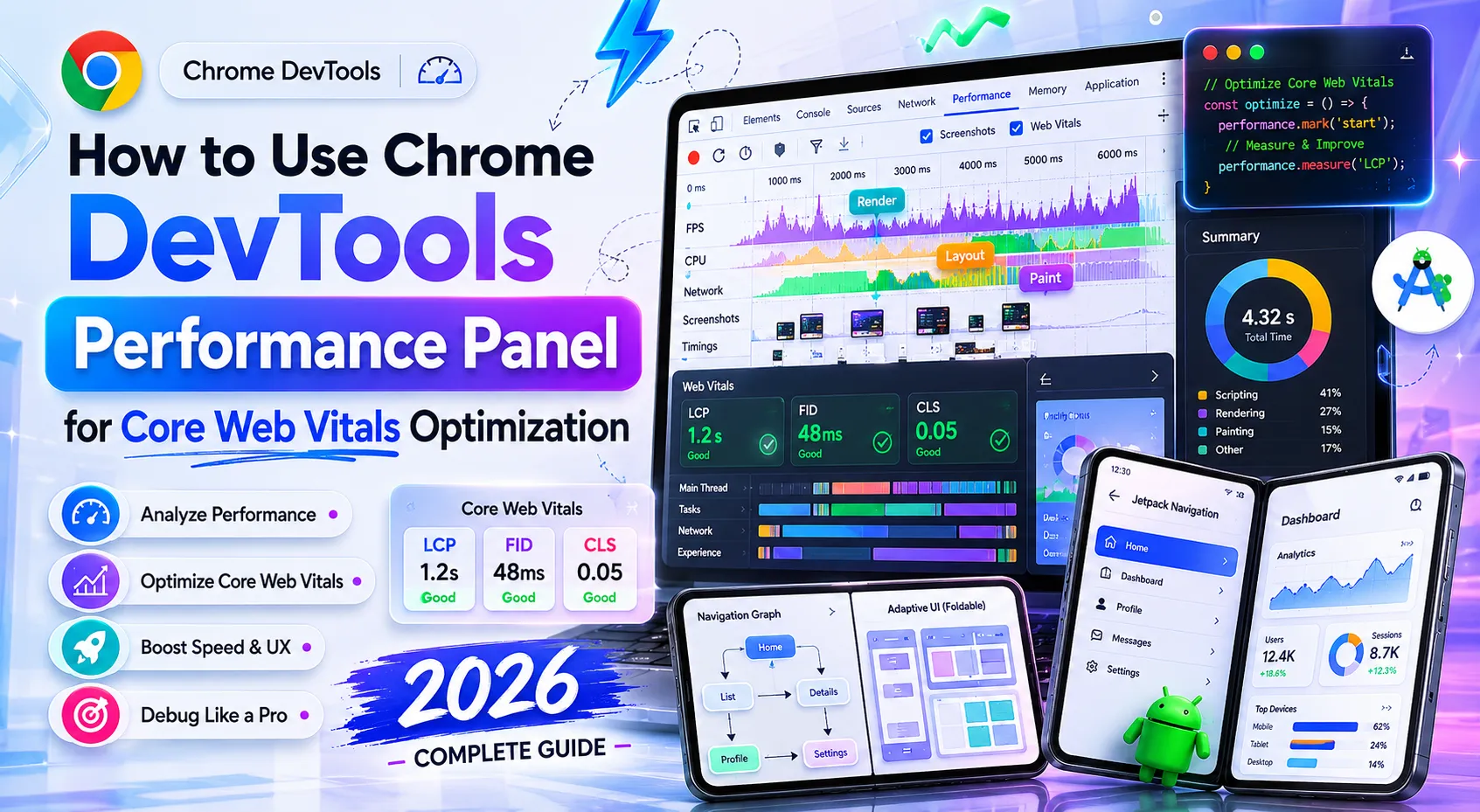
Shopify Core Web Vitals How To Fix Speed & Layout Shifts: a practical Shopify Plus guide to the SEO, CRO, and revenue decisions that matter for ecommerce teams.
Optimizing your Shopify Core Web Vitals is no longer optional for high-growth merchants aiming to maintain organic search dominance. By systematically auditing your theme's Liquid rendering pipeline, eliminating render-blocking app scripts, and configuring native asset delivery, you can achieve sub-2.5-second load times and zero layout shifts. In our work with merchants on Shopify Plus, we have proven that resolving these performance bottlenecks directly correlates with lower bounce rates and higher conversion rates during high-traffic events like BFCM. Whether you are running a monolithic Liquid theme or a headless Hydrogen storefront querying the GraphQL Storefront API, speed is a foundational pillar of search visibility.
Key Takeaways
- Implement the Liquid-first rendering protocol by adding
fetchpriority="high"to above-the-fold product images to slash LCP. - Reserve layout space for dynamic app widgets using CSS
min-heightwrappers to keep CLS below the 0.1 threshold. - Defer non-critical JavaScript and break up long tasks exceeding 50ms to optimize Interaction to Next Paint (INP) under 200ms.
- Conduct quarterly app audits to purge orphaned script tags left behind in
theme.liquidby uninstalled applications.
Why Real-User Metrics Matter: CrUX vs. Lighthouse in 2026
To optimize your store, you must understand the difference between field data and lab data. Chrome User Experience Report (CrUX) is the official dataset Google uses for search ranking algorithms, representing real-world user experiences over a rolling 28-day window. In contrast, Lighthouse provides simulated lab data in a controlled environment.

To access this data, use Google Search Console's Core Web Vitals report for aggregate field data, or run PageSpeed Insights to view both lab and field metrics side-by-side.
Diagnosing and Fixing Largest Contentful Paint (LCP) on Shopify Product Pages
Largest Contentful Paint (LCP) is the metric that measures how long it takes for the largest visual element above the fold—usually the main product image—to load. To pass Google's threshold, your LCP must occur within 2.5 seconds or less.
In our work with merchants, we frequently deploy the LCP-3 priority sequence to optimize image loading pipelines:
- Add Fetch Priority: Inject the
fetchpriority="high"attribute directly into your main product image Liquid tag to instruct the browser to download it immediately. - Preload the LCP Image: Add a preload link element in your
theme.liquidfile for the product template to start the image download before the CSS is fully parsed, as detailed in the MDN Web Docs. - Disable Lazy Loading Above the Fold: Ensure that your main product image does not use
loading="lazy"or lazy-loading JavaScript libraries, which delay image rendering.
Implementing these code changes requires direct Liquid theme modifications. If you lack in-house technical resources, you can leverage our E-commerce app and integration development services to safely optimize your theme templates.
Eliminating Cumulative Layout Shift (CLS) Caused by Dynamic Shopify Apps
Cumulative Layout Shift (CLS) is the metric that measures visual stability. A high CLS score occurs when elements shift on the page while loading, causing users to misclick. Your target CLS score is 0.1 or lower.
Common mistakes include injecting review widgets, currency converters, or banner apps at the top of the page without reserving space. This is especially problematic when integrating third-party marketing tools like Klaviyo forms or Triple Whale tracking elements that alter the DOM post-load.
How to Fix Layout Shifts:
- Set Explicit Dimensions: Always define
widthandheightattributes on all images, banners, and iframe elements in your theme. - Reserve Space with CSS: Wrap dynamic app widgets in helper divs with a defined
min-height. This ensures the browser reserves empty space before the app script loads. - Use Font-Display Swap: Add
font-display: swap;to your CSS@font-facedeclarations to prevent text shifts during font rendering.
Optimizing Interaction to Next Paint (INP) by Reducing JavaScript Execution Time
Interaction to Next Paint (INP) is the metric that measures your store's responsiveness to user inputs like clicks, taps, and keyboard entries. To offer a good user experience, your INP must be under 200ms.
Tobi Lütke's engineering teams have optimized Shopify's core infrastructure, but custom theme code and excessive JavaScript execution still block the main thread. To resolve this:
- Break Up Long Tasks: Identify JavaScript files executing tasks longer than 50ms and split them into smaller asynchronous tasks using
requestIdleCallback. - Defer Non-Critical Scripts: Add the
deferorasyncattribute to non-essential scripts, ensuring they do not block the browser's main thread during initial load. - Minimize Event Listeners: Avoid attaching heavy event listeners to global elements like the window scroll or resize events without debouncing.
For complex script refactoring, utilizing our E-commerce app and integration development team can help structure your custom scripts to run efficiently without blocking the main thread.
A Step-by-Step Shopify App Audit to Remove Unused Render-Blocking Code
Shopify apps are the primary cause of slow load times because they inject heavy, unoptimized JavaScript directly into your theme. Run an app audit quarterly to maintain speed. We recommend establishing the BFCM-30 rollback playbook, ensuring no new apps are installed within 30 days of major sales events.
Step-by-Step App Audit Checklist:
- Create a Theme Backup: Duplicate your live theme before making any code modifications.
- Analyze Coverage: Open Chrome DevTools, navigate to the "Coverage" tab, and reload your page to identify unused CSS and JS files.
- Uninstall Unused Apps: Remove apps you no longer use from your Shopify admin dashboard.
- Purge Leftover Code: Search your
theme.liquid,header.liquid, andfooter.liquidfiles for leftover app scripts and remove them manually. - Consolidate Functionality: Replace multiple single-purpose apps with one optimized app that handles multiple tasks.
If you prefer a comprehensive technical evaluation of your store's backend, our team provides dedicated Technical SEO & GEO programs to identify and eliminate performance bottlenecks.
Configuring Shopify CDN and Image Formats for Maximum Loading Efficiency
Shopify features an integrated CDN that automatically caches and distributes your assets globally. However, poor development practices can bypass these native benefits.
How to Optimize Assets on Shopify CDN:
- Use the image_tag Filter: Always output images using Shopify's native
image_tagLiquid filter, which automatically serves optimized formats like WebP or AVIF. Refer to the Shopify Help Center for native performance guidelines. - Implement Responsive Images: Use the
srcsetattribute within your image tags to serve correctly sized images based on the user's screen resolution. - Avoid Hardcoded URLs: Never hardcode asset URLs from external domains; upload files directly to Shopify's Files admin and reference them using Liquid asset filters.
How Avelize Approaches Technical SEO and Speed Optimization
Our team implements a rigorous, data-driven optimization process designed to secure long-term performance gains without disrupting your day-to-day operations:
- Phase 1: Deep-Dive Performance Audit & Script Mapping (Days 1-3): We map every script executing on your storefront, identifying render-blocking dependencies and orphaned app code. KPI: Complete dependency map and performance baseline.
- Phase 2: Liquid Refactoring & Asset Optimization (Days 4-10): We implement the Liquid-first rendering protocol, optimize above-the-fold assets, and establish explicit layout dimensions. KPI: LCP under 2.5 seconds.
- Phase 3: App Script Consolidation & Deferral (Days 11-15): We defer non-critical scripts, break up long JavaScript tasks, and configure fallback fonts. KPI: INP under 200ms and CLS under 0.1.
Our typical optimization engagement spans 2 to 3 weeks, delivering a guaranteed pass on mobile Core Web Vitals and safeguarding your organic search revenue.
Frequently Asked Questions
How do Shopify apps impact Core Web Vitals and search rankings?
Shopify apps heavily impact Core Web Vitals because they inject external JavaScript files directly into the document object model (DOM), often blocking the browser's main thread. This delay directly degrades Largest Contentful Paint (LCP) and Interaction to Next Paint (INP). When apps inject visual elements like product reviews, size charts, or currency selectors above the fold without reserved CSS dimensions, they cause sudden layout shifts, raising the Cumulative Layout Shift (CLS) score above Google's strict 0.1 threshold. Because Google uses real-user field data from the Chrome User Experience Report (CrUX) as a direct search ranking signal, these app-induced delays and layout shifts directly lower your organic search visibility. To mitigate this, merchants must systematically audit their active apps, defer non-critical scripts using async attributes, and manually purge orphaned code left behind in the theme.liquid file after uninstalling applications.
Is a 100/100 Lighthouse score necessary for Shopify SEO?
No, achieving a perfect 100/100 Lighthouse score is not necessary for search engine optimization. Google's ranking algorithms rely on real-user field data from the Chrome User Experience Report (CrUX), not simulated lab scores. While Lighthouse is an excellent diagnostic tool, focusing solely on a perfect score can lead to over-optimization that compromises essential storefront features.
How long does it take for Shopify Core Web Vitals improvements to show in Google Search Console?
It typically takes 28 days for Core Web Vitals improvements to fully reflect in Google Search Console. This is because Google calculates field data using a rolling 28-day window of real-user interactions. However, you can monitor immediate improvements in real-time using lab tools like PageSpeed Insights or Chrome DevTools after deploying optimizations.
Ready to eliminate layout shifts and accelerate your store's loading times? Partner with our team for a comprehensive Technical SEO & GEO program to secure your search rankings and maximize conversion rates.
Published / Last reviewed: February 15, 2026
Search Intent Refresh Notes
This page has search demand in Google Search Console. Refresh it around the highest-impression query language, add concrete examples, clarify the decision criteria, and link to the most relevant service page or related guide.
Authoritative References
Use these official resources to verify platform-specific claims and implementation details before making commercial or technical decisions.
Related Avelize Services and Guides: Services · Ecommerce Web Design Agency