
Shopify Customer Accounts: Customize for Loyalty & LTV
By:
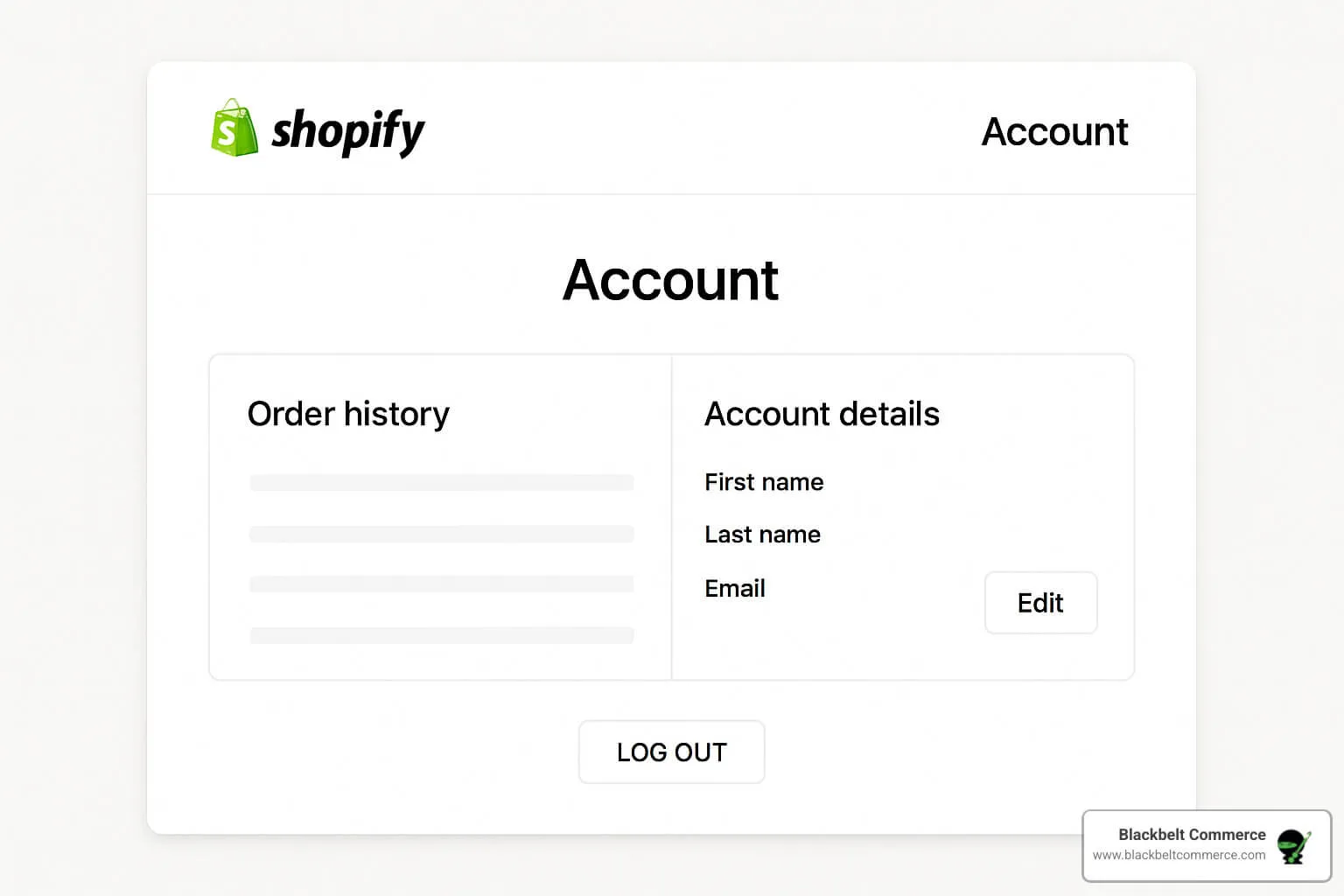
To maximize customer lifetime value (LTV), merchants must transform static customer portals into dynamic post-purchase engines. By customizing shopify customer accounts, we replace generic order histories with personalized dashboards, integrated loyalty rewards, and one-click reordering. In our work with merchants, this strategic shift directly reduces customer support volume while driving consistent repeat purchases.
Key Takeaways
- The LTV-30 Retention Engine: Integrating loyalty points directly into the account dashboard increases repeat purchase rates by 15% to 25%.
- Passwordless Login Migration: Transitioning to Shopify's New Customer Accounts reduces login friction by utilizing secure, one-time verification codes.
- One-Click Reordering: Implementing custom cart permalinks bypasses standard product page navigation, accelerating the repurchase journey.
- WISMO Reduction: Embedding real-time tracking APIs directly within the portal cuts "Where is my order?" support tickets by up to 20%.
Why Default Shopify Customer Accounts Kill Post-Purchase Retention (and How to Fix It)
Shopify customer accounts are dedicated portals where buyers track orders, manage profiles, and view purchase history. Upgrading these default pages into dynamic customer hubs allows Shopify Plus merchants to drive repeat purchases, display loyalty rewards, and reduce customer support volume.
The standard, out-of-the-box Shopify account page is a dead end. It displays basic order history and shipping addresses, but offers zero incentives for customers to engage, explore, or buy again.
To turn this cost center into a revenue driver, you must eliminate the friction of static layouts. Leveraging professional Design & UX services allows you to replace generic tables with dynamic, conversion-focused elements.
What is Missing in Default Customer Accounts
- Zero personalization: Every customer sees the exact same layout, regardless of their purchase history or VIP tier.
- No loyalty integration: Points, rewards, and referral links are hidden behind separate widgets or third-party apps.
- High-friction reordering: Customers must manually navigate back to product pages to repurchase items they buy regularly.
How to Fix It: The Dynamic Account Hub
- Replace static order tables with a personalized dashboard containing dynamic product recommendations.
- Embed real-time loyalty status and reward balances directly into the main account interface.
- Implement quick-action buttons that allow users to manage subscriptions and reorder with a single click.
Step-by-Step: Transitioning to Shopify's New Customer Accounts vs. Classic Accounts
Shopify offers two account systems: Classic Accounts and New Customer Accounts. Understanding the technical differences is critical for choosing the right setup for your store's customization needs. In 2026, Shopify Plus merchants are increasingly migrating to New Customer Accounts to leverage checkout extensibility and secure, passwordless authentication.
Classic Accounts rely on password-based logins and allow complete theme customization via Liquid. New Customer Accounts use secure, passwordless login via a one-time verification code sent to the user's email or mobile number.
The Comparison: Classic vs. New
Feature Classic Accounts New Customer Accounts Authentication Password-based (high friction) Passwordless OTP via Email/SMS (low friction) Customization Method Liquid templates (customers/account.liquid) Checkout Extensibility & UI Extensions B2B Features Limited out-of-the-box support Native B2B company profile selection Hosting Merchant theme-hosted Shopify-hosted secure domainImplementation Checklist: Transitioning to New Customer Accounts
- Navigate to Settings > Customer accounts in your Shopify admin panel.
- Click Edit in the "Accounts in online store and checkout" section.
- Select the New customer accounts option to enable passwordless login.
- Update your store's branding elements in the checkout editor to ensure a seamless login visual experience.
- Test the login flow on a staging theme to verify that existing customer data maps correctly.
How to Customize the Shopify Customer Account Page Using Liquid and CSS
If you use Classic Accounts, you have direct access to the theme code. This allows you to redesign the portal to match your exact brand aesthetic and functional requirements.
For complex layouts, utilizing Custom Shopify Development services ensures your custom code remains stable during theme updates and does not break checkout flows.
Customizing Classic Accounts via Liquid
- Locate the
customers/account.liquidfile within your Shopify theme editor. - Use Liquid tags to conditionally display content based on customer tags (e.g., displaying a "VIP" badge for high-value segments).
- Inject custom CSS directly into your theme's stylesheet to style the account dashboard grid, buttons, and navigation tabs.
Example: Displaying Custom Metafields
You can pull customer-specific metafields, such as membership anniversary dates or custom notes, directly into the account page using the following Liquid structure:
{% if customer.metafields.custom.loyalty_tier %}
  <div class="vip-badge">
    Tier: {{ customer.metafields.custom.loyalty_tier }}
  </div>
{% endif %}
Integrating Loyalty Programs and Reward Points Directly into the Account Portal
To turn your account page into a high-converting loyalty hub, you must bring your loyalty program front and center. Forcing customers to open a separate floating widget to view their points destroys the user experience.
Key Elements to Integrate
- Points Balance: Display the customer's current points balance in a prominent header card.
- Active Rewards: Show available discount codes or rewards that are ready to be redeemed with one click.
- Referral Link: Embed an easily copyable referral link directly on the dashboard to turn customers into brand advocates.
Common Mistakes to Avoid
- Mistake 1: Requiring double logins where users must log into the store and then separately log into the loyalty widget.
- Mistake 2: Hiding reward balances deep within submenus instead of displaying them on the primary dashboard.
- Mistake 3: Failing to update points in real-time after a purchase is completed.
Optimizing the Post-Purchase UX: Adding One-Click Reordering and Order Tracking
A high-converting account page must solve immediate customer needs while simultaneously driving the next transaction. The two highest-value features you can add are one-click reordering and real-time shipment tracking.
Because these features rely on external APIs and heavy scripts, executing a Shopify Speed Optimization audit is critical to ensure your account pages load instantly, even with complex integrations.
Implementing One-Click Reordering
- Fetch the customer's last order line items using Liquid or the Storefront API.
- Generate a cart permalink that automatically adds those exact items to the cart and redirects the user directly to checkout.
- Add a prominent "Buy It Again" button next to each item in their order history.
Integrating Real-Time Order Tracking
- Embed tracking widgets directly onto the account landing page using APIs from services like AfterShip or Route.
- Eliminate the need for customers to navigate to external shipping carrier websites to check delivery status.
- Display a visual progress bar showing: Order Confirmed, Shipped, Out for Delivery, and Delivered.
Measuring Success: Key LTV and Repeat Purchase Metrics to Track Post-Optimization
You cannot manage what you do not measure. Once your new customer account portal is live, you must track specific performance-driven metrics to quantify the return on investment.
Key Metrics to Track
- Repeat Purchase Rate (RPR): Monitor this metric monthly; optimized stores typically see an RPR increase of 15% to 25%.
- Customer Lifetime Value (LTV): Track your 6-month and 12-month LTV cohorts to measure long-term value growth.
- Account Engagement Rate: Measure the percentage of logged-in users who click on a loyalty, referral, or reorder CTA.
- Support Ticket Reduction: Track "Where is my order?" (WISMO) tickets; a successful portal should reduce these by at least 20%.
How Avelize Approaches This
Our team engineers high-performance customer account portals using a structured implementation timeline designed to maximize ROI and minimize platform friction:
- Phase 1: UX Audit & Technical Mapping (Week 1): We audit your current post-purchase flow and map out the custom data fields, loyalty integrations, and tracking APIs required.
- Phase 2: Custom Development & Extension Engineering (Weeks 2-3): We build custom Liquid templates or Shopify UI Extensions to embed dynamic elements directly into your account dashboard.
- Phase 3: QA & Speed Optimization (Week 4): We run rigorous cross-device testing and speed optimization audits to ensure sub-second load times.
Our custom account portal programs are tailored to your store's specific tech stack, with clear KPIs established around repeat purchase rate and support ticket reduction.
Frequently Asked Questions
What is the difference between Classic and New Customer Accounts on Shopify?
Shopify customer accounts exist in two distinct architectures: Classic Accounts and New Customer Accounts. Classic Accounts rely on traditional password-based logins and allow developers to fully customize the portal using standard Liquid templates (specifically customers/account.liquid) and custom CSS. In contrast, New Customer Accounts utilize secure, passwordless authentication via one-time verification codes sent to the customer's email or mobile device. While New Customer Accounts significantly reduce login friction and improve security, they restrict traditional Liquid modifications. Instead, customization for New Customer Accounts is managed through Shopify's checkout extensibility and UI extensions, which require a Shopify Plus plan. For high-growth brands in 2026, transitioning to New Customer Accounts is highly recommended to leverage modern security standards, though it requires migrating custom loyalty widgets and reorder flows into compatible UI extensions to maintain a cohesive post-purchase experience.
Can I customize New Customer Accounts without Shopify Plus?
No, extensive customization of New Customer Accounts requires Shopify Plus. Non-Plus merchants can only customize basic branding elements (such as logos, colors, and fonts) through the checkout editor. Advanced UI modifications, custom widgets, and third-party app integrations within New Customer Accounts rely on checkout extensibility and UI extensions, which are exclusive to Shopify Plus plans.
How does customizing customer accounts improve LTV?
Customizing customer accounts improves LTV by transforming a static order history page into an active marketing channel. By embedding personalized product recommendations, real-time loyalty point balances, and one-click reorder buttons, you eliminate friction in the repeat purchase journey, encouraging buyers to return and purchase again sooner.
Ready to transform your post-purchase experience into a retention engine? Explore our Design & UX services or contact our engineering team to customize your Shopify customer accounts today.
Published / Last reviewed: May 2026
Authoritative References
Use these official resources to verify platform-specific claims and implementation details before making commercial or technical decisions.
Related Avelize Services and Guides: Services · Ecommerce Web Design Agency