
Google Ads for Shopify Plus: Advanced ROI Playbook
By:
To maximize ROI using Google Ads for Shopify Plus, merchants must resolve catalog feed discrepancies, transition to Checkout Extensibility for accurate conversion tracking, and deploy value-based bidding. By automating SKU exclusions and structuring Performance Max campaigns around product margins, our team consistently eliminates wasted ad spend and scales high-value customer acquisition.
Key Takeaways
- The 60-30-10 PMax Split: Allocate 60% of budget to top-selling heroes, 30% to high-margin products, and 10% to zombie SKUs to force algorithmic discovery.
- Checkout Extensibility Migration: Replace legacy checkout.liquid tracking with sandboxed Custom Pixels to prevent conversion data loss.
- The Margin-First Exclusion Protocol: Automate SKU exclusions using Shopify Flow and Google Merchant Center rules when gross margin drops below 20%.
- Value-Based Bidding (VBB): Pass 12-month Shopify Customer Lifetime Value (LTV) cohort data directly to Google Ads to optimize for long-term profitability.
Optimizing the Shopify Plus Product Feed for Google Merchant Center
Google Merchant Center synchronization is the automated process of aligning Shopify Plus catalog data with Google's advertising network using APIs and custom metafields. This process eliminates out-of-stock ad spend, resolves SKU sync errors, and structures product attributes to maximize search visibility and conversion rates.
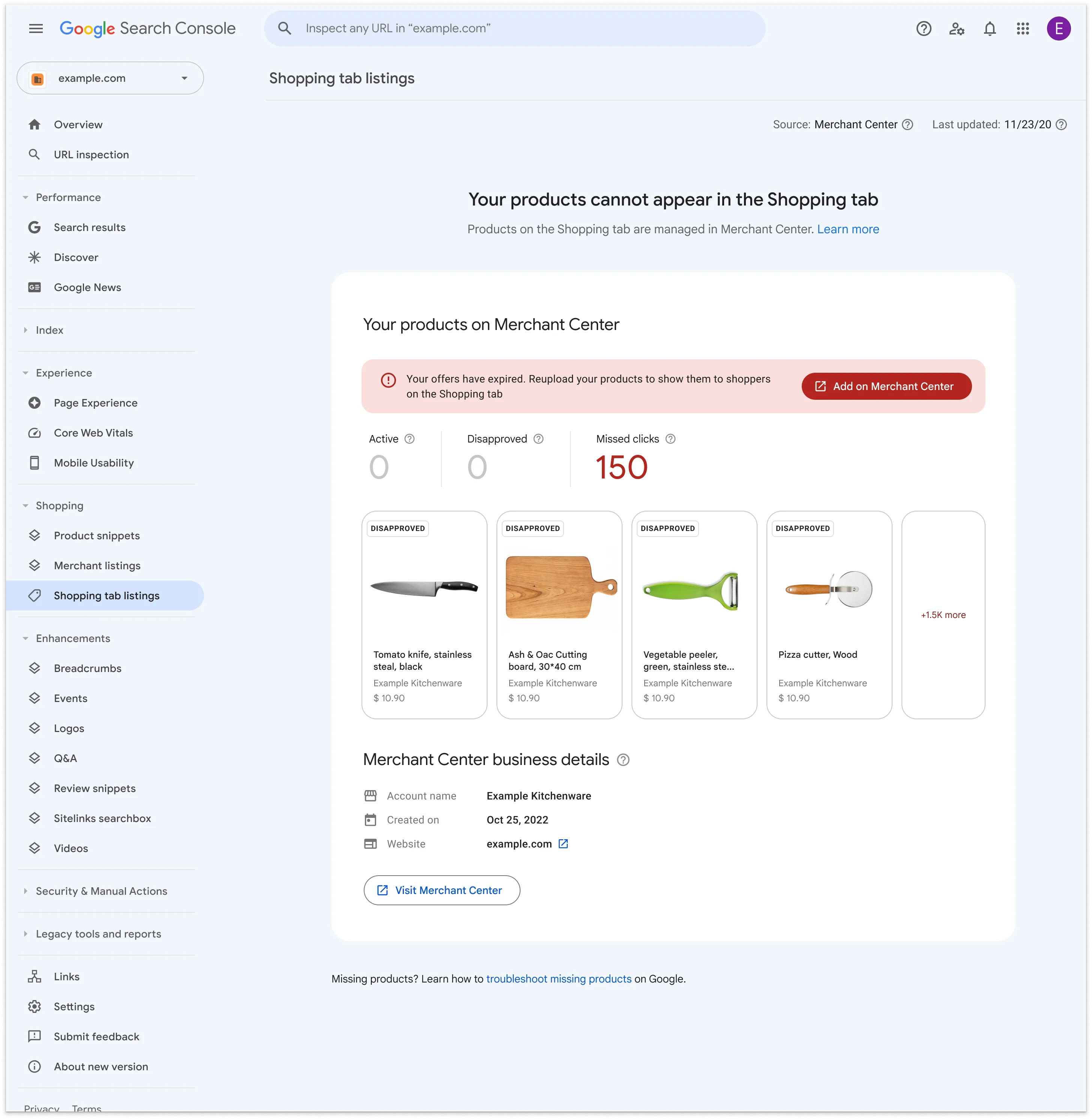
Standard Shopify feed apps often fail to sync complex variant data, leading to disapproved items in Google Merchant Center. To maintain catalog integrity, you must map custom metafields directly to Google's standard attributes.
- Map custom metafields for color, size, material, and age group to prevent generic attribute warnings.
- Set up automated rules to overwrite default Shopify titles with search-optimized patterns: Brand + Product Type + Key Features (e.g., Material, Color).
- Utilize supplementary feeds to inject real-time local inventory data for omnichannel campaigns.
How to Fix Feed Discrepancies
If your native Shopify feed app is generating constant sync errors, bypass standard setups by deploying custom Shopify development to build a direct Content API integration. This ensures that stock status updates instantly, preventing Google from flagging your account for price or availability mismatches.
Structuring Performance Max Campaigns for High-SKU Catalogs
Grouping your entire catalog into a single Performance Max (PMax) campaign forces Google's algorithm to favor a small percentage of high-volume SKUs, leaving high-margin products with zero exposure.
What to Avoid
- Avoid single-asset group campaigns that mix top-sellers with slow-moving inventory.
- Avoid bidding on out-of-stock variants by failing to filter inventory levels in your product group settings.
- Avoid generic asset groups that use the same creative copy for completely different product categories.
How to Structure Campaigns
Segment your catalog using custom labels to feed the machine learning algorithm clean, structured data sets. For advanced data structuring, consult our technical SEO and data services to align your product taxonomy with search demand.
- Hero Campaigns: Allocate 60% of your budget to your top 10% best-selling SKUs.
- High-Margin Campaigns: Group products with a gross margin above 50% to bid more aggressively.
- Zombie Campaigns: Isolate SKUs with zero impressions over the last 30 days into a separate campaign with a lower budget to force algorithm discovery.
Implementing Advanced Conversion Tracking with Shopify Plus Checkout Extensibility
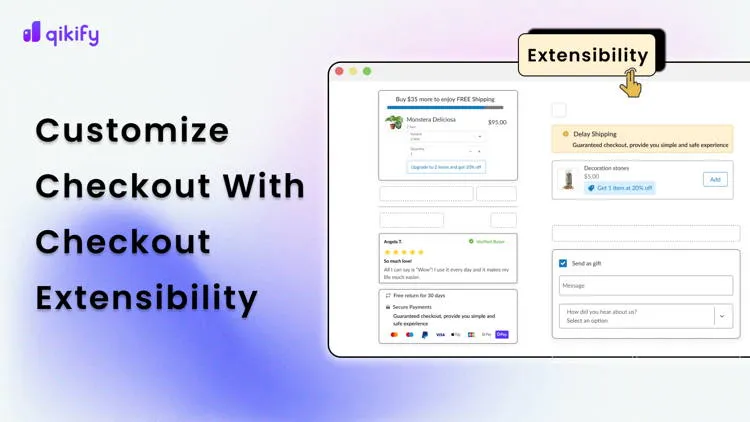
The deprecation of checkout.liquid broke legacy conversion tracking scripts. Shopify Plus brands must transition to Checkout Extensibility to maintain accurate attribution within Google Ads.
Implementation Checklist
- Navigate to Shopify Settings > Customer Events and create a new Custom Pixel.
- Integrate the Google Tag (gtag.js) directly within the sandboxed custom pixel environment.
- Subscribe to the checkout_completed event to capture transaction value, currency, and order ID.
- Enable Enhanced Conversions by securely passing hashed customer data (email, phone number) to Google's API.
- Verify tracking accuracy using the Google Tag Assistant on the live checkout flow.
How to Fix Tracking Gaps
Because sandboxed custom pixels restrict direct DOM access, manual script placement will fail. If you lack the internal resources to configure these secure sandbox environments, leverage expert Shopify Plus development to ensure your conversion tracking remains 100% accurate post-migration.
Automating SKU Exclusion and Custom Labeling for Low-Margin Products
Scaling Google Ads for Shopify Plus requires stopping ad spend on low-margin products. When return shipping costs and payment processing fees eat your margin, those SKUs must be excluded from active bidding using the Margin-First Exclusion Protocol.
- Use Shopify Flow to tag products automatically when inventory drops below 3 items.
- Configure your feed management tool to exclude products with a gross margin below 20%.
- Dynamically apply Custom Label 0 to segment products by price elasticity tiers.
How to Fix Wasted Ad Spend
Write an automated rule in Google Merchant Center that reads your Shopify margin metafields. Set the rule to automatically exclude any product from the feed where the margin falls below your target threshold, saving up to 15% of your daily budget.
Deploying Value-Based Bidding (VBB) Using Shopify Customer Lifetime Value Data
Standard bidding algorithms optimize for immediate transaction value, ignoring customer lifetime value (LTV). By passing Shopify LTV data back to Google Ads, you can bid higher for customers who buy repeatedly.
Bidding Strategy Primary Optimization Metric Shopify Data Integration Long-Term ROAS Impact Standard Bidding (tCPA / tROAS) Immediate transaction value Standard checkout value Moderate (ignores customer retention) Value-Based Bidding (VBB) Customer Lifetime Value (LTV) Cohort LTV & Customer Type High (prioritizes repeat buyers)- Calculate your average 12-month LTV by cohort using Shopify's native retention reports.
- Assign a dynamic conversion value adjustment in Google Ads based on the customer type (New vs. Returning).
- Switch your bidding strategy from Maximize Conversions to Maximize Conversion Value with a strict target ROAS.
This shift ensures that Google's algorithm prioritizes acquiring high-value buyers over one-time discount shoppers, directly improving your long-term operating margins.
How Avelize Approaches Google Ads Optimization in 2026
Our team deploys a structured 4-week optimization program designed to audit tracking accuracy, rebuild product feeds, and implement margin-based campaign segmentation. We focus on maximizing net profit, not just top-line ROAS, ensuring your paid search strategy aligns with your bottom-line business objectives.
Ready to scale your paid acquisition efficiently? Explore our Technical SEO & GEO programs or contact us to audit your tracking setup.
Published / Last reviewed: March 2026
Authoritative References
Use these official resources to verify platform-specific claims and implementation details before making commercial or technical decisions.
Related Avelize Services and Guides: Plus Customization · Ecommerce Web Design Agency