
Shopify Plus Growth Playbook: Reviving Stagnant Sales
By:
To reverse stagnant sales on Shopify Plus, merchants must systematically transition from high-CAC customer acquisition to high-margin retention and native platform optimization. By deploying Shopify Audiences v2.2, upgrading to Checkout Extensibility, and consolidating redundant third-party apps, mid-market brands can recover lost operating margins and unlock sustainable revenue growth. Our team at Avelize has proven that optimizing native enterprise capabilities is the most cost-effective lever for scaling e-commerce revenue in 2026.
Key Takeaways
- The 3-Store Consolidation Playbook: Consolidate international or wholesale expansion stores into a single Shopify Plus admin using native B2B tools to reduce overhead by up to 40%.
- Checkout Extensibility Upgrade: Replace legacy
checkout.liquidwith native checkout app blocks to lift Average Order Value (AOV) by 12% to 18% through pre-purchase upsells. - Shopify Audiences v2.2 Integration: Seed Meta and Google ad campaigns with first-party purchase intent data to reduce Customer Acquisition Cost (CAC) by up to 25%.
- Klaviyo CLV Segmentation: Deploy a 3-part winback flow targeted specifically at high-predictive lifetime value (CLV) cohorts who have lapsed for 45 to 60 days.
Diagnosing the Plateau: How to Audit Shopify Plus Analytics for Stagnant Sales
Shopify plus growth requires systematic optimization of native enterprise features to counter rising customer acquisition costs. By auditing core conversion funnels, deploying Shopify Audiences, and upgrading to checkout extensibility, mid-market brands can eliminate high app fees and unlock hidden margins to scale year-over-year revenue efficiently.
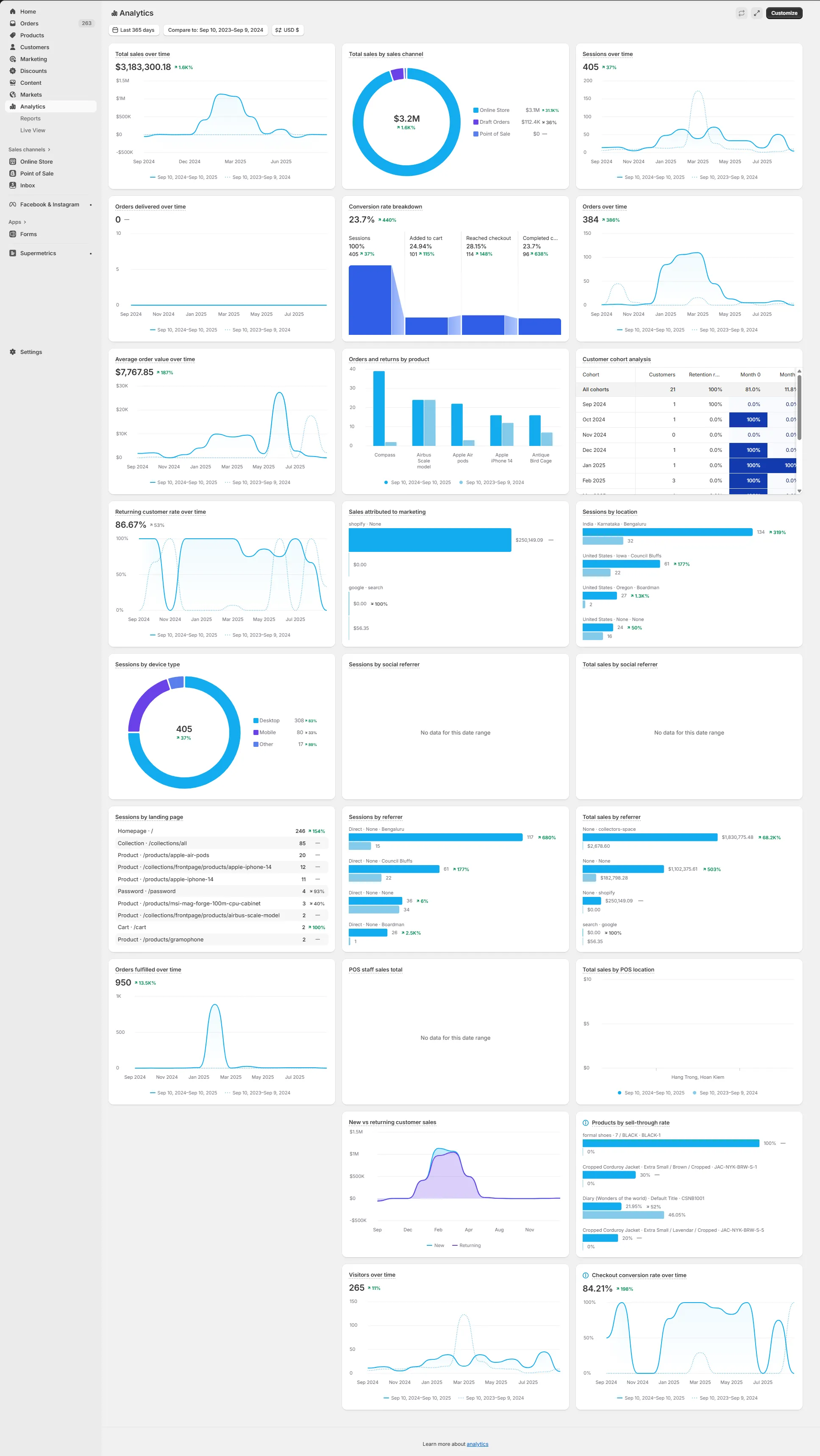
Before launching new marketing campaigns, you must pinpoint exactly where your conversion funnel is leaking high-value traffic. In our work with merchants, we often find that relying on basic dashboards hides critical performance bottlenecks. By integrating advanced analytics engines like Triple Whale and auditing your GraphQL Storefront API queries, you can isolate whether drops in conversion are due to marketing fatigue or technical latency affecting Core Web Vitals.
Marketing Efficiency Ratio (MER) is the metric calculated by dividing total revenue by total marketing spend, providing a holistic view of advertising efficiency across all channels.
The Stagnant Sales Audit Checklist
- Compare YoY Conversion Rate by Device to identify mobile-specific UX drops.
- Analyze your Cohort Retention Rate at the 30, 60, and 90-day marks to find when customers drop off.
- Audit the Checkout Abandonment Rate at each stage: Contact Info, Shipping, and Payment.
- Map your Average Order Value (AOV) distribution to see if buyers stick to entry-level products.
What to Avoid
Do not rely on blended ROAS metrics from ad networks. These platforms often over-report performance, masking real drops in organic traffic and customer loyalty.
How to Fix
Build a custom reporting dashboard in Shopify or Google Looker Studio that tracks your Marketing Efficiency Ratio (MER) and Net Operating Margin. For complex data setups, leveraging our technical SEO and data auditing services ensures your tracking pixels and analytics engines report accurate, first-party data.
Leveraging Shopify Audiences to Lower Customer Acquisition Cost (CAC)
Shopify Audiences uses aggregated, privacy-safe commerce data from millions of stores to help you target high-intent buyers on major ad networks.
Step-by-Step Implementation
- Install the Shopify Audiences v2.2 app directly in your Shopify admin panel.
- Connect your Meta, Google, or Pinterest ad accounts to sync customer profiles.
- Generate the "Most Likely to Buy" audience cohort for your specific product category.
- Export this cohort directly to your ad account to use as a custom targeting seed list.
- Create a lookalike audience (1% to 3% range) based on this high-intent seed list.
What to Avoid
Do not target broad, interest-based audiences without seeding your campaigns with Shopify's first-party purchase behavior data. Broad targeting wastes ad spend on low-intent users.
Optimizing Checkout Extensibility for Immediate Average Order Value (AOV) Lift
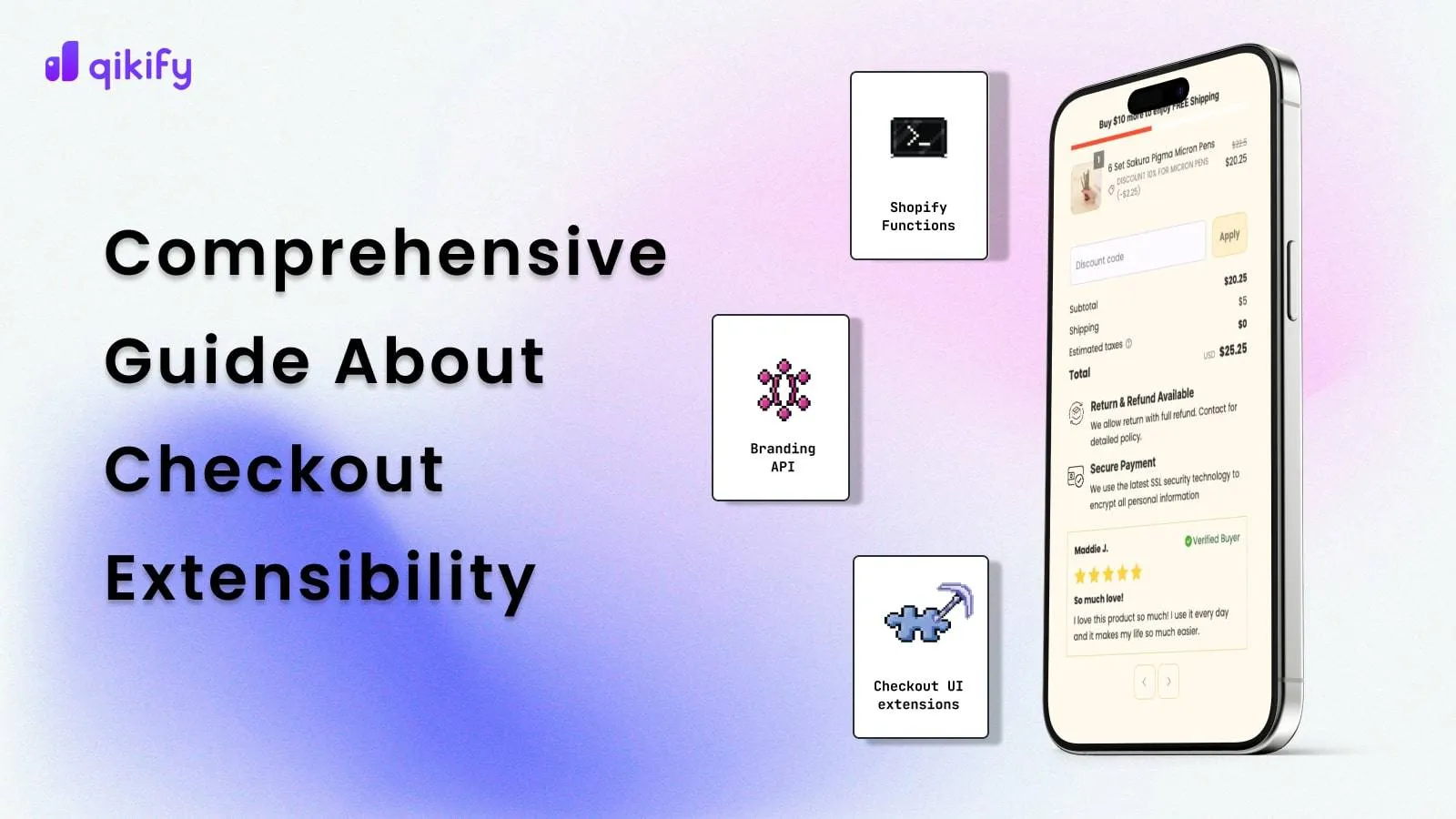
Upgrading from legacy checkout.liquid to Checkout Extensibility allows you to inject custom app blocks and upsell offers directly into the checkout flow without risking site stability. Tobi Lütke and the Shopify product team have made it clear that legacy checkouts are deprecated, making this migration a priority for BFCM preparation.
Immediate AOV Optimization Checklist
- Add a pre-purchase product upsell widget offering complementary products in the cart sidebar.
- Insert a dynamic free shipping progress bar that updates in real-time as users add items.
- Place social proof badges and security trust seals directly below the primary payment button.
- Integrate one-click post-purchase upsell offers immediately after the customer completes their order.
What to Avoid
Avoid adding more than two upsell offers in the checkout flow. Overcomplicating the checkout process creates friction, which drops your overall conversion rate.
How to Fix
Use Shopify's native checkout editor to drag and drop secure, high-converting checkout blocks. If you need bespoke features, utilizing our custom Shopify development services allows you to build tailor-made checkout apps that load instantly without slowing down your site.
Unlocking B2B on Shopify: Expanding into Wholesale to Diversify Revenue Streams
Shopify Plus includes native B2B tools, allowing you to run wholesale and direct-to-consumer (DTC) operations from a single Shopify admin.
B2B Setup Steps
- Create Company Profiles for wholesale buyers, assigning unique tax IDs and shipping rules.
- Set up customized Price Lists to offer flat-rate discounts or percentage-based volume pricing.
- Configure Net Payment Terms (e.g., Net 30, Net 60) directly on the customer profile.
- Design a dedicated B2B portal login page where wholesale buyers can place bulk orders quickly.
What to Avoid
Do not launch a separate Shopify expansion store for wholesale. Managing two separate stores doubles your maintenance costs, splits your inventory data, and dilutes your SEO authority.
Re-engaging Lapsed Buyers: Setting Up High-Yield Retention Flows in Klaviyo
When customer acquisition costs are high, retaining your existing customer database is the fastest way to drive profitable revenue.
High-Yield Retention Flow Setup
- Segment your database for buyers who have not purchased in 45 to 60 days.
- Split this segment by Predictive Customer Lifetime Value (CLV) to separate high-value and low-value buyers.
- Trigger a 3-part Winback Email Flow offering personalized product recommendations based on past purchases.
- Offer dynamic, tiered discounts (e.g., $10 off $50, $25 off $100) to incentivize higher cart values.
What to Avoid
Do not send identical, generic discount codes to your entire lapsed buyer list. This practice erodes your profit margins on customers who would have purchased anyway.
Customizing the Shopify Plus Tech Stack: Eliminating App Bloat to Improve Site Speed
Excess third-party applications slow down your site, clash with checkout scripts, and drag down your mobile conversion rates, directly impacting your Core Web Vitals (LCP, CLS, and INP).
App Audit Checklist
- Review your monthly app subscriptions and delete any tools not directly tied to revenue generation.
- Consolidate tools by using single platforms that handle multiple functions (e.g., reviews, loyalty, and referrals).
- Scan your theme files for orphan code left behind by uninstalled apps.
- Replace heavy third-party apps with native Shopify functions, such as Shopify Bundles or Shopify Flow.
What to Avoid
Do not install multiple apps that perform similar tasks, such as running two different pop-up builders or multiple analytics trackers simultaneously.
How to Fix
Clean up your theme's codebase by removing redundant JavaScript and CSS. If your mobile page speed scores are low, hiring professional Shopify speed optimization services will clean up your theme code, compress assets, and ensure your site loads in under two seconds.
How Avelize Approaches Shopify Plus Growth
Our team approaches Shopify Plus growth through a structured 30-day diagnostic and implementation sprint designed to eliminate technical debt and maximize native platform features:
- Phase 1: Technical & Data Audit (Week 1): We analyze your tracking setups, Core Web Vitals, and checkout performance using Triple Whale and Google Search Console. KPI: Complete data accuracy.
- Phase 2: Checkout & Stack Optimization (Weeks 2-3): We migrate legacy scripts to Checkout Extensibility and clean up redundant apps. KPI: Under 2-second mobile load times.
- Phase 3: Audience & Retention Launch (Week 4): We configure Shopify Audiences v2.2 and launch advanced Klaviyo retention flows. KPI: 15% lift in AOV and 20% reduction in CAC.
Frequently Asked Questions
Is Shopify Plus worth it for mid-market brands?
Yes. For brands generating over $1M in annual revenue, Shopify Plus reduces transaction fees, offers native B2B capabilities, and provides advanced customization via Checkout Extensibility, which quickly offsets the platform's licensing costs.
How long does a Shopify Checkout Extensibility migration take?
A standard migration takes between 2 to 4 weeks, depending on the complexity of your legacy checkout.liquid customizations and the number of third-party tracking scripts that need to be transitioned to Shopify Pixels.
What is the difference between Shopify Audiences and standard Meta targeting?
Shopify Audiences is a proprietary, first-party data tool exclusive to Shopify Plus merchants that aggregates commerce signals across millions of active storefronts to identify high-intent buyers, whereas standard Meta targeting relies primarily on pixel tracking, on-platform user behavior, and probabilistic modeling. By leveraging direct purchase history and checkout behaviors from the Shopify ecosystem, Shopify Audiences v2.2 bypasses the tracking limitations imposed by iOS 14.5 and subsequent privacy updates. This integration allows merchants to export highly qualified custom cohorts—such as 'Most Likely to Buy' lists—directly into Meta, Google, and Pinterest ad managers. In practice, our team has observed that utilizing these native, deterministic commerce signals as seed lists for lookalike audiences reduces customer acquisition costs (CAC) by up to 25% and improves return on ad spend (ROAS) compared to broad, interest-based targeting strategies that depend solely on third-party ad network algorithms.
Ready to scale your store's performance? Partner with our team for a comprehensive Technical SEO & GEO Program or accelerate your growth with our tailored Shopify Plus development services.
Published / Last reviewed: October 24, 2026
Authoritative References
Use these official resources to verify platform-specific claims and implementation details before making commercial or technical decisions.
Related Avelize Services and Guides: Plus Customization · Conversion Rate Optimization · Shopify Seo Services