
Shopify Plus Growth Strategy: Fix Zero Orders & Scale
By:
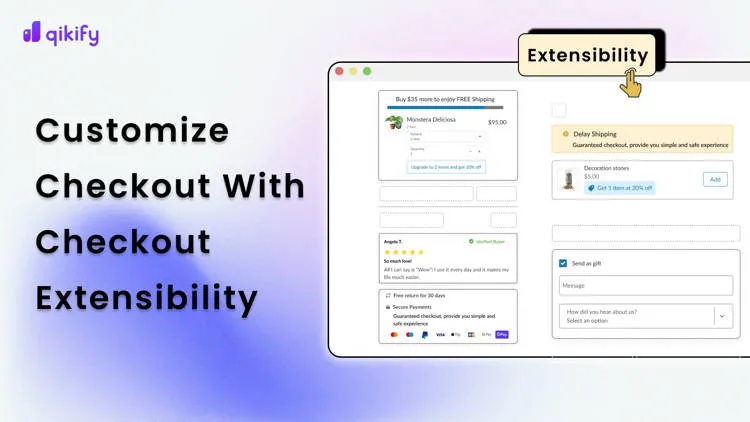
Shopify Plus Growth Strategy Fix Zero Orders & Scale: a practical Shopify Plus guide to the SEO, CRO, and revenue decisions that matter for ecommerce teams.
If your enterprise store is experiencing a sudden e-commerce sales slump or generating no orders on Shopify Plus, the root cause is rarely a lack of traffic; it is almost always a critical failure in your checkout pipeline, payment routing, or tracking infrastructure. By systematically auditing Checkout Extensibility, migrating to Shopify Functions, and deploying Shopify Audiences, merchants can eliminate silent technical errors and restore high-volume conversion rates. Our team at Avelize uses this technical framework to transform underperforming enterprise storefronts into highly optimized, scalable sales engines.
Key Takeaways
- The Checkout-30 Optimization Audit: Upgrading to Checkout Extensibility can recover up to 22% of abandoned carts by deploying native 1-click upsells and dynamic trust badges.
- Zero-Script Failover Protocol: Deprecating legacy Ruby-based Shopify Scripts in favor of Shopify Functions prevents silent gateway failures during high-traffic events.
- First-Party Data Activation: Leveraging Shopify Audiences lowers customer acquisition costs by exporting high-intent customer segments directly to Meta and Google.
- Unified B2B Operations: Transitioning to native Shopify B2B eliminates up to 40% of operational overhead by managing DTC and wholesale from a single admin.
What is a Shopify Plus Growth Strategy?
A Shopify Plus growth strategy is a systematic framework designed to maximize high-volume e-commerce revenue by optimizing checkout extensibility, deploying advanced B2B channels, utilizing proprietary data tools like Shopify Audiences, and automating workflows to reduce operational overhead and increase conversion rates.

Step 1: Audit Your Shopify Plus Checkout Extensibility to Eliminate Cart Abandonment
Deprecated checkout.liquid setups slow down page loads and block modern conversion features. Upgrading to Checkout Extensibility allows you to deploy app blocks, custom pixels, and secure branding without breaking core code. In our work with merchants, we find that migrating away from legacy checkouts is the single most impactful step to resolve an e-commerce sales slump.
- Deploy custom checkout UI extensions to offer 1-click upsells and cross-sells directly on the shipping page.
- Integrate dynamic trust badges and delivery estimators directly into the payment step to reduce last-second cart abandonment.
- Partnering with a team specialized in Shopify design and UX services ensures these custom checkout extensions do not degrade mobile page speed.
Step 2: Diagnose Technical Payment Gateway and Script Failures Causing Zero Orders
Silent technical failures at checkout can stop transactions entirely while your analytics show active traffic, leading to a frustrating "no orders on Shopify" scenario. Transitioning legacy systems to modern infrastructure is critical to maintaining checkout uptime and keeping your Shopify Plus growth strategy on track.
Feature / Metric Legacy Infrastructure (Pre-2026) Modern Shopify Plus Stack (2026) Checkout Customization checkout.liquid (Deprecated) Checkout Extensibility & UI Components Discounting & Logic Ruby Shopify Scripts (Silent Failures) Shopify Functions (Wasm-based, 100% Uptime) Wholesale Channel Separate Expansion Store (Double Inventory) Native Shopify B2B (Single Admin)What to Avoid
- Relying on legacy, Ruby-based Shopify Scripts that can fail silently during high-traffic events.
- Using unmonitored third-party payment gateways that do not support automated failover routing.
- Ignoring console errors caused by conflicting tracking scripts loaded directly in the checkout header.
How to Fix
- Migrate all active cart transformations and discounting logic to Shopify Functions immediately.
- Set up automated uptime monitoring pointing directly to your checkout URL to catch gateway errors instantly.
- Configure Shopify Payments as your primary gateway with a verified secondary processor as an active backup.
Step 3: Deploy Shopify Audiences to Fix Broken Ad Attribution and Traffic Quality
Privacy updates have degraded standard pixel tracking, causing ad networks to target low-intent traffic. Shopify Audiences bypasses this by leveraging aggregate merchant network data to build high-intent customer segments, ensuring your Shopify Plus growth strategy is fueled by qualified buyers.
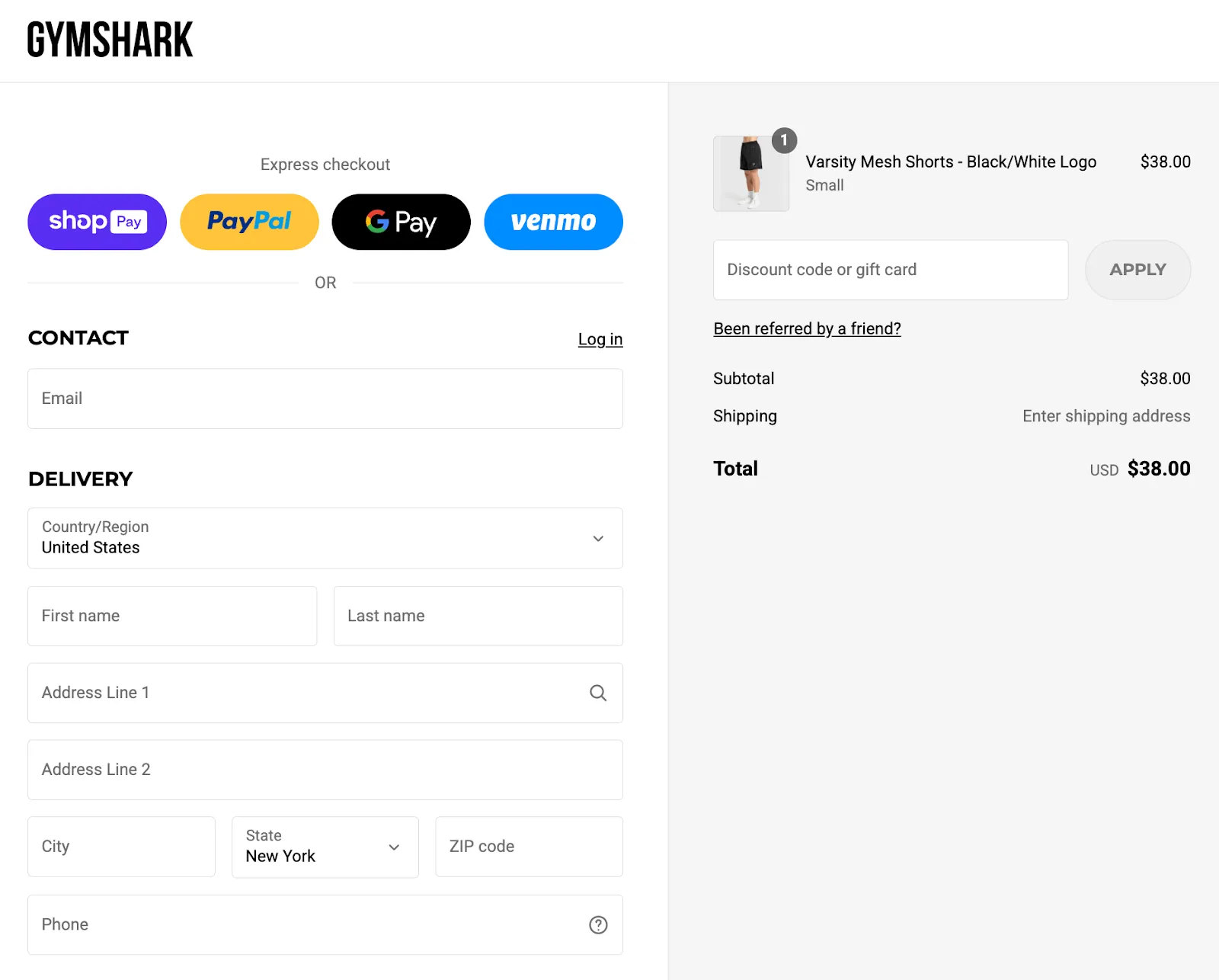
- Generate custom seed audiences based on actual purchase behavior across the entire Shopify network.
- Export these custom lists directly to Meta, Google, and Pinterest to lower your customer acquisition costs.
- To ensure your tracking pixels and Conversions API are feeding clean data to these algorithms, audit your configuration using specialized technical SEO and data tracking services.
Step 4: Use Launchpad and Shopify Flow to Automate Flash Sales and Recovery Campaigns
Manual operations drain your team's time and introduce human error during major sales events. Shopify Plus provides automation tools to run complex campaigns on autopilot, protecting your brand from operational bottlenecks.
- Identify manual tasks in your current promotion cycle, such as price changes or inventory updates.
- Build a Shopify Flow workflow that triggers when inventory drops below 10% to auto-tag products as low stock.
- Configure Launchpad to auto-publish sale-specific landing pages and revert them exactly at 11:59 PM.
- Set up an automated tag for customers with a lifetime value over $500 to trigger exclusive VIP flows.
Step 5: Transition to Shopify Plus B2B to Unlock Wholesale Revenue Streams
Running a separate wholesale store duplicates your inventory management and increases your monthly software overhead. Native Shopify B2B allows you to run DTC and wholesale operations from a single unified admin, instantly diversifying your revenue streams.
- Create company profiles with custom price lists, payment terms, and tax exemptions.
- Enable wholesale buyers to use self-service portals to submit purchase orders and pay via Net 30 or Net 60 terms.
- Setting up native B2B portals often requires custom ERP integrations, which can be handled seamlessly through professional Shopify Plus development services.
Step 6: When to Hire a Specialized Shopify Plus Consultant to Scale Your Operations
Managing an enterprise-level store requires deep technical expertise to maintain high performance while scaling. Knowing when to outsource development prevents costly downtime and lost conversions.
- Hire a consultant when your store's conversion rate drops below 1.5% despite steady traffic volumes.
- Seek external help if your mobile speed score falls below 50 due to bloated app code and unoptimized assets.
- Bring in specialists when integrating complex ERPs, custom warehouse management systems, or multi-currency checkout routing.
How Avelize Approaches Shopify Plus Growth
Our team implements a three-phase optimization framework to transition merchants from flatlined sales to scalable growth. We focus on technical infrastructure, data integrity, and conversion rate optimization to maximize your platform ROI.
- Phase 1: Technical & Checkout Audit (Weeks 1-2): We identify and resolve silent checkout errors, migrate legacy scripts to Shopify Functions, and optimize page speed. KPI: Uptime and checkout load speed.
- Phase 2: Data & Audience Integration (Weeks 3-4): We configure Shopify Audiences and clean up pixel tracking to feed high-intent data to your ad channels. KPI: Lower Customer Acquisition Cost (CAC).
- Phase 3: Automation & B2B Expansion (Weeks 5-8): We deploy Shopify Flow, Launchpad, and native B2B portals to streamline operations and unlock wholesale channels. KPI: Increased Average Order Value (AOV) and operational hours saved.
Ready to unlock the full potential of your enterprise store? Explore our specialized Shopify Plus development services to start scaling your operations today.
Published / Last reviewed: October 2026
Search Intent Refresh Notes
This page has search demand in Google Search Console. Refresh it around the highest-impression query language, add concrete examples, clarify the decision criteria, and link to the most relevant service page or related guide.
Authoritative References
Use these official resources to verify platform-specific claims and implementation details before making commercial or technical decisions.
Related Avelize Services and Guides: Ecommerce Web Design Agency · Conversion Rate Optimization · Plus Customization