
Ecommerce Conversion Rate Calculator: Model Your CRO ROI
By:
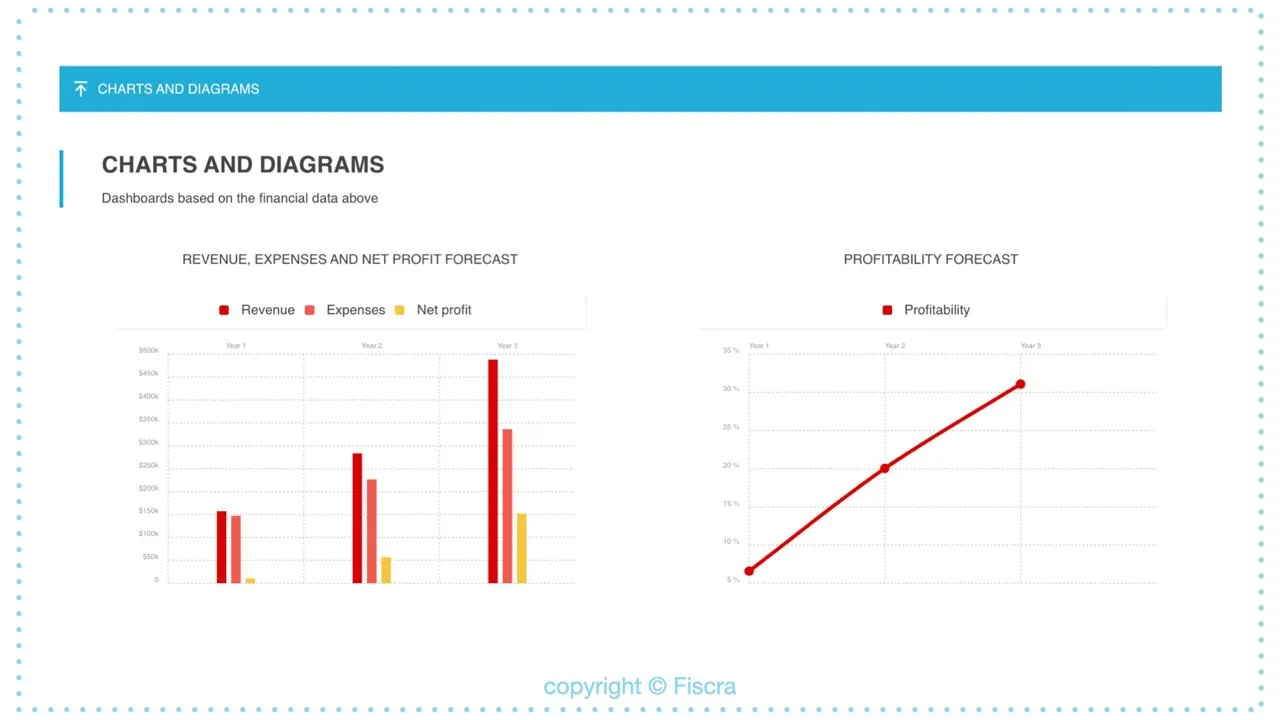
Use this ecommerce conversion rate calculator to model the revenue impact of CRO improvements on your Shopify store — with AOV, sessions, and uplift variables.
To secure engineering budget for conversion rate optimization, merchants must present finance teams with predictive revenue models rather than subjective design theories. An ecommerce conversion rate calculator is a financial modeling tool that multiplies traffic, average order value (AOV), and projected conversion rate increases to isolate the exact revenue impact of site optimizations. By benchmarking current performance and projecting conservative, moderate, and aggressive growth scenarios, e-commerce teams can justify development budgets for high-impact technical upgrades like Shopify Checkout Extensibility.
Key Takeaways
- The Three-Scenario Revenue Model: Always project conservative (+0.10%), moderate (+0.25%), and aggressive (+0.50%) absolute conversion rate increases to establish realistic ROI boundaries.
- Data Sanitization: Filter out internal IP traffic, bot activity, and recurring subscription billing events in Google Analytics 4 (GA4) to prevent baseline metric inflation.
- Checkout Extensibility Migration: Upgrading from legacy checkout.liquid to native Shopify Checkout Extensibility reduces checkout form entry time by up to 20% using 1-click address autocomplete.
- Payback Period Formula: Divide total development costs by projected monthly revenue lift to present CRO as a self-funding engineering project.
How to Use the Ecommerce Conversion Rate Calculator to Project Revenue Lift
An ecommerce conversion rate calculator is a financial modeling tool that multiplies traffic, average order value (AOV), and projected conversion rate increases to isolate the exact revenue impact of site optimizations, helping growth teams justify development budgets for UX and technical performance upgrades.

In our work with merchants, we utilize the Three-Scenario Revenue Model to project exact financial outcomes. This model isolates the financial impact of proposed engineering changes by mapping three distinct performance scenarios:
- Conservative Scenario: Model a +0.10% absolute increase in conversion rate (e.g., moving from 2.0% to 2.1%).
- Moderate Scenario: Model a +0.25% absolute increase in conversion rate.
- Aggressive Scenario: Model a +0.50% absolute increase in conversion rate.
Multiply these baseline changes by your current monthly sessions and AOV using this standard formula: Incremental Revenue = Sessions * (Target CR - Current CR) * AOV. This output directly isolates the monthly financial impact of your proposed engineering changes.
Benchmarking Your Baseline: How to Extract Clean Traffic, AOV, and CR Data in 2026
Before running your calculations, you must strip out seasonal anomalies and bad data that skew your baseline metrics.
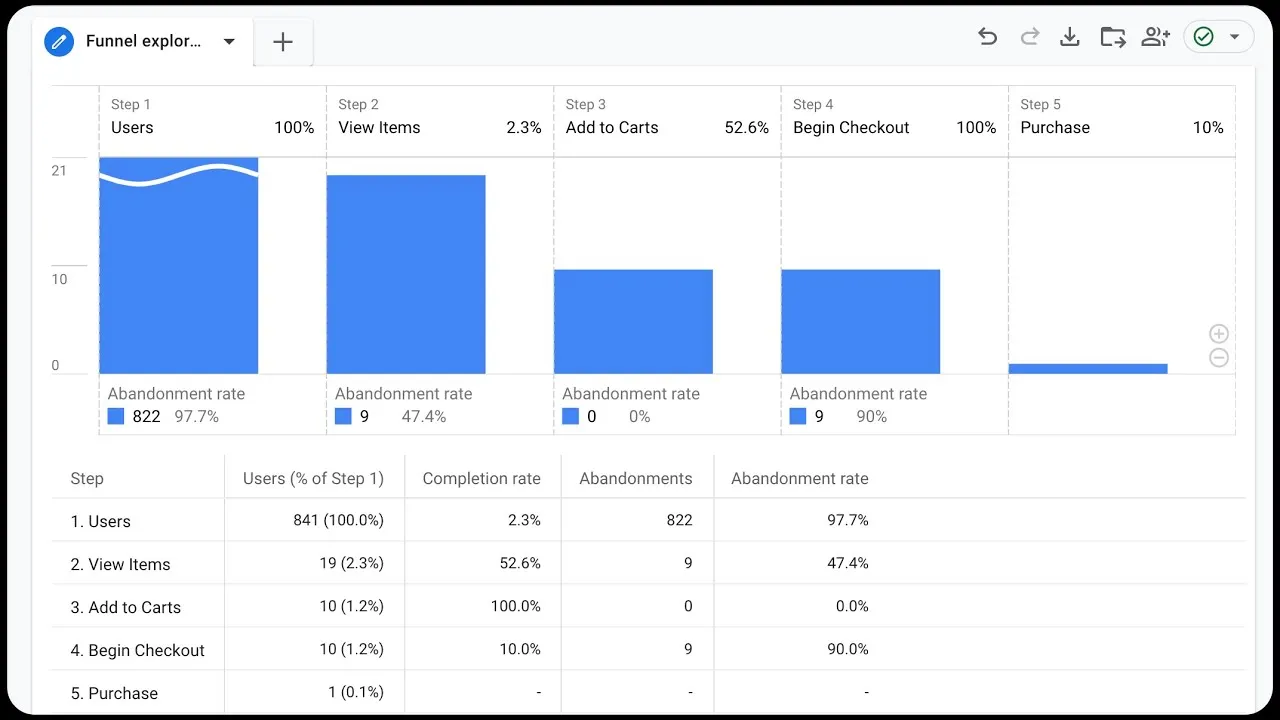
- Filter out internal IP traffic and known bot traffic within your Google Analytics 4 (GA4) property settings.
- Deduplicate Shopify transaction data against your ERP or financial system of record to eliminate canceled or test orders.
- Segment your baseline metrics by device type (mobile vs. desktop) to isolate device-specific friction points.
- Exclude recurring subscription billing events from your active conversion rate benchmarks to prevent artificial inflation of purchase counts.
To ensure your baseline traffic data isn't skewed by slow page loads or technical site errors, audit your analytics setup using professional SEO & Data services.
The Shopify CRO Audit: Pinpointing Funnel Leaks From Cart to Thank You Page
A high-converting checkout requires a frictionless path from the shopping cart to the final purchase confirmation page.
What to Avoid: Common Funnel Audit Mistakes
- Relying on site-wide averages: Analyzing site-wide conversion rates instead of step-specific drop-off rates hides the exact location of funnel leaks.
- Ignoring mobile-specific friction: Overlooking mobile cart-to-checkout abandonment rates, which are typically 10% to 20% higher than desktop rates.
- Bloated checkout scripts: Overloading checkout pages with heavy third-party tracking scripts that delay payment gateway response times.
How to Fix: Step-by-Step Funnel Optimization
- Map the funnel steps: Track the progression from Cart View to Checkout Initiated, Shipping Information, Payment Info, and Completed Purchase.
- Isolate the largest drop-off: If checkout initiation drops by more than 50%, prioritize speed optimization and cart layout simplification.
- Implement targeted UX fixes: Deploy technical optimizations to reduce page load times and form fields. If you lack the internal resources to execute these changes, partner with Design & UX experts to systematically remove these friction points.
Leveraging Checkout Extensibility CRO to Eliminate Friction Points
Shopify Plus merchants must migrate from the legacy checkout.liquid file to Checkout Extensibility to maintain security, speed, and customization capabilities.
- Upgrade to Checkout Extensibility: Replace legacy checkout.liquid templates with Shopify's native, high-performance checkout architecture.
- Implement 1-click address autocomplete: Use native address validation APIs to reduce checkout form entry time by up to 20%.
- Integrate native dynamic upsells: Add targeted, post-purchase offers directly inside the checkout flow without delaying the main transaction.
- Deploy custom-built checkout extensions: To execute these migrations without breaking active tracking scripts, leverage certified Custom Shopify Development to build secure, upgrade-compatible checkout extensions.
Calculating the Payback Period and ROI of Your CRO Implementation
To secure budget approval, present the engineering costs as an investment with a clear payback period rather than an ongoing operational expense.
- Define Total Development Cost: Calculate the total engineering hours required for the migration multiplied by the development rate (e.g., $15,000 total budget).
- Calculate Monthly Revenue Lift: Use your conversion rate calculator output (e.g., a 0.15% lift on 500,000 sessions with a $100 AOV yields $7,500 in new monthly revenue).
- Determine the Payback Period: Divide the total development cost by the monthly revenue lift (e.g.,
$15,000 / $7,500 = 2.0 months). - Project 12-Month ROI: Calculate the annual return using the formula:
((Annual Revenue Lift - Development Cost) / Development Cost) * 100. In this scenario, the 12-month ROI is 500%.
How Avelize Approaches Ecommerce CRO
Our team approaches conversion rate optimization as a precise engineering discipline rather than a subjective design exercise. We execute a structured 45-day CRO program designed to identify, model, and eliminate technical friction points across your storefront.
- Phase 1: Technical & Analytics Audit (Days 1–15) — We audit your GA4 setup and server-side tracking to establish a clean, unskewed data baseline. Cost: Included in program. KPI: 100% data accuracy.
- Phase 2: Funnel Friction Mapping (Days 16–30) — We perform a comprehensive Shopify CRO audit, identifying high-drop-off steps and mobile-specific checkout bottlenecks. KPI: Identification of at least 3 critical friction points.
- Phase 3: Checkout Extensibility Engineering (Days 31–45) — We deploy custom checkout extensions, 1-click autocomplete APIs, and performance optimizations. KPI: Minimum +0.15% absolute conversion rate lift.
To learn more about our technical optimization programs, visit our Technical SEO & GEO programs page.
Published / Last reviewed: May 12, 2026
Ready to eliminate checkout friction and maximize your store's revenue potential? Contact our team today to schedule a technical Shopify CRO audit.
Shopify Plus Conversion Review Framework
Conversion work on Shopify Plus should connect user experience, technical performance, merchandising, checkout behavior, and measurement quality. A redesign alone rarely fixes conversion if the page is slow, the offer is unclear, or analytics cannot explain where users hesitate.
- Review PDP clarity, trust signals, product discovery, and mobile usability.
- Audit app and script impact on Core Web Vitals and checkout flow.
- Compare conversion drop-offs by device, traffic source, product type, and landing page.
- Turn findings into a prioritized CRO backlog with measurable hypotheses.
Authoritative References
Use these official resources to verify platform-specific claims and implementation details before making commercial or technical decisions.
- Shopify Plus overview
- Shopify Functions documentation
- Checkout Extensibility documentation
- Google Search Central: Core Web Vitals
Related Shopify and Ecommerce Growth Guides
Continue with these related guides for implementation, SEO, performance, and conversion context.
Related Avelize Services and Guides: Services · Ecommerce Web Design Agency