
Shopify Plus AI Support Agents: GraphQL and Guardrails
By:
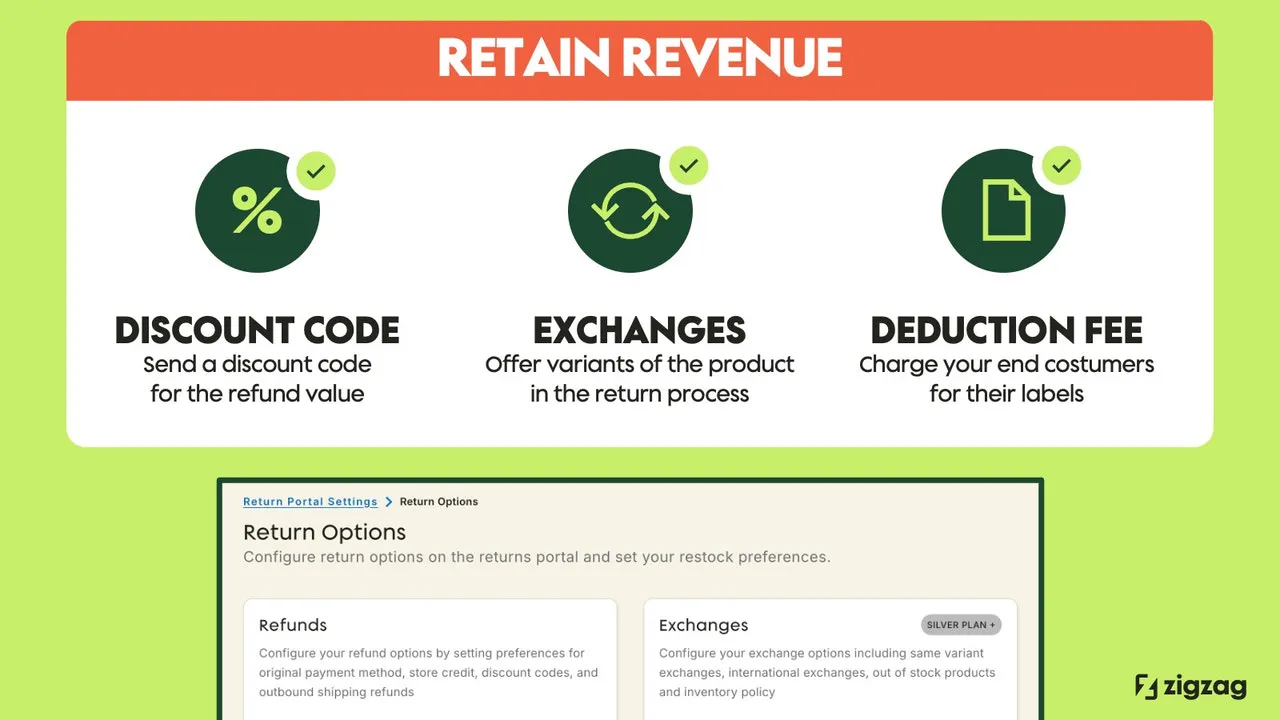
In our work with merchants, we find that traditional rule-based chatbots fail to resolve complex customer tickets like order modifications or partial refunds, forcing customer support teams to perform repetitive manual tasks in the Shopify Admin. To solve this, enterprise brands are implementing agentic commerce on Shopify Plus—a system of autonomous AI agents integrated with the Shopify Admin API to execute read and write database operations securely and without human intervention.
Key Takeaways
- The 65% Resolution Target: Properly configured agentic workflows can autonomously resolve up to 65% of Tier 1 support tickets.
- The Zero-Hallucination Guardrail: Never allow LLMs to write directly to the API without a deterministic validation layer using Pydantic or dry-run queries.
- The $0.30 Interaction Metric: Transitioning to autonomous agents reduces cost per ticket from an average of $6.00 to under $0.30.
- The Gorgias-Zendesk Handover: High-risk actions (refunds over $150 or high fraud scores) must trigger an automated human-in-the-loop (HITL) handover.
Defining the Agentic Stack: How AI Agents Interact with Shopify Plus APIs
Agentic commerce on Shopify Plus refers to the integration of autonomous AI agents with the Shopify Admin API to execute read and write database operations—such as processing exchanges, modifying orders, and issuing refunds—without human intervention, guided by real-time LLM tool calling and deterministic operational guardrails.
While headless storefronts built on Hydrogen optimize Core Web Vitals, and tools like Klaviyo and Triple Whale handle marketing attribution, the transactional core of automation relies on the Shopify GraphQL Admin API. To transition from a basic FAQ chatbot to an autonomous agent, you must implement a multi-layered agentic stack. This stack sits between your customer-facing interface and the Shopify Plus infrastructure.
- The Orchestration Layer: An LLM (such as GPT-4o or Claude 3.5 Sonnet) that parses user intent and selects the appropriate tool schema.
- The Semantic Middleware: A custom application layer that translates natural language requests into structured API inputs. To achieve this, technical teams must build a custom middleware layer using robust custom Shopify development practices.
- The Execution Layer: The Shopify Plus GraphQL Admin API, which processes mutations and returns structured payloads to the middleware.
Step 1: Mapping Support Workflows to Shopify GraphQL Mutations (Refunds, Edits, Exchanges)
AI agents cannot navigate the Shopify Admin UI; they rely entirely on GraphQL mutations. You must map your manual CX workflows to precise API endpoints to enable autonomous execution.
Feature Traditional Chatbots Agentic Commerce (AI Agents) API Capability Read-only / FAQ lookup Read and write (mutations) Decision Engine Static decision trees LLM tool calling & reasoning Resolution Scope Order tracking links Exchanges, refunds, editsOrder Cancellations and Refunds
To cancel an unfulfilled order, the agent must call the orderCancel mutation. For partial or full refunds on fulfilled orders, the agent must first calculate the refund using suggestedRefund, then execute the write operation via refundCreate.
Line Item Modifications
When a customer requests a size or color change before fulfillment, the agent executes a three-step mutation chain:
orderEditBegin: Opens the order for modification and returns an edit ID.orderEditAddLineItemororderEditRemoveLineItem: Adjusts the specific variants.orderEditCommit: Saves the changes and processes any pricing discrepancies.
Inventory-Based Exchanges
The agent queries product variants using productVariant to verify real-time inventory levels. If stock is available, the agent creates a draft order using draftOrderCreate, applies a 100% discount to mirror the exchange value, and sends the checkout link to the customer.
Step 2: Configuring Shopify Plus API Permissions and Webhook Triggers for Real-Time Events
Securing your agentic integration requires configuring custom Shopify App credentials with the absolute minimum required access scopes. Under Tobi Lütke's leadership, Shopify Plus has evolved into an API-first powerhouse, allowing granular control over these permissions.
For brands requiring rapid deployment and enterprise-grade infrastructure, partnering with a specialized Shopify Plus development team ensures secure API orchestration.
Required API Access Scopes
write_ordersandread_orders: Necessary for editing items, processing cancellations, and creating refunds.write_draft_ordersandread_draft_orders: Required to generate exchange orders.read_inventoryandread_products: Needed to verify stock availability before confirming exchanges.
Real-Time Event Webhooks
Configure Event Bridge or HTTPS webhooks to notify your agentic middleware of state changes. Use orders/create to trigger proactive shipping updates, and refunds/create to update customer profiles instantly.
Step 3: Designing the Agentic Decision Engine: Tool Calling and Context Retrieval
The decision engine converts unstructured user inputs into deterministic API calls. This is achieved by registering your Shopify GraphQL mutations as JSON schemas within your LLM's tool-calling configuration.
When a customer states, "I want to change my shipping address to 123 Main St," the LLM parses the input, extracts the parameters, and returns a structured JSON object:
{
  "name": "modify_shipping_address",
  "arguments": {
    "orderId": "gid://shopify/Order/123456789",
    "address": {
      "address1": "123 Main St",
      "city": "Austin",
      "province": "TX",
      "zip": "78701"
    }
  }
}
The middleware intercepts this tool call, executes the orderUpdate mutation, and returns the API response back to the LLM to generate a natural language confirmation.
Step 4: Implementing Strict Guardrails to Prevent Unauthorized API Writes and Hallucinations
Autonomous agents must operate within strict boundaries to protect your store's database and financial ledger, especially during high-traffic events like BFCM.
What to Avoid (Common Mistakes)
- Never allow the LLM to directly write payloads to your Shopify API without an intermediary validation layer.
- Do not use broad, unrestricted API keys that permit catalog deletion or global discount creation.
- Avoid relying on the LLM to calculate refund values, as hallucinated math will lead to financial losses.
How to Fix (Implementation Blueprint)
- Deterministic Validation: Use Pydantic or dry-run API queries to validate all arguments generated by the LLM before they touch Shopify.
- Hard Financial Caps: Restrict autonomous refund tools to a maximum of $100 or 100% of the original order value.
- Rate Limiting: Implement a Redis-backed rate limiter to prevent the agent from executing more than 2 write operations per minute per user session.
- The BFCM-30 Rollback Playbook: We recommend implementing this named pattern, which automatically reverts unauthorized bulk mutations during high-traffic periods.
Step 5: Setting Up the Human-in-the-Loop (HITL) Handover Protocol for High-Risk Escalations
Not all customer requests should be resolved autonomously. High-risk actions require a seamless handover to human support agents.
- Define Threshold Triggers: Flag orders with a high fraud risk score, refund values exceeding $150, or customers exhibiting high frustration levels.
- State Preservation: Save the complete conversation transcript and the proposed payload state in your middleware database.
- Helpdesk Integration: Use the Gorgias or Zendesk API to create a ticket containing the agent's full interaction logs.
- Manual Override UI: Provide human agents with a single-click "Approve Action" button inside their helpdesk sidebar to execute the pending Shopify mutation.
How Avelize Approaches Agentic Commerce Integration
Our team engineers custom agentic commerce integrations over a structured 6-to-8 week deployment timeline. Starting at $15,000, our programs target a 60% reduction in customer support response times and a guaranteed 50% autonomous resolution rate within the first 30 days of launch. We ensure your system is fully optimized for Shopify Plus in 2026 and beyond.
Ready to secure your store's automation and scale your operations? Explore our Shopify Plus development services or contact our team to design your custom agentic commerce stack today.
Published / Last reviewed: 2026-03-30
Authoritative References
Use these official resources to verify platform-specific claims and implementation details before making commercial or technical decisions.
Related Avelize Services and Guides: Generative Engine Optimization · Plus Customization