
Hiring a Shopify Plus SEO Agency: Vetting & ROI Guide
By:
To scale an 8-figure Shopify Plus store, hiring a specialized Shopify Plus SEO agency is critical to protect organic revenue, manage Liquid theme performance, and execute clean migrations. Generic agencies often break native URL routing or bloat themes with heavy apps. Our team at Avelize uses advanced technical frameworks to optimize Shopify's closed architecture, ensuring your migrations and speed optimizations deliver measurable, long-term ROI.
Key Takeaways
- Use the Shopify Plus SEO Vetting Matrix to filter out non-technical agencies during discovery calls.
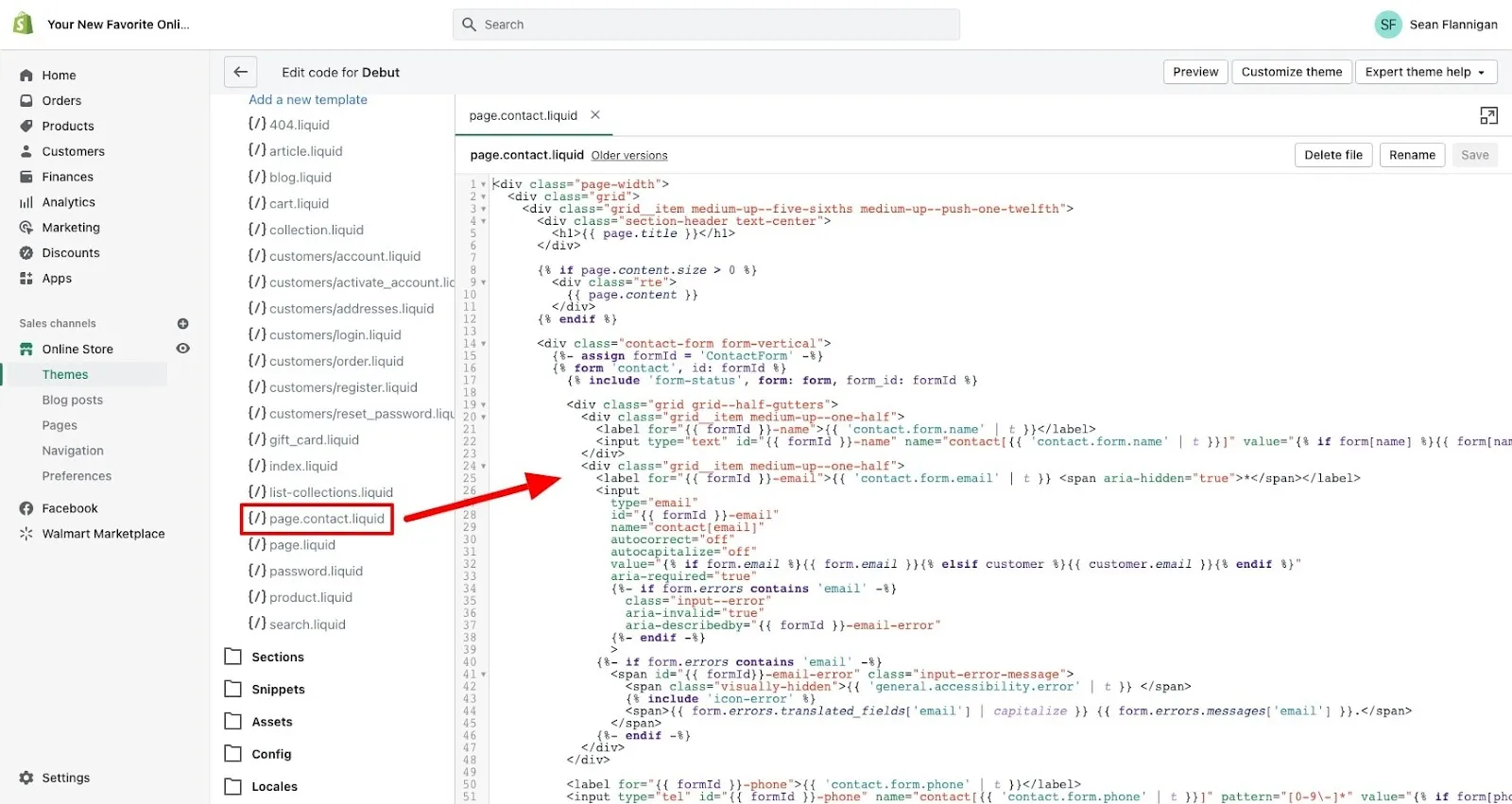
- Resolve duplicate product URLs directly in Liquid templates rather than relying solely on canonical tags.
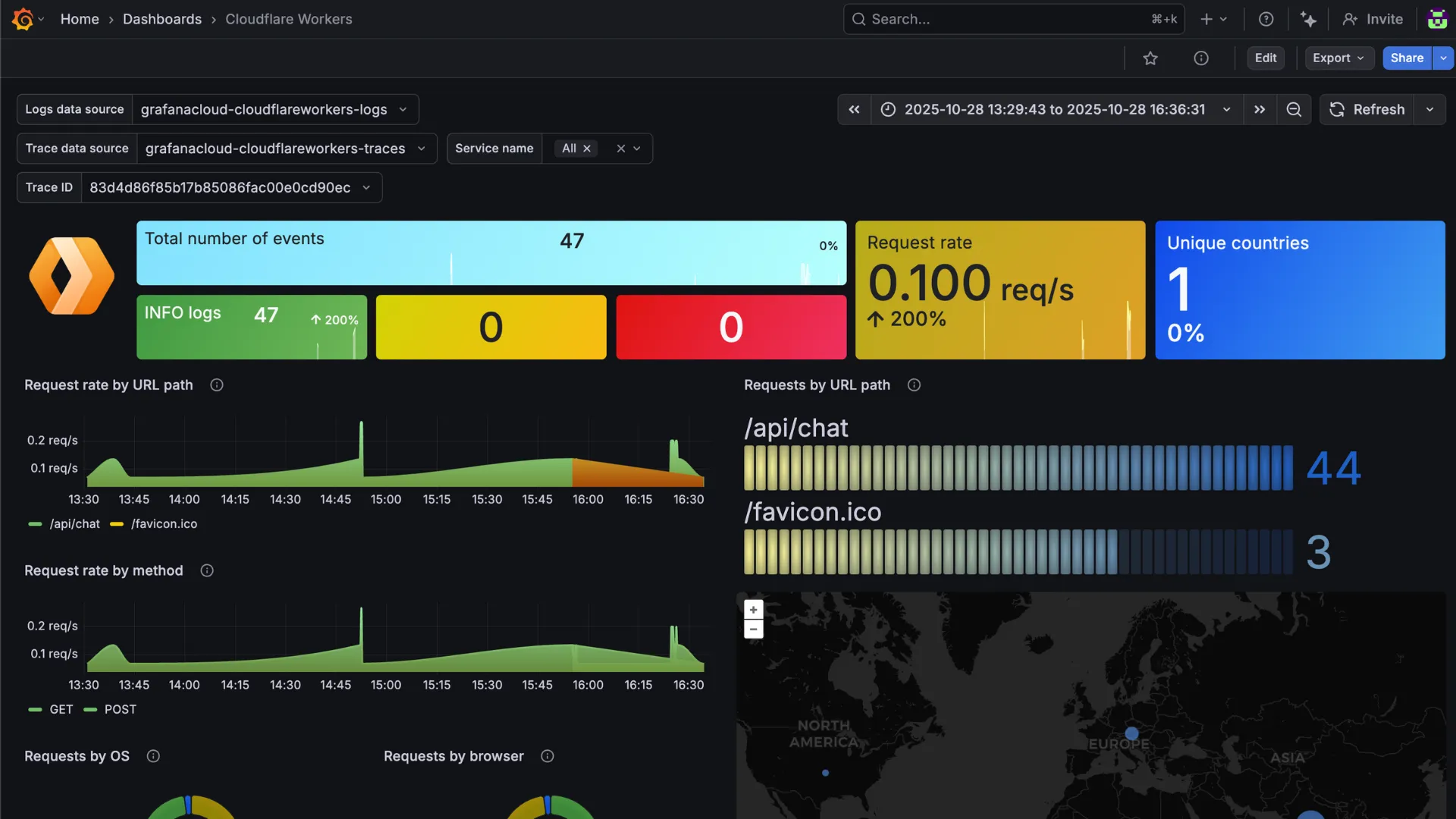
- Bypass Shopify's 100,000 URL redirect limit using edge-computed redirects via Cloudflare Workers.
- Measure agency performance using non-brand CAC equivalency and organic customer LTV metrics.
Why Generic SEO Agencies Fail on Shopify Plus Architecture
Shopify Plus SEO is the specialized practice of optimizing Shopify's proprietary Liquid templating engine, routing architecture, and GraphQL Storefront API to maximize search visibility without degrading Core Web Vitals. Unlike generic agencies, a specialized team writes clean code and safely scales internationalization using Shopify's native multi-currency and localization features.
Shopify Plus operates on a closed, proprietary infrastructure that rejects standard server-side configurations. Generic agencies treat Shopify like open-source platforms, recommending impossible database changes or installing heavy apps that destroy page load speeds.
Key structural limitations generic agencies fail to manage:
- Rigid URL taxonomies: Shopify enforces strict
/products/,/collections/, and/pages/subfolders. - Duplicate content loops: Out-of-the-box collections generate non-canonical product URLs that waste crawl budget.
- App-induced code bloat: Non-specialist agencies install apps to solve basic SEO needs instead of using custom Shopify development to keep the codebase clean.
/products/
Redirect Limits
Installs heavy redirect apps
Implements edge redirects via Cloudflare Workers
Page Speed Optimization
Recommends generic image compression
Prunes unused Liquid code and defers non-critical JS
Robots.txt Customization
Claims robots.txt is uneditable
Customizes robots.txt.liquid dynamically
The Technical SEO Vetting Script: 5 Questions to Prove Platform Expertise
Use this script during agency discovery calls to filter out generic providers. Demand specific technical answers, not high-level strategy.
-
"How do you resolve Shopify's duplicate product URL issue without relying entirely on canonical tags?"
Target Answer: They should explain how to edit the
product-grid-item.liquidormain-collection-product-grid.liquidfile to point directly to the canonical/products/URL instead of the/collections/.../products/path. -
"What is your process for managing redirect limits when migrating 10,000+ URLs?"
Target Answer: They must mention Shopify's 100,000 URL redirect limit and how they use third-party tools or edge redirects (Cloudflare Workers) to handle massive migrations without hitting platform constraints.
-
"How do you optimize Core Web Vitals without breaking our active app integrations?"
Target Answer: They should detail deferring non-critical JavaScript, utilizing Shopify’s native image optimization filters, and auditing the theme's Liquid execution times via specialized speed optimization services.
-
"How do you customize the robots.txt file on Shopify Plus?"
Target Answer: They must reference the
robots.txt.liquidtemplate, which allows custom rules, rather than claiming the file is completely uneditable. -
"How do you handle international SEO across multiple expansion stores?"
Target Answer: They should discuss setting up subfolders via Shopify Markets, mapping hreflang tags dynamically within a single theme, or managing localized content across distinct expansion stores.
Solving Shopify-Specific Technical Hurdles: Liquid Bloat, Redirect Limits, and Robots.txt
In 2026, managing Core Web Vitals on Shopify Plus requires moving away from app-heavy setups. Common technical mistakes include using automated redirect apps that create infinite redirect loops and slow down server response times, allowing SEO apps to inject render-blocking JavaScript files directly into the theme.liquid header, and leaving expired product pages active or redirecting them all to the homepage, which dilutes link equity.
How to Fix and Optimize Your Shopify Plus Architecture
To maintain peak performance, execute these technical fixes directly within your store's theme:
- Prune Liquid Code: Audit your
theme.liquidand remove tracking scripts or app snippets from uninstalled applications. Convert app-based SEO features into native Liquid code to reduce DOM depth. - Streamline Redirects: Keep your redirect list clean by executing a 1:1 mapping of high-value pages. Use bulk import CSVs directly in the Shopify Admin Navigation panel, and never chain redirects.
- Customize Robots.txt: Create a
robots.txt.liquidfile in your theme's templates directory. Add disallow rules for internal search queries (/search) and filtered collection tags to preserve crawl budget for indexable pages.
For complex setups, partner with dedicated technical SEO and data specialists who understand how search engines crawl enterprise Shopify stores.
The ROI Framework: How to Calculate and Attribute Organic Revenue Growth
CFOs do not care about rankings or impressions; they care about incremental yield. To justify your agency spend, you must isolate organic revenue from brand-driven search traffic.
Implement this three-step attribution model:
- Step 1: Segment Brand vs. Non-Brand Traffic. Filter out search queries containing your brand name in Google Search Console. Non-brand traffic is the only true measure of an agency's customer acquisition capability.
- Step 2: Calculate Customer Acquisition Cost (CAC) Equivalency. Multiply your incremental non-brand organic sessions by your average PPC Cost-Per-Click (CPC). This shows how much ad spend the organic traffic saved your brand.
- Step 3: Measure Lifetime Value (LTV) of Organic Customers. Track the first-party purchase data of users acquired via organic search. Organic users typically show a 15-20% higher LTV compared to paid social acquisitions.
Ensure your agency uses advanced custom enterprise development to configure clean server-side tracking, preventing data loss caused by ad blockers and privacy updates.
Service Level Agreements (SLAs) and Red Flags to Watch for in Agency Contracts
Protect your store's performance by tying agency retainers to strict operational and technical SLAs.
Critical SLAs to Include:
- Page Speed Guarantee: The agency must guarantee that any new page template, design change, or content layout maintains a mobile Google Lighthouse performance score of 80+.
- Zero-Error Migration Clause: During migrations or site re-architectures, the agency must guarantee that 100% of high-value traffic URLs are mapped, with a maximum acceptable drop in organic revenue of < 5% over the first 30 days.
- Code Quality SLA: All custom code must be peer-reviewed, documented, and deployed via a staging environment without modifying core theme files directly.
Agency Contract Red Flags:
- Proprietary App Requirements: Run away if the agency demands you install their proprietary Shopify apps to "optimize" your site. This locks you into their ecosystem and bloats your theme.
- Lack of Code Ownership: Ensure your contract states that all custom Liquid, JavaScript, and schema markups created by the agency are 100% owned by your brand.
- Vague Deliverables: Avoid contracts that promise "monthly optimization" without specifying the exact technical audits, code refactoring hours, or content assets to be delivered.
How Avelize Approaches Shopify Plus SEO
Our team implements a 30-day technical audit and code refactoring program to eliminate Liquid bloat and secure your migrations. We establish a clear baseline of your non-brand organic revenue, target a 20% improvement in Core Web Vitals within 60 days, and provide full code ownership of all custom schema and Liquid scripts we deploy.
Ready to scale your store's organic performance? Contact our team of experts at Avelize to discuss our technical SEO and GEO programs today.
Published / Last reviewed: May 24, 2026
Shopify Plus Migration Risk Checklist
A Shopify Plus migration should be planned around risk, not only around launch tasks. The most important work is deciding which URLs, templates, analytics events, redirects, integrations, and checkout flows must survive the move without damaging revenue or organic search visibility.
- Map current revenue-driving URLs and search queries before changing templates.
- Validate redirects, canonicals, structured data, and sitemap output before launch.
- Test checkout, payments, analytics, consent, and third-party scripts in a staging flow.
- Measure Core Web Vitals, conversion rate, crawl errors, and revenue after launch.
Phased Shopify Plus Implementation Plan
For many teams, a phased migration is safer than changing every business-critical system at once. Start with the pages and flows that create the highest revenue or SEO risk, then move into secondary templates, automation, and experimentation after the foundation is stable.
Authoritative References
Use these official resources to verify platform-specific claims and implementation details before making commercial or technical decisions.
Related Shopify and Ecommerce Growth Guides
Continue with these related guides for implementation, SEO, performance, and conversion context.
- B2B Ecommerce ROI Calculator: Justifying Your Shopify Plus Migration
- Hiring a Shopify Plus Consultant: Enterprise Growth Guide
- Vetting a Shopify Plus Consultant: Beyond Agency Retainers
Related Avelize Services and Guides: Shopify Seo Services · Technical Audits · Plus Customization