
Shopify CRO Strategy: Maximize Enterprise AOV & LTV
By:
To maximize conversion rates and scale average order value on Shopify Plus, enterprise brands must move beyond generic apps and deploy native platform capabilities like Checkout Extensibility, Shopify Functions, and the Cart Transform API. In our work with high-volume merchants, we have found that optimizing these native APIs eliminates checkout friction and prevents the latency-driven abandonment common with legacy scripts. By executing a performance-first conversion rate optimization (CRO) program, brands can systematically increase lifetime value (LTV) while maintaining sub-second page speeds.
Key Takeaways
- The Checkout Extensibility Shift: Deprecating
checkout.liquidin favor of native WebAssembly-powered Checkout UI Extensions guarantees rendering times under 50ms. - The Server-Side Tracking Standard: Implementing the Shopify Web Pixels API bypasses browser-side ad blockers to capture 100% of conversion events.
- The Shopify Functions Advantage: Writing custom Rust or JavaScript-based discount logic executes server-side, preventing cart latency and cart-hijacking vulnerabilities.
- The Performance Budget: Keeping Time to First Byte (TTFB) under 300ms protects conversion rates, as every 100ms delay reduces conversions by up to 7%.
Auditing Your Shopify Plus Funnel: Identifying High-Dropoff Nodes in the Enterprise Checkout Journey
A shopify cro strategy is a systematic, data-driven methodology used by enterprise merchants to identify and eliminate friction points across the purchase funnel, utilizing custom Shopify Plus APIs, checkout extensibility, and edge-rendered optimizations to maximize conversion rates and average order value without degrading site performance.
Enterprise funnel analysis requires tracking precise user interactions rather than relying on basic browser-side analytics. Set up server-side tracking via Shopify's Web Pixels API to capture accurate conversion data despite ad blockers and iOS privacy restrictions.
Map your funnel drop-offs using Google Analytics 4 custom funnel exploration paths. Focus your audit on the transition phases where high-intent buyers abandon their carts:
- Collection Page to PDP: Analyze click-through rates on product cards to identify poor visual hierarchy or slow image loading.
- PDP to Cart: Measure the performance of your add-to-cart (ATC) micro-interactions and check for layout shifts.
- Cart to Checkout: Pinpoint latency in cart drawer loading and checkout initiation scripts.
- Checkout Step 1 to Purchase: Track shipping cost calculation latency and payment gateway loading times.
If your audit reveals significant drop-offs at the cart or checkout stage, implement custom-engineered layouts. Deploying optimized conversion-focused Shopify UX design ensures your interface eliminates friction at these critical drop-off nodes.
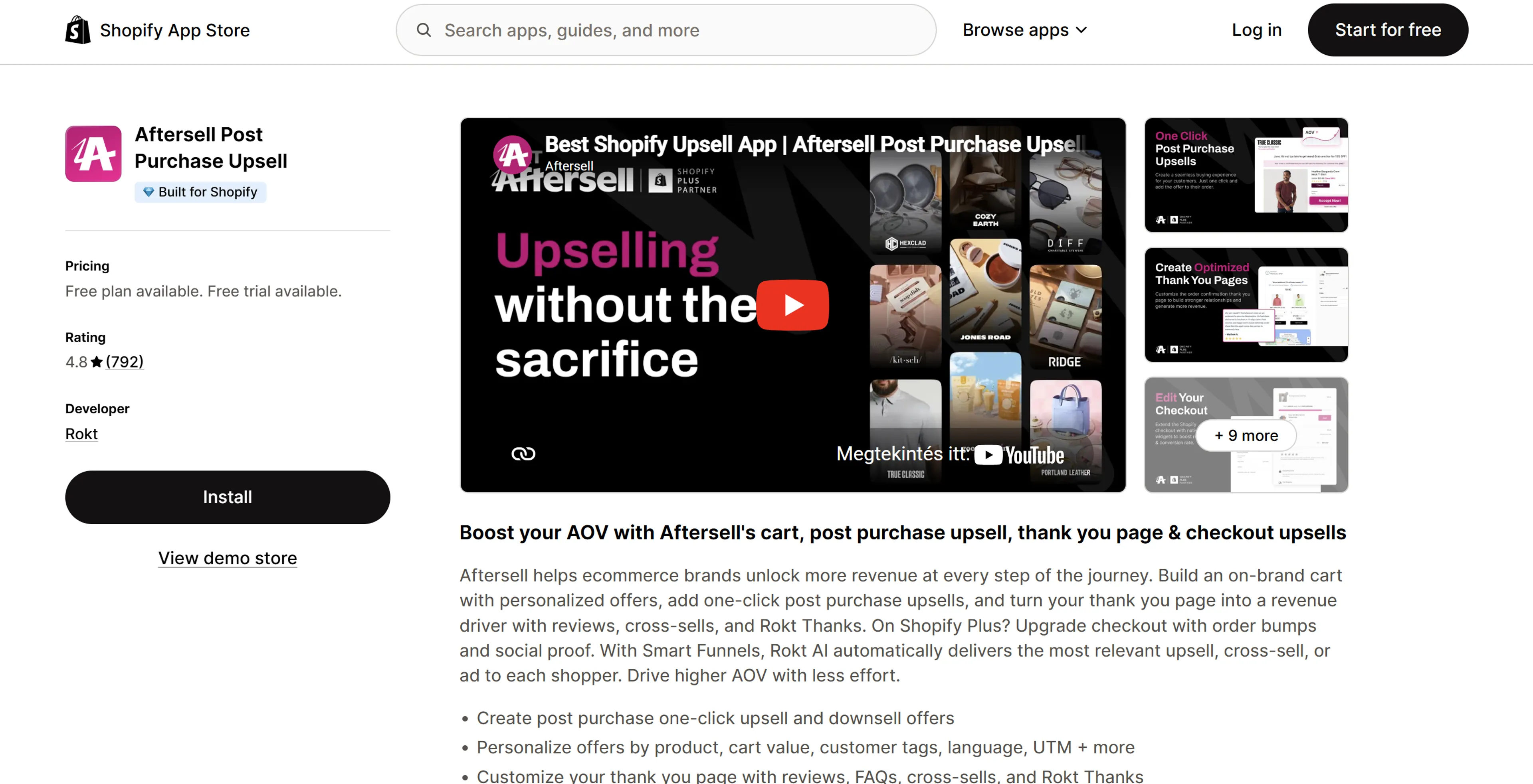
Deploying Shopify Checkout Extensibility: Customizing the One-Page Checkout for High-Converting Post-Purchase Upsells
Shopify has deprecated checkout.liquid in favor of Checkout Extensibility. This upgrade allows Shopify Plus merchants to safely customize the checkout experience using secure, upgrade-safe WebAssembly apps and UI components.
What to Avoid: Legacy Checkout Customization Mistakes
- Do not use custom JavaScript injection inside the checkout to modify prices or hide payment methods.
- Do not route customers through external, third-party checkout subdomains that break tracking and brand consistency.
- Do not load heavy external scripts that delay shipping rate calculations or payment gateway rendering.
How to Implement Post-Purchase Upsells via Checkout UI Extensions
To deploy high-converting, post-purchase upsells directly within the native checkout without slowing down page load times, follow this technical implementation path:
- Step 1: Initialize a new custom app using the Shopify CLI by running
shopify app generate extension. - Step 2: Select the Checkout UI Extension template and target the
purchase.post-purchase.renderextension point. - Step 3: Use the Shopify Storefront API to fetch recommendations based on the items present in the checkout payload.
- Step 4: Render the upsell offer using native Shopify UI components like
Image,Text, andButtonto guarantee <50ms rendering times. - Step 5: Use the
applyCartChangeAPI to add the upsell item directly to the existing order with a single click, bypassing additional payment steps.
Dynamic Bundling Architectures: How to Increase AOV Shopify Plus Using Native Bundles API and Tiered Pricing Logic
Legacy Shopify bundling apps relied on creating draft orders or duplicating variants, which broke inventory synchronization and fragmented product catalogs. The native Shopify Bundles API solves this by treating bundles as standard products with real-time inventory tracking.
To maximize average order value, implement a dynamic, tiered pricing engine at the cart level. This architecture encourages users to unlock higher discount thresholds as their cart value increases.
- Cart Transform API: Use this API to dynamically expand or collapse bundle components within the cart interface, showing customers the exact items they are buying.
- Shopify Functions (Discount APIs): Write custom Rust or JavaScript-based Shopify Functions to execute automatic, server-side tiered discounts (e.g., 10% off at $100, 15% off at $150).
- Real-time Inventory Sync: Ensure bundle parent SKUs automatically adjust their availability based on the lowest common denominator of the child SKU stock levels.
To build these complex, high-performance logic flows without risking checkout performance, leverage specialized custom Shopify development services to write optimized Shopify Functions.
Data-Driven Retention: Leveraging Shopify Customer Accounts and CDPs for Ecommerce LTV Optimization
Acquiring new customers is 5x more expensive than retaining existing ones. Use Shopify's New Customer Accounts platform to build personalized post-purchase portals that drive repeat purchases.
Integrate a Customer Data Platform (CDP) like Segment or Klaviyo directly with Shopify's customer accounts to create a continuous data feedback loop:
- Zero-Party Data Collection: Embed custom fields in the customer registration form using Customer Account UI Extensions to capture buyer preferences.
- Dynamic Account Dashboards: Display personalized product recommendations and exclusive reorder discounts based on previous purchase history.
- One-Click Reordering: Add a direct "Buy It Again" button in the customer portal that automatically populates the checkout with their exact historical order specifications.
Performance-First CRO: Optimizing Liquid Code, Edge Delivery, and Headless Frameworks to Prevent Latency-Driven Abandonment
A 100ms delay in page load speed can reduce conversion rates by up to 7%. High-volume enterprise stores must prioritize performance-first development to protect their conversion rates.
Optimize your storefront delivery architecture by executing these performance audits:
- Liquid Code Optimization: Eliminate nested loops (
{% for %}inside{% for %}) and replace slow theme-level filtering with the Shopify Search & Discovery API. - Edge Delivery via Cloudflare: Cache static HTML and optimize image assets at the nearest edge server to achieve a Time to First Byte (TTFB) of <200ms.
- Third-Party Script Management: Load non-critical marketing pixels asynchronously through Shopify's secure Web Pixels API, keeping them out of the critical rendering path.
If your current Liquid theme cannot hit sub-second load times due to legacy app bloat, consider migrating to a headless architecture using Shopify Hydrogen and Oxygen. For immediate speed improvements on your existing store, execute a targeted Shopify speed optimization audit to clean up render-blocking resources.
Vetting Enterprise Conversion Services: 5 Technical Questions to Ask a Shopify CRO Agency Before Hiring
Many conversion agencies rely on generic templates and heavy client-side testing scripts that slow down your store. Use this technical checklist to screen potential partners before signing a contract:
- How do you execute A/B tests without hurting Core Web Vitals? (Look for agencies that use server-side testing or edge-based testing via Cloudflare Workers rather than heavy client-side JavaScript libraries).
- What is your approach to customizing the checkout flow? (Ensure they build native Checkout UI Extensions and Shopify Functions, not legacy checkout.liquid hacks or third-party checkout hijacks).
- How do you handle inventory and accounting reconciliation for dynamic bundles? (They must use the native Shopify Bundles API and Cart Transform API to prevent ERP and 3PL sync failures).
- How do you track conversion events across cookieless browsers? (They should have experience setting up server-side tracking using Shopify's Web Pixels API and Google Tag Manager Server-Side).
- Can you show us how your custom features impact our site's TTFB? (A qualified agency should provide performance budgets showing that new features will not push your TTFB past the 300ms threshold).
How Avelize Approaches Shopify CRO
Our team engineers custom conversion programs tailored to high-volume Shopify Plus merchants. We do not rely on off-the-shelf apps that bloat your DOM and slow down your site. Instead, we build native, high-performance solutions designed to scale.
- Technical Funnel Audit (Weeks 1-2): We map your checkout funnel using server-side tracking and GA4 to identify latency and drop-off nodes. KPI: 100% tracking accuracy.
- Native Checkout Customization (Weeks 3-6): We build custom Checkout UI Extensions and Shopify Functions to implement post-purchase upsells and dynamic bundling. KPI: <50ms rendering times.
- Performance & Speed Optimization (Ongoing): We optimize Liquid code, manage third-party scripts via Web Pixels API, and implement edge caching. KPI: TTFB under 200ms.
To learn more about our structured approach, explore our Conversion Rate Optimization (CRO) retainers.
Frequently Asked Questions
Is Shopify Checkout Extensibility worth it for enterprise brands?
Yes, migrating to Checkout Extensibility is highly beneficial for enterprise brands operating on Shopify Plus. This modern framework replaces the legacy checkout.liquid file with a secure, modular architecture built on WebAssembly. By utilizing native Checkout UI Extensions and Shopify Functions, our development team can implement custom post-purchase upsells, custom fields, and complex tiered discount logic directly within the checkout flow without compromising security or platform upgrade paths. Because these extensions run on Shopify's edge infrastructure, they guarantee rendering times under 50 milliseconds. This ultra-low latency directly protects conversion rates from the abandonment typical of legacy, client-side JavaScript modifications. Furthermore, this architecture integrates seamlessly with Shopify's native Bundles API and Cart Transform API, ensuring that inventory levels and ERP systems remain perfectly synchronized across high-volume sales events like BFCM without requiring unstable third-party middleware or custom draft order hacks.
How long does a Shopify CRO implementation take?
A standard enterprise Shopify CRO implementation ranges from 4 to 8 weeks. The initial technical audit and tracking setup take 2 weeks, followed by 2 to 4 weeks of custom development for Checkout UI Extensions and Shopify Functions. Continuous A/B testing and performance monitoring are conducted on an ongoing monthly basis.
What is the difference between client-side and server-side CRO testing?
Client-side testing relies on browser-executed JavaScript to modify the page layout after it loads, which often causes a "flicker" effect and degrades Core Web Vitals. Server-side testing executes the layout changes on the server or at the CDN edge (using technologies like Cloudflare Workers) before the HTML is delivered to the browser. This ensures zero layout shift, maintains sub-second page speeds, and bypasses browser-based ad blockers, resulting in clean data and a superior user experience.
Published / Last reviewed: February 2026
Related Shopify and Ecommerce Growth Guides
Continue with these related guides for implementation, SEO, performance, and conversion context.
- Shopify Markets Local SEO: Enterprise Subfolder Strategy
Shopify Plus Conversion Review Framework
Conversion work on Shopify Plus should connect user experience, technical performance, merchandising, checkout behavior, and measurement quality. A redesign alone rarely fixes conversion if the page is slow, the offer is unclear, or analytics cannot explain where users hesitate.
- Review PDP clarity, trust signals, product discovery, and mobile usability.
- Audit app and script impact on Core Web Vitals and checkout flow.
- Compare conversion drop-offs by device, traffic source, product type, and landing page.
- Turn findings into a prioritized CRO backlog with measurable hypotheses.
Authoritative References
Use these official resources to verify platform-specific claims and implementation details before making commercial or technical decisions.
- Shopify Plus overview
- Shopify Functions documentation
- Checkout Extensibility documentation
- Google Search Central: Core Web Vitals
Related Avelize Services and Guides: Conversion Rate Optimization · Store Redesign · Custom Apps