
Shopify Flow Enterprise: Compliance & Reporting Guide
By:
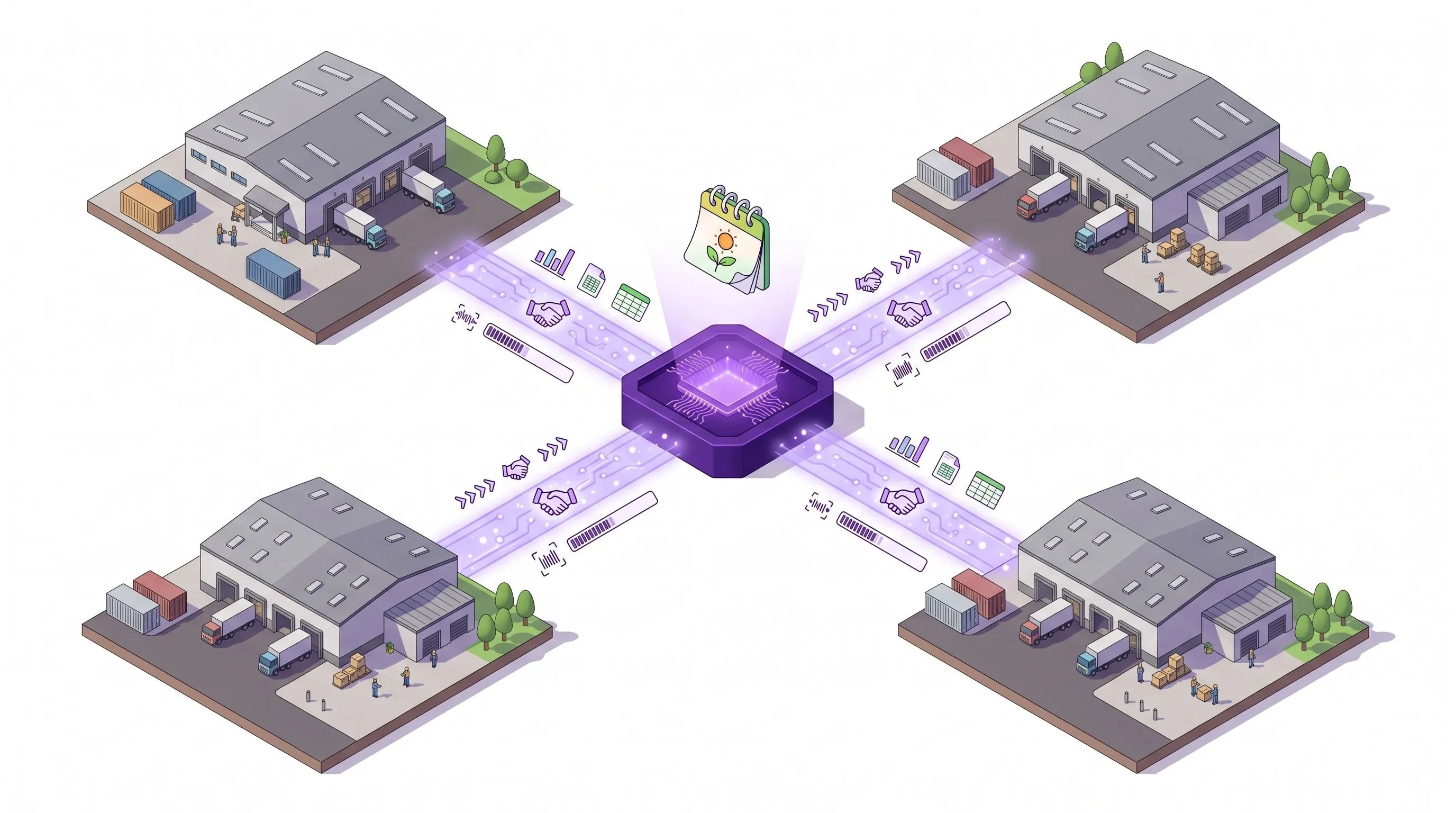
How do enterprise merchants scale backend operations without expensive custom middleware? Shopify Flow Enterprise is a native automation engine that orchestrates complex workflows, connects external databases via secure HTTP requests, and executes event-driven pipelines at scale. In our work with merchants, we deploy these workflows to eliminate manual compliance overhead and stream real-time transactional data directly to enterprise data warehouses.
Key Takeaways
- Native Scale: Supports up to 100 runs per second on Shopify Plus to handle high-volume flash sales.
- Compliance Automation: Eliminates manual overhead by automating GDPR/CCPA data purges and B2B tax-exempt validation.
- Real-Time Data Pipelines: Replaces batch ETL tools by streaming transactional data directly to BigQuery and Snowflake.
- Fail-Safe Architecture: Implements proactive error-catching and alerting via Slack and Microsoft Teams webhooks.
Configuring Shopify Flow Enterprise: Rate Limits, Webhook Triggers, and Authentication
Shopify Flow Enterprise is an advanced automation engine for Shopify Plus merchants that orchestrates backend processes, connects external databases via secure HTTP requests, and executes event-driven workflows at scale without custom middleware code, supporting up to 100 runs per second to ensure seamless enterprise data synchronization.
To establish secure connections between Shopify Flow and your internal corporate systems, you must configure authenticated HTTP requests. The engine supports standard authentication protocols to keep your data pipelines secure.
- Authentication Protocols: Utilize Bearer Tokens or API keys within the HTTP request headers. For highly complex integrations requiring custom endpoints, utilizing e-commerce app and integration development ensures secure token exchange.
- Webhook Triggers: Bind workflows to specific platform events such as
Order created,Inventory quantity changed, orCustomer createdto minimize unnecessary runs. - Rate Limit Management: Shopify Flow limits external HTTP requests to 100 requests per minute per shop. Design your endpoints to return a
429 Too Many Requestsstatus code to trigger Shopify's built-in retry logic.
Shopify Flow vs. Custom Middleware in 2026
Feature Shopify Flow Enterprise Custom Middleware (AWS/Heroku) Hosting & Maintenance Fully managed, native to Shopify Plus Self-hosted, requires security patches Rate Limits 100 requests/min (external HTTP) Unrestricted (defined by infrastructure) Execution Speed Up to 100 runs per second Variable based on server resources Setup Complexity Low-code, visual builder High, requires full-stack developmentEcommerce Compliance Automation: Executing GDPR/CCPA Data Deletions and Tax-Exempt Verification
Enterprise merchants must automate regulatory compliance to avoid costly legal penalties. Shopify Flow allows you to programmatically handle data privacy mandates and tax exemptions without manual intervention.
For GDPR and CCPA compliance, you can automate the erasure of customer data across third-party systems when a deletion request is initiated.
- Trigger: Use the
Customers redacttrigger to initiate the workflow. - Action: Send an HTTP POST request containing the obfuscated customer ID to your external CRM, ERP, and email marketing platforms to purge PII.
- Verification: Log the successful deletion receipt in a secure, centralized compliance ledger.
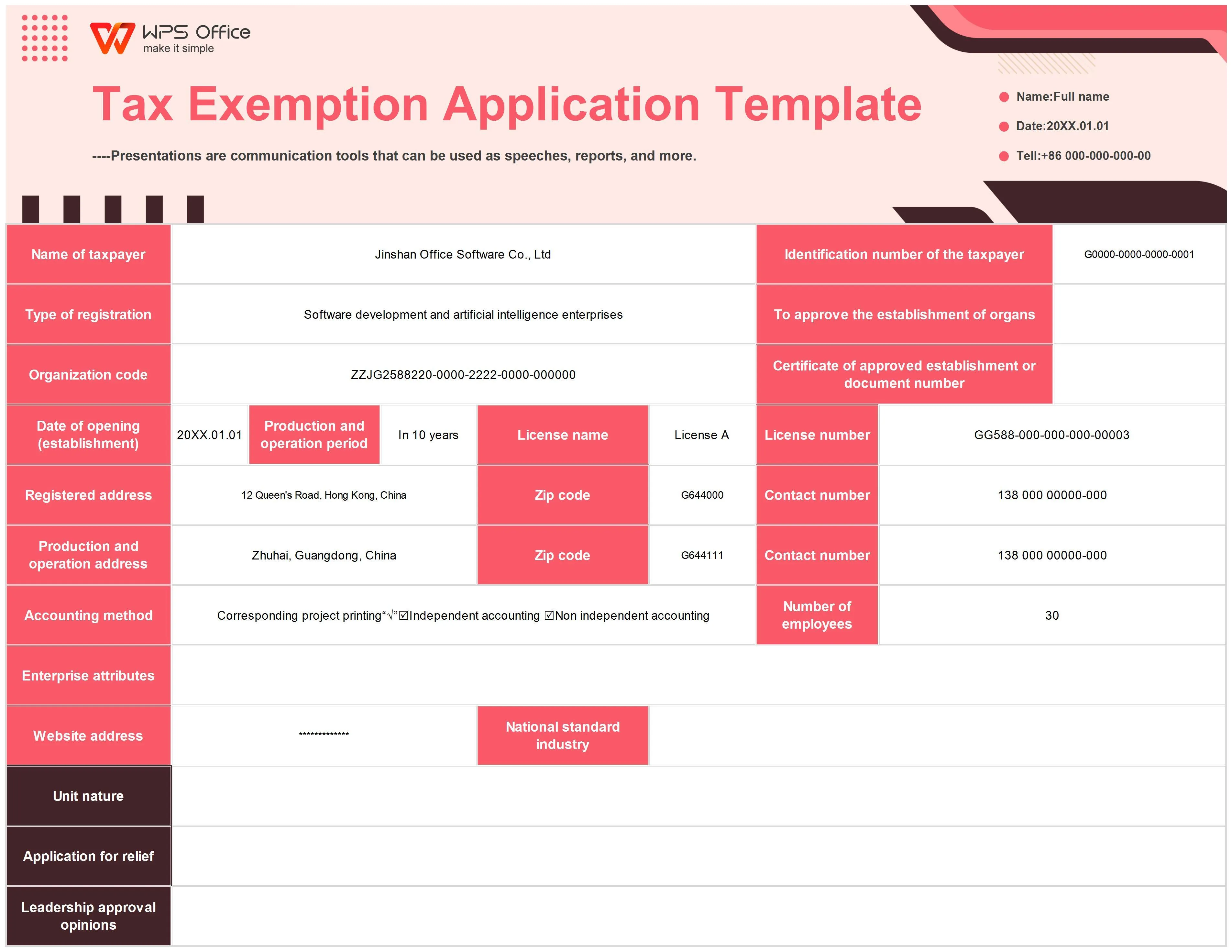
For B2B tax-exempt verification, automate the validation of business tax credentials to prevent fraudulent tax-free purchases.
- Workflow: Trigger on
Customer created. - Condition: Check if the customer profile contains a tax ID or a specific registration tag.
- Action: Query an external tax validation API (such as Avalara or a state database). If validated, apply the
tax-exemptstatus tag to the Shopify customer profile; if invalid, remove the tag and notify the account manager.
Advanced Reporting Integrations: Pushing Real-Time Order and Inventory Data to BigQuery and Snowflake
Maintaining a single source of truth requires streaming transactional data directly into your enterprise data warehouse. Shopify Flow eliminates the need for batch ETL tools by pushing real-time payloads to cloud warehouses.
To maintain clean analytical pipelines, aligning your automation architecture with expert technical SEO and data services prevents reporting discrepancies and ensures data integrity across all channels.
- Data Streaming: Use the
Send HTTP requestaction on theOrder paidtrigger to send JSON payloads directly to a Google Cloud Function or AWS Lambda endpoint. - Data Transformation: The cloud function parses the Shopify JSON payload, formats it to match your schema, and streams it into Google BigQuery or Snowflake tables.
- Inventory Syncing: Trigger on
Inventory quantity changedto update your warehouse tables instantly, ensuring your business intelligence tools reflect accurate stock levels.
Managing High-Volume Workflows: Concurrency Limits and Queue Optimization in Shopify Plus
High-volume events like flash sales can overwhelm external APIs and cause workflow failures. Managing concurrency is critical to maintaining operational stability.
What to Avoid
- Infinite Loops: Avoid workflows that update an object attribute which subsequently triggers the same workflow (e.g., updating an order note on an "Order updated" trigger).
- Unthrottled API Calls: Do not send direct HTTP requests to legacy ERP systems that cannot handle concurrent spikes of 50+ requests per second.
- Over-filtering: Avoid nesting more than 5 conditional blocks in a single workflow, which increases execution latency.
How to Fix and Optimize (Implementation Checklist)
- Apply Strict Run Conditions: Configure your workflow triggers to check for specific tags or attributes (e.g., run only if tag
Processedis false) to prevent redundant runs. - Utilize Delay Steps: Insert a
Delayaction (ranging from 1 minute to 7 days) before calling external APIs to spread out the processing load. - Implement a Queue Buffer: Instead of hitting your ERP directly, send Shopify Flow payloads to an Amazon SQS or Google Cloud Pub/Sub queue to throttle consumption rates.
Error Handling and Alerting: Building Fail-Safe Monitoring via Slack and Microsoft Teams Webhooks
Silent workflow failures can halt order fulfillment and disrupt data pipelines. You must build proactive error-catching mechanisms directly into your Shopify Flow configurations.
- Conditional Error Checking: For critical HTTP requests, configure the workflow to inspect the response status code. If the response is not
200 OK, branch the workflow to an error-handling path. - Slack Webhook Integration: Send a POST request to a Slack incoming webhook channel. Format the payload to include the workflow name, the failed Order ID, and the error code.
- Microsoft Teams Alerting: Use a Teams incoming webhook to post structured Office 365 Connector cards, allowing operations teams to view failure details and click a direct link to the failed Shopify Flow run.
How Avelize Approaches Enterprise Automation
We engineer robust, fail-safe automation pipelines tailored to your enterprise operational constraints. Our structured deployment process ensures zero data loss and maximum efficiency:
- Phase 1: Architecture Mapping & API Audit (Week 1): We map your existing data flows and audit external endpoint capacities to prevent rate-limiting bottlenecks.
- Phase 2: Workflow Engineering & Custom Endpoints (Weeks 2-3): Our team builds the Shopify Flow logic, configures secure authentication, and develops intermediary cloud functions if data transformation is required.
- Phase 3: Edge-Case Testing & Monitoring Setup (Week 4): We simulate high-volume traffic spikes and API failures to verify that retry logic and webhook alerts function perfectly.
Ready to scale your enterprise automation without the overhead of custom middleware? Explore our e-commerce app and integration development services to build secure, high-performance workflows today.
Published / Last reviewed: October 24, 2026
Authoritative References
Use these official resources to verify platform-specific claims and implementation details before making commercial or technical decisions.
Related Avelize Services and Guides: Custom Apps · Plus Customization · Ecommerce Web Design Agency