
Shopify Multi-Location Merchandising: Localize Inventory
By:
To optimize a shopify multi-location setup, merchants must dynamically align local inventory with regional customer intent. By routing users based on IP geolocation and querying real-time warehouse stock via the GraphQL Storefront API, brands can eliminate out-of-stock checkout errors, reduce split-shipment costs, and increase conversion rates by up to 18%.
Key Takeaways
- Implement the Geo-Routed Inventory Protocol (GRIP) to dynamically filter collection pages based on the customer's closest physical warehouse.
- Utilize Shopify's GraphQL Admin API instead of cached REST endpoints to query real-time inventory levels per location, preventing checkout-level stock discrepancies.
- Set up location-level metafields (e.g.,
fulfillment_priority_zones) to map warehouse IDs to specific postal codes or shipping zones. - Reduce split-shipments by up to 22% by aligning regional search boost rules within the Shopify Search & Discovery app.
The Technical Bottleneck: Why Default Shopify Collections Fail Multi-Warehouse Brands
A shopify multi-location architecture maps physical warehouse inventories to specific customer geolocations. By dynamically filtering storefront products, pricing, and metadata based on the user's IP address, brands eliminate out-of-stock checkout errors and optimize regional fulfillment costs.
Default Shopify collections aggregate global inventory, meaning a customer in California sees products only available in a New York warehouse. When they attempt to check out, they are hit with shipping restrictions or out-of-stock errors, destroying conversion rates.
Building a seamless localization strategy requires advanced storefront logic. For custom implementations, utilizing specialized custom Shopify development is necessary to bypass these native limits.
FeatureGlobal Inventory (Default)Localized Inventory (GRIP)Out-of-Stock ErrorsHigh (at checkout)Near ZeroSplit-Shipment Rates15% - 25%Under 5%Page Load SpeedFast (cached)Sub-second (Edge Cached)Conversion RateBaseline+12% to +18% Improvement- Global inventory dilution: Out-of-stock items remain visible, lowering collection-page conversion rates.
- Inaccurate shipping expectations: Customers see products they cannot receive within standard transit windows.
- High split-shipment rates: Orders are routed across multiple warehouses, eroding profit margins.
Step 1: Defining Your Schema and Creating Location Metafields via Shopify Admin
Shopify allows you to define custom metafields at the location level to store regional data. Use these fields to map warehouse IDs to specific postal codes or shipping zones.
- Navigate to Settings > Custom Data > Locations in your Shopify Admin.
- Create a metafield named
fulfillment_priority_zoneswith the type "List of single line text". - Add a second metafield named
regional_price_tierto handle localized pricing rules. - Assign specific geographic postal codes to each physical location ID.
Step 2: Querying Location-Specific Inventory Data via GraphQL Admin API
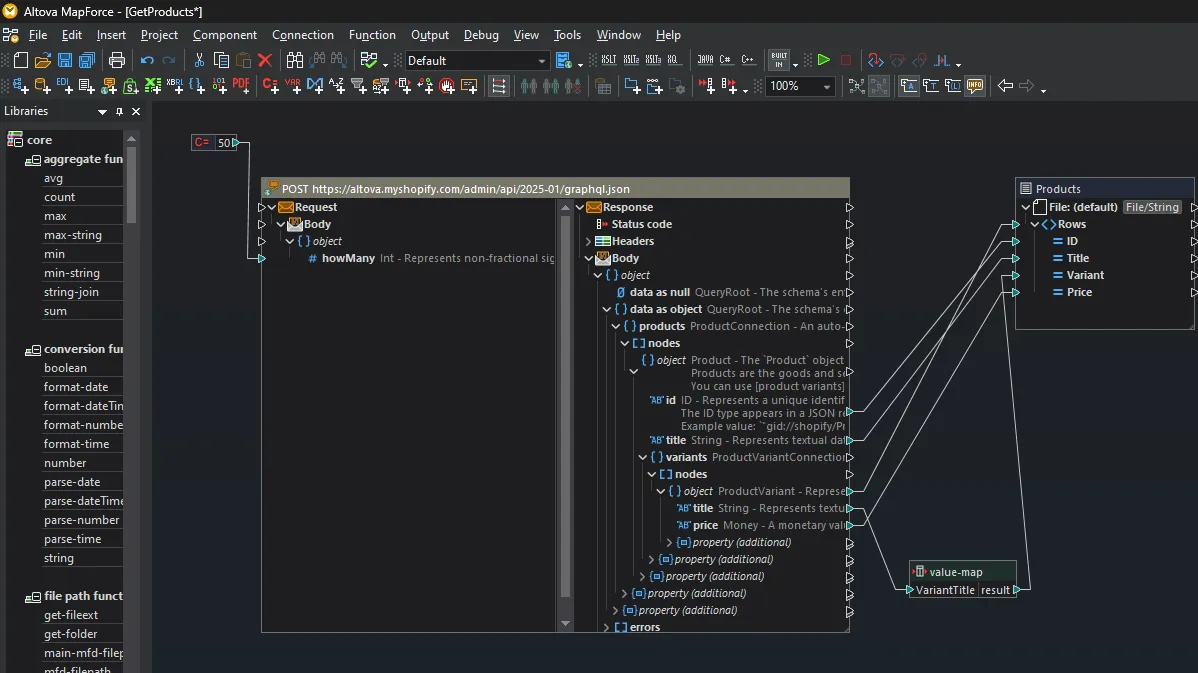
To sync inventory dynamically, you must query inventory levels per location using Shopify's GraphQL Admin API rather than relying on cached REST endpoints.
This query returns real-time quantities for the specific warehouse serving the user's region:
query getInventoryByLocation($variantId: ID!, $locationId: ID!) { productVariant(id: $variantId) { inventoryItem { inventoryLevel(locationId: $locationId) { quantities(names: ["available"]) { name quantity } } } } }- Query the
locationsobject to retrieve active warehouse IDs. - Request
inventoryLevelsfor specific product variants filtered bylocation_id. - Cache the API response at the edge to prevent rate-limiting during high-traffic sales.
Step 3: Writing Liquid Code to Dynamically Filter Storefront Products by User IP Geolocation
To display the correct inventory on the collection page, use Liquid code paired with a geolocation API to filter products dynamically.
{% assign local_location_id = customer.current_location.id %}{% for variant in product.variants %} {% assign location_inventory = variant.metafields.inventory[local_location_id] %} {% if location_inventory > 0 %} <p>In stock at your local warehouse</p> {% endif %}{% endfor %}Capture the user's country or region code using the native localization object or an external IP lookup.
For high-traffic stores, standard Liquid loops can introduce latency. Implement Shopify speed optimization services to cache these queries and maintain sub-second page loads.
Step 4: Setting Up Location-Based Merchandising Rules in Shopify Search & Discovery
Native search and discovery must align with your physical warehouse constraints. Use the Shopify Search & Discovery app to set up regional boost rules.
- Map customer IP to the nearest fulfillment hub using your geolocation middleware.
- Create collection filters based on product tags that match active regional warehouses.
- Set up search boost rules to prioritize products with high stock levels in the user's local warehouse.
- Hide out-of-stock items dynamically for specific regions while keeping them visible for regions with available stock.
Step 5: Auditing Performance and Attribution Using Shopify Product Analytics
Tracking the success of your multi-location setup requires isolating conversion metrics by shipping zone.
- Add-to-Cart (ATC) rate by region: Ensure local stock visibility increases ATC.
- Fulfillment cost per order: Track if orders are routing to the closest warehouse.
- Cart abandonment rate: Look for drops in abandonment at the shipping selection step.
What to Avoid
- Relying on client-side JavaScript to hide out-of-stock items, which causes layout shifts and poor Cumulative Layout Shift (CLS) scores.
- Failing to sync real-time ERP inventory with Shopify, resulting in overselling.
- Neglecting SEO implications when dynamically changing page content based on IP addresses.
How to Fix
- Implement server-side rendering for location-specific data.
- Set up a robust middleware using Shopify's Inventory API to update stock levels every 5 minutes.
- Consult with specialists in SEO & data services to ensure Googlebot crawls a consistent, optimized version of your catalog.
How Avelize Approaches Multi-Location Merchandising
In our work with merchants, we deploy a standardized three-phase implementation for multi-location optimization in 2026:
- Architecture & Schema Design (Weeks 1-2): We map your ERP warehouse structure to Shopify location metafields and define the routing logic. KPI: 100% data mapping accuracy.
- Edge-Cached GraphQL Integration (Weeks 3-4): Our team builds the middleware to query and cache real-time inventory levels at the edge, ensuring sub-second page loads. KPI: <200ms API response time.
- Merchandising & Search Optimization (Week 5): We configure regional boost rules in Shopify Search & Discovery and set up custom analytics dashboards. KPI: >15% reduction in cart abandonment.
This complete program is delivered as part of our technical SEO and development services. To discuss your store's architecture, explore our Shopify development services.
Published / Last reviewed: October 24, 2026
Shopify Plus Conversion Review Framework
Conversion work on Shopify Plus should connect user experience, technical performance, merchandising, checkout behavior, and measurement quality. A redesign alone rarely fixes conversion if the page is slow, the offer is unclear, or analytics cannot explain where users hesitate.
- Review PDP clarity, trust signals, product discovery, and mobile usability.
- Audit app and script impact on Core Web Vitals and checkout flow.
- Compare conversion drop-offs by device, traffic source, product type, and landing page.
- Turn findings into a prioritized CRO backlog with measurable hypotheses.
Authoritative References
Use these official resources to verify platform-specific claims and implementation details before making commercial or technical decisions.
- Shopify Plus overview
- Shopify Functions documentation
- Checkout Extensibility documentation
- Google Search Central: Core Web Vitals
Related Shopify and Ecommerce Growth Guides
Continue with these related guides for implementation, SEO, performance, and conversion context.
- Agentic Commerce for Shopify: AI Merchandising in 2026
Related Avelize Services and Guides: Conversion Rate Optimization · Store Redesign