
Shopify Plus Canonicalization: Fix Duplicate Content
By:
Stop wasting crawl budget — force clean root URLs to maximize search rankings with proper Shopify Plus canonicalization.
Shopify Plus canonicalization is the technical process of resolving duplicate product URLs generated by collection paths (e.g., /collections/.*/products/.*) by forcing search engines to index only the root product URL (/products/product-name). In our work with merchants, we find that correcting this architectural flaw prevents split internal link equity, optimizes crawl budget, and ensures search engines index the correct canonical version of your product pages.
Key Takeaways
- The Liquid-Strip Pattern: Removing the
| within: collectionfilter from theme files immediately forces collection grids to link directly to clean root URLs. - Crawl Budget Recovery: Eliminating duplicate collection paths can reduce crawled-but-not-indexed bloat by up to 40% on large enterprise catalogs.
- PageRank Consolidation: Directing all internal links to the root product URL prevents dilution of organic authority across duplicate URLs.
- Avoid Robots.txt Blocks: Blocking duplicate paths via robots.txt prevents search engines from reading canonical tags, leaving existing duplicates indexed indefinitely.
Why Shopify Plus Generates Duplicate Product URLs (And the SEO Impact)
Shopify’s default architecture links to products via collection-specific paths when users browse through collection pages. While a default canonical tag points to the root product URL, search engines frequently ignore canonical tags on heavily linked internal paths. This internal linking structure splits PageRank between multiple URLs, diluting your organic authority and wasting crawl budget on enterprise catalogs, as search bots spend resources crawling thousands of duplicate paths.
URL Structure SEO Status Internal Link Equity Crawl Efficiency/collections/shoes/products/red-sneaker
Non-Canonical (Duplicate)
Diluted / Split
Poor (Wastes Crawl Budget)
/products/red-sneaker
Canonical (Primary)
Consolidated (100%)
High (Optimal)
Addressing these architectural flaws is a core component of our enterprise Technical SEO & GEO programs.
How to Audit Your Shopify Plus Store for Canonicalization and Duplicate Content Errors in 2026
Before modifying any code, you must locate where duplicate URLs are being generated and how search engines are processing them. In 2026, search engine crawlers are increasingly strict about rendering JavaScript, making comprehensive audits essential.
- Run a full site crawl using Screaming Frog or Lumar with JavaScript rendering enabled to capture dynamically loaded grids.
- Filter the crawl results by searching for URLs containing both "/collections/" and "/products/" in the same path.
- Compare the address URL to the canonical URL column to identify where non-canonical URLs are being actively linked.
- Export Google Search Console data from the Page Indexing report, filtering for "Duplicate, Google chose different canonical than user."
- Identify internal link sources for non-canonical URLs to pinpoint which templates or menus are generating the bad paths.
The Liquid Code Fix: Forcing Canonical Product URLs in Collection Grids
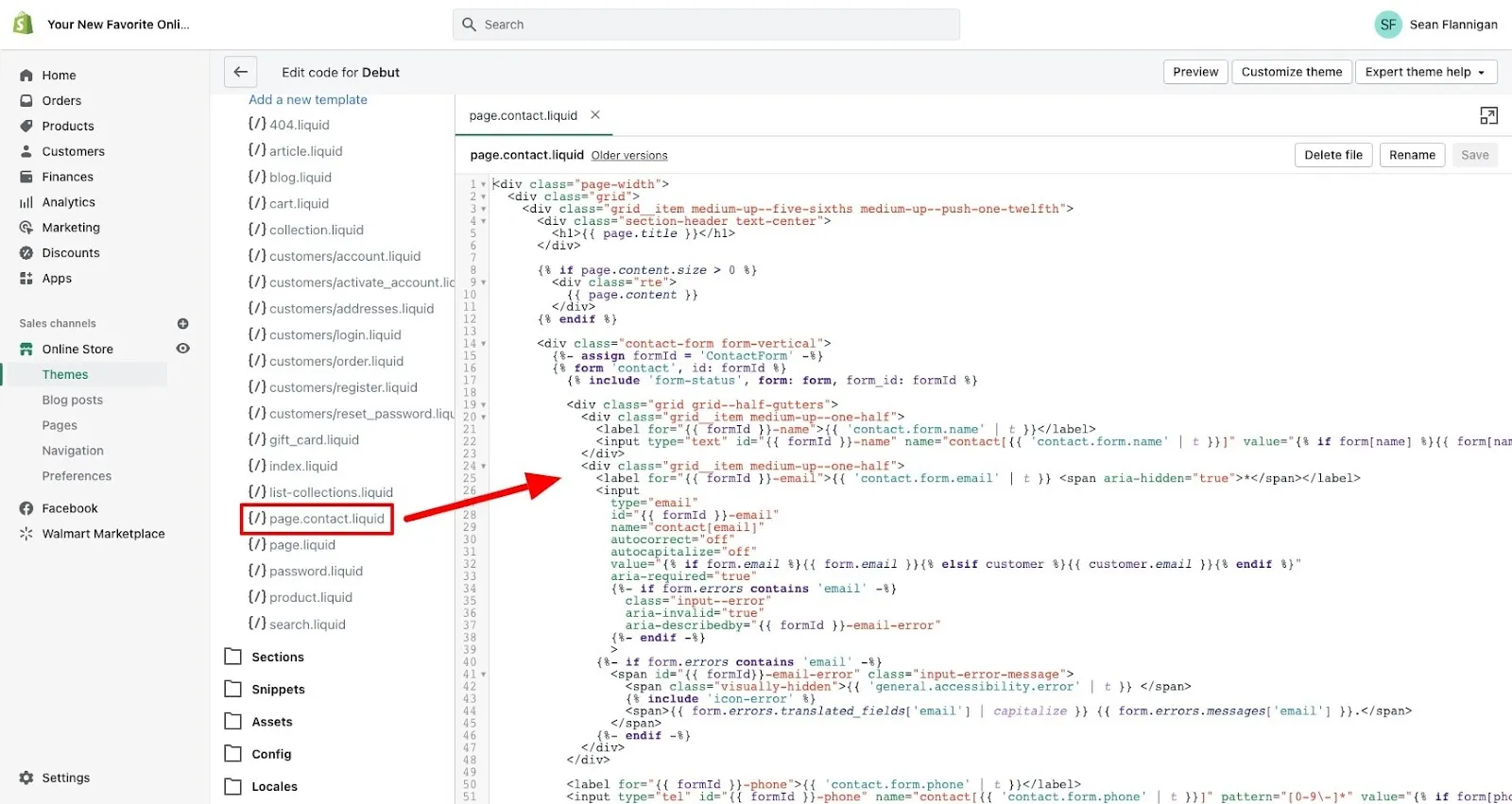
To stop search engines from discovering duplicate collection-path URLs, you must modify your theme’s Liquid files. This forces your collection grids to link directly to the clean root product URL. If you lack internal development resources to safely execute theme-level changes, our team offers Custom Shopify Development to handle these modifications.

Implementation Steps to Fix Collection Grid Links
- Locate your collection grid template, typically found in
snippets/product-grid-item.liquid,snippets/card-product.liquid, orsections/main-collection-product-grid.liquid. Refer to the official Shopify Help Center for theme customization basics. - Search for the Liquid object rendering the product URL, which usually looks like:
{{ product.url | within: collection }}. - Apply the Liquid-Strip Pattern: Remove the
| within: collectionfilter to change the output to:{{ product.url }}. - Save the file and deploy the changes to your live theme.
Common Shopify Plus Canonicalization Mistakes to Avoid
- Using robots.txt to block collection paths: Blocking
/collections/*/products/prevents search engines from crawling the pages to see the canonical tag, leaving duplicates indexed. - Applying noindex tags: Placing a
noindextag on collection-path product URLs will cause search engines to eventuallynoindexthe canonical version as well. - Neglecting hardcoded links: Forgetting to update manual internal links in blog posts, homepage banners, or navigation menus to point to the canonical URL.
Handling Canonical Tags for Product Variants and Paginated Collection Pages
Managing variant-specific URLs and paginated lists requires precise canonical logic to prevent crawl bloat while ensuring all unique products remain discoverable.
- Product Variants: Shopify appends
?variant=to URLs. Ensure yourtheme.liquidfile contains a canonical tag pointing to the base product URL unless variants require indexing for unique search terms. - Base Canonical Code: Verify your
<head>contains<link rel="canonical" href="{{ canonical_url }}">. - Paginated Collections: Collection pages with pagination must have self-referential canonical tags (e.g., page 2 points to page 2). Do not canonicalize paginated pages back to page one, as this prevents search engines from crawling products deeper in your catalog.
How Avelize Approaches This
Our team resolves Shopify Plus canonicalization issues through a structured, low-risk engineering workflow:
- Audit & Mapping (Days 1-3): We run deep crawls to map every active non-canonical product path and identify the exact Liquid templates generating them.
- The Liquid-Strip Implementation (Days 4-6): Our developers deploy theme modifications in a staging environment, removing the
within: collectionfilter and verifying grid behavior. - The BFCM-30 Rollback Playbook Integration (Day 7): We establish version-controlled rollbacks to ensure theme updates never disrupt active marketing tracking or collection-specific user flows.
- Post-Deploy GSC Monitoring (Days 8-14): We track indexation shifts in Google Search Console, targeting a 30% reduction in "Excluded" duplicate URLs within 30 days.
Frequently Asked Questions
Is Shopify Plus canonicalization worth it for small catalogs?
Yes. Even for catalogs with fewer than 100 products, duplicate collection-path URLs split internal link equity (PageRank) across multiple variations of the same page. Consolidating these paths onto the root product URL ensures that all internal search equity is concentrated on a single page, maximizing its ranking potential.
What is the difference between a canonical tag and a redirect on Shopify Plus?
On Shopify Plus, a canonical tag and a 301 redirect serve entirely different technical SEO purposes. A canonical tag is a page-level HTML element (<link rel="canonical" href="...">) that suggests to search engines which version of a duplicate page should be indexed, while keeping both URLs fully accessible to human users. This is essential for collection-path product URLs where users need to browse within a collection context. Conversely, a 301 redirect is a server-side instruction that permanently forwards both users and search crawlers from an old or deleted URL to a new destination, completely removing the original page from active use. Using redirects for active collection-path product URLs would break the user experience by preventing customers from browsing collections, whereas canonical tags preserve the user journey while consolidating search engine indexation and link equity onto the primary root product URL.
How long does it take for Google to process canonical changes on Shopify?
Typically, it takes between 14 to 30 days for Google to crawl and process canonical updates across an enterprise Shopify Plus store. The exact timeline depends on your store's crawl frequency, catalog size, and internal linking structure. You can accelerate this process by submitting updated XML sitemaps and using the URL Inspection Tool in Google Search Console to request indexing for key collection pages.
Ready to optimize your store's technical architecture? Partner with our team for a comprehensive Technical SEO & GEO program to eliminate duplicate content and maximize your organic search performance.
Published / Last reviewed: February 2026
Related Avelize Services and Guides: Technical Audits · Shopify Seo Services · Plus Customization