
Shopify Plus Inventory: Scale with Transfer Metafields
By:
Stop losing revenue to inventory sync errors. Learn how to use Shopify Plus transfer metafields to automate multi-warehouse routing and boost accuracy.
We can scale Shopify Plus inventory management across multiple warehouses without an ERP by leveraging custom transfer metafields and Shopify Flow. By injecting operational data directly into transfer objects, merchants eliminate manual spreadsheets and sync errors. Our team uses this architecture to establish real-time tracking, custom QA hold statuses, and automated 3PL routing directly within the Shopify Admin.
Key Takeaways
- Implement the 3PL-Sync-30 automation protocol to auto-archive transfers older than 30 days.
- Configure custom receiving statuses (QA_Hold, Ready_to_Putaway, Damaged) to prevent damaged stock from syncing to active sales channels.
- Achieve up to 99.9% inventory accuracy across 3+ fulfillment centers by locking manual inventory overrides.
- Integrate Shopify Flow triggers with 3PL APIs using custom "Warehouse Routing Rule" metafields.
Why Default Shopify Plus Inventory Transfers Fail at Scale
Shopify Plus inventory transfers are native administrative records used to track stock movement between locations, but they lack fields for carrier tracking, custom routing rules, and real-time receiving statuses. By leveraging custom transfer metafields, operations teams can inject custom operational data directly into transfer objects, eliminating manual spreadsheets across multiple fulfillment centers.
Default transfers only track origin, destination, and basic quantities. They lack fields for carrier LTL tracking, custom QA hold statuses, and routing priorities, forcing operations teams into external spreadsheets. To scale past 3 fulfillment centers without an ERP, you must bypass these native limitations.
Feature Native Shopify Transfers Metafield-Extended Transfers Tracking Fields Basic quantity and location only Carrier LTL tracking, custom QA hold statuses Automation Support Manual updates only Shopify Flow triggers based on custom routing rules 3PL Integration Requires manual CSV exports Real-time API webhooks triggered by status changesHow to Configure Custom Transfer Metafields in Shopify Admin (2026 Guide)
Shopify allows you to add custom fields to the transfer object. You need to define these fields to capture operational data that Shopify does not track natively.
- Navigate to Settings > Custom Data > Transfers in your Shopify Admin.
- Click Add definition to create your first custom field.
- Create a Carrier Tracking Number field using the "Single line text" type.
- Create a Custom Receiving Status field using the "List of values" type with options: QA_Hold, Ready_to_Putaway, and Damaged.
- Create a Warehouse Routing Rule field using the "Single line text" type to map 3PL-specific routing codes.
- Click Save and verify these fields appear at the bottom of your Transfer creation screen.
Automating Stock Routing: Mapping Transfer Metafields to Shopify Flow
Once your metafields are active, you can use Shopify Flow to automate notifications and inventory updates across your 3PL network. This eliminates manual email alerts to warehouse managers.

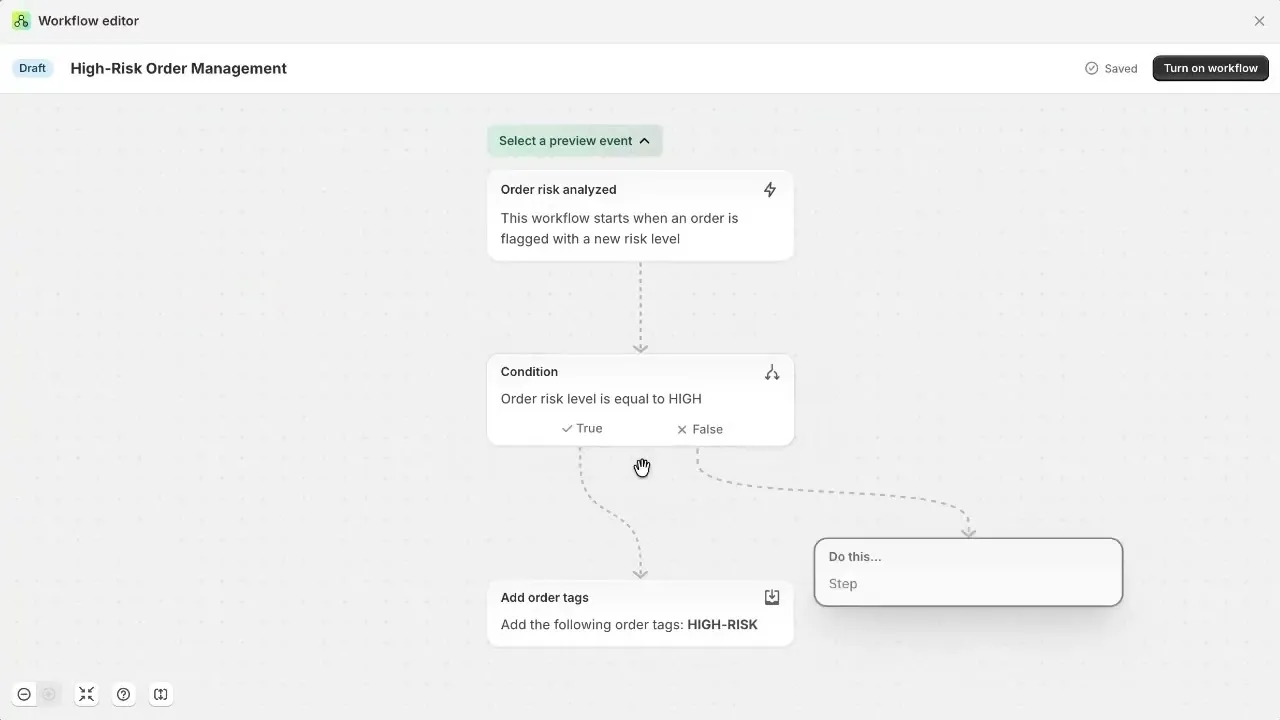
- Trigger: Set the flow to trigger when an "Inventory transfer is created" or "Inventory transfer is updated".
- Condition: Check if the custom "Warehouse Routing Rule" metafield matches a specific 3PL location ID.
- Action: Send an HTTP request (webhook) to your 3PL's API or dispatch a Slack alert to the receiving dock with the LTL tracking number.
- Action: Automatically update inventory states to "On Hand" or "Reserved" based on the custom receiving status metafield.
For complex setups, our team provides Shopify Plus development services to build custom API integrations and extend transfer capabilities, ensuring your physical stock matches your digital catalog in real-time.
Step-by-Step Playbook for Receiving and Reconciling Multi-Location Inventory
To maintain 99.9% inventory accuracy across multiple locations, your receiving dock must follow a standardized reconciliation protocol using the custom metafields.
- Step 1: Verify Shipment Match: Match the physical LTL packing slip against the "Carrier Tracking Number" metafield in the Shopify Transfer.
- Step 2: Inspect and Flag: If items are damaged, update the "Custom Receiving Status" metafield to QA_Hold and input the damaged quantity.
- Step 3: Partial Receiving: Accept the undamaged units in Shopify. The custom status ensures the damaged units do not sync to active sales channels.
- Step 4: Auto-Reconcile: Once the transfer is marked "Received", Shopify Flow triggers a reconciliation check, updating the "On Hand" count across all 3+ fulfillment centers.
To align your inventory architecture with your operational reporting, explore our technical SEO and data integration programs.
Troubleshooting Common Transfer Metafield Sync Errors
What to Avoid (Common Mistakes)
- Manual Overrides: Allowing staff to manually adjust inventory quantities on the product page instead of finalizing the Transfer document.
- Type Mismatches: Using open text fields for status updates instead of standardized dropdown lists, leading to broken Shopify Flow triggers.
- Orphaned Transfers: Leaving transfers in "Partial" status indefinitely, which skews incoming stock projections.
How to Fix and Prevent Sync Failures
- Lock Inventory Adjustments: Restrict staff permissions in Shopify Admin so inventory at fulfillment locations can only be modified via Transfer documents.
- Enforce Dropdown Validation: Always use the "Choice" or "List of values" metafield type for statuses to prevent typos from breaking automated API calls.
- Set Auto-Archive Rules: Build a Shopify Flow that auto-archives transfers older than 30 days that have a "Received" status.
How Avelize Approaches This
We implement custom inventory routing architectures within 2 to 4 weeks, targeting a 100% reduction in manual spreadsheet reconciliation and achieving 99.9% inventory accuracy. Our process includes custom metafield schema design, Shopify Flow automation scripting, and 3PL API integration testing.
Frequently Asked Questions
How do custom transfer metafields improve Shopify Plus inventory accuracy?
Custom transfer metafields improve Shopify Plus inventory accuracy by allowing merchants to store operational metadata—such as carrier tracking numbers, QA hold statuses, and warehouse routing rules—directly on the transfer object. In standard Shopify setups, multi-warehouse transfers lack granular tracking, forcing operations teams to use external spreadsheets that cause data silos and sync delays. By defining custom metafields (e.g., 'Custom Receiving Status' with values like QA_Hold, Ready_to_Putaway, or Damaged), merchants can programmatically control inventory visibility. When integrated with Shopify Flow, these metafields trigger automated API calls to 3PLs and update inventory states to 'On Hand' or 'Reserved' in real-time. This automated validation prevents manual overrides, standardizes the receiving protocol across three or more fulfillment centers, and eliminates data discrepancies, ultimately enabling merchants to maintain a 99.9% inventory accuracy rate across all active digital sales channels.
Can you use Shopify Flow with transfer metafields?
Yes, Shopify Flow fully supports transfer metafields. You can set triggers based on transfer creation or updates, use conditions to check specific metafield values (such as a warehouse routing code), and execute actions like sending webhooks to your 3PL or dispatching alerts to your warehouse team.
What is the difference between native transfers and metafield-extended transfers?
Native Shopify transfers only track basic origin, destination, and quantities. Metafield-extended transfers allow you to append custom data like LTL tracking numbers, quality assurance statuses, and custom routing rules directly to the transfer record, enabling advanced automation.
Published / Last reviewed: October 24, 2026
Ready to eliminate manual warehouse reconciliation? Contact our team to learn more about our Shopify Plus development services.
Related Avelize Services and Guides: Custom Apps · Plus Customization · Ecommerce Web Design Agency