
Meta Ads for Shopify Plus: Scale Creative & Audiences
By:
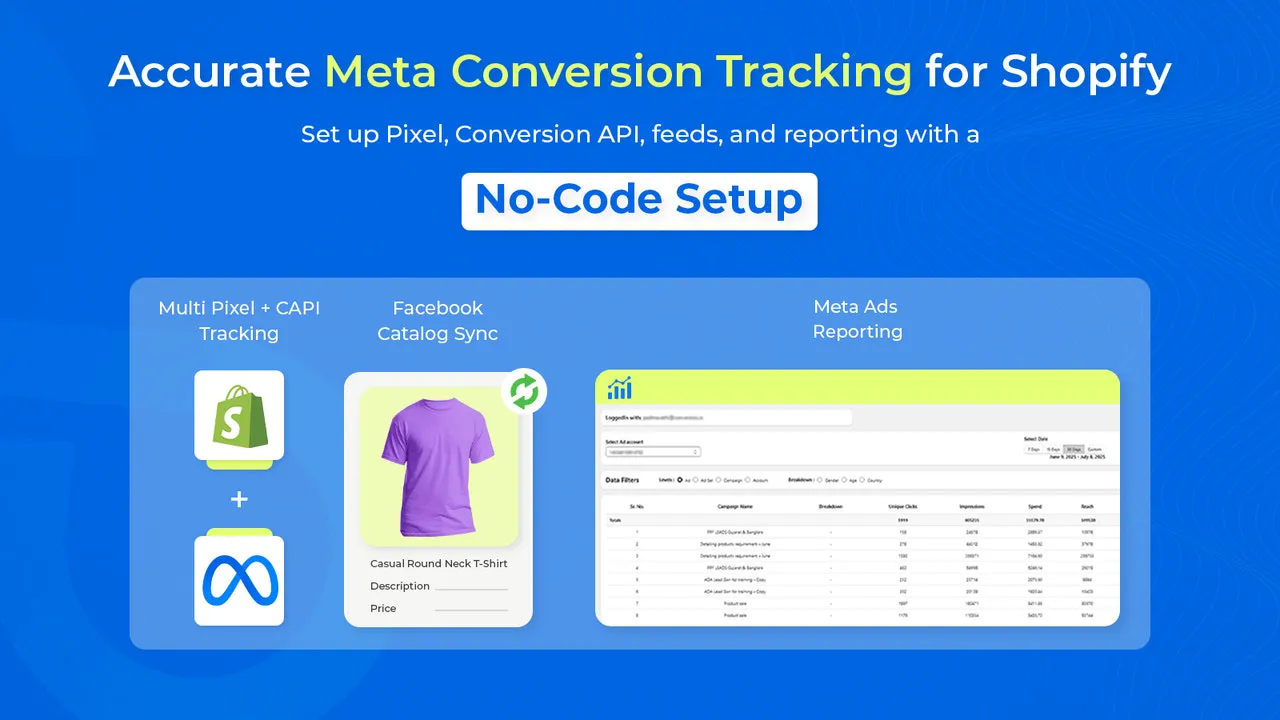
High-volume Shopify Plus merchants frequently waste up to 40% of their acquisition budget due to fragmented account structures, poor tracking, and unstructured creative testing. To scale profitably, brands must consolidate their ad accounts, maximize first-party data match quality, and run isolated creative testing. In our work with merchants, we have found that combining a dedicated Creative Sandbox with Shopify Audiences is the most reliable way to stabilize customer acquisition costs and scale spend.
Key Takeaways
- Consolidate tracking using Shopify's native Meta channel to achieve an Event Match Quality (EMQ) score of 8.0 or higher.
- Isolate creative testing in a dedicated "Creative Sandbox" campaign using broad targeting and Dynamic Creative Options (DCT).
- Leverage Shopify Audiences to target high-intent prospects based on real commerce signals.
- Graduate winning creatives to Advantage+ Shopping Campaigns (ASC) using the exact Post ID to preserve social proof.
Configuring the Shopify Plus Meta Pixel and Conversions API (CAPI) for Maximum Match Quality
Integrating meta ads shopify plus systems requires a dual-state tracking setup using Shopify's native Meta channel to run both browser Pixel and server-side Conversions API (CAPI) concurrently. This configuration ensures deduplicated, real-time event tracking, which directly increases your Event Match Quality (EMQ) score to stabilize attribution and reduce customer acquisition costs.
To maximize data pass-back, you must bypass basic integrations. Ensure your setup transmits first-party data parameters including hashed email, phone number, IP address, and user agent.
Use our Technical SEO & GEO programs to audit your data layer and ensure zero signal loss between Shopify and Meta.
- Set tracking level to Maximum in the Shopify Meta channel settings to enable CAPI.
- Verify that the
external_idparameter matches exactly between browser and server payloads. - Aim for an Event Match Quality (EMQ) score of 8.0 or higher for Purchase events.
If your store uses a headless frontend or highly customized checkout, you may require custom Shopify development to accurately fire server-side events without latency.
The Creative Sandbox: How to Isolate and Test Ad Creatives Without Budget Dilution
Never test new creatives inside your scaling campaigns. This dilutes budget and disrupts the machine learning phase of your top-performing ads. Instead, isolate your testing process in a dedicated Creative Sandbox campaign.
The Sandbox-to-ASC graduation protocol is a systematic workflow where winning creatives are identified in an isolated testing environment and moved to scaling campaigns using their original Post ID to preserve social proof.
- Set up one CBO (Campaign Budget Optimization) campaign dedicated solely to testing.
- Use broad targeting (no interests, no lookalikes) to let the creative find its own audience.
- Group test assets by concept, putting 3-5 creative variations in a single ad set using Dynamic Creative Options (DCT).
- Allocate a daily budget equal to 1x to 2x your target CPA per ad set.
Common Mistakes to Avoid in Creative Testing
- Testing too many variables at once: Changing the hook, body copy, and landing page simultaneously makes it impossible to isolate the winning element.
- Using different post IDs: Fictionalizing social proof across multiple ad sets instead of consolidating engagement.
- Killing ads too early: Turning off ad sets before they reach at least 50 conversion events or spend 1.5x target CPA.
Audience Segmentation: Leveraging Shopify Audiences and First-Party Customer Segments
Shopify Plus merchants have exclusive access to Shopify Audiences. This tool leverages billions of commerce signals to build high-intent custom lists directly inside your Meta Ads Manager.
- Export and sync your highest LTV customer segment (customers with 3+ purchases) as a custom audience.
- Deploy the Shopify Audiences "Prospecting" segment to target high-intent buyers who have shopped at similar D2C brands.
- Exclude all past buyers (last 180 days) from your prospecting campaigns to prevent budget waste.
- Build 1% Lookalike audiences based specifically on your top 20% highest-value customers, rather than all site visitors.
Full-Funnel Campaign Architecture: Structuring TOF, MOF, and BOF in 2026
High-volume Shopify Plus stores must simplify their account structure. Over-segmentation splits your budget, triggers ad fatigue, and forces your ad sets to compete against each other in the auction.
- Top of Funnel (TOF): Run 1 Advantage+ Shopping Campaign (ASC) for scale, and 1 CBO Prospecting Campaign with broad targeting for creative testing.
- Middle of Funnel (MOF) & Bottom of Funnel (BOF): Consolidate retargeting into a single campaign, or eliminate retargeting entirely if your ASC campaign budget allocation handles existing customers (cap retargeting at 10-15% within ASC).
- Set your bids to Highest Volume to allow Meta's algorithm maximum flexibility in finding conversions.
The Graduation Protocol: Scaling Winning Creatives into Broad-Targeting Advantage+ Shopping Campaigns (ASC)
Once a creative variation proves its performance in the Sandbox, it must be graduated to your scaling campaigns. Do not manually copy the ad; instead, use the exact Post ID to retain all accumulated social proof.
The Step-by-Step Graduation Checklist
- Identify the winning creative in the Sandbox that achieved a CPA below your target threshold over a 7-day window.
- Extract the Facebook Post ID or Instagram Post ID of the winning variation.
- Navigate to your active Advantage+ Shopping Campaign (ASC).
- Create a new ad inside the ASC and select "Use Existing Post".
- Enter the extracted Post ID to launch the creative with all existing comments, likes, and shares intact.
- Monitor the ASC for 48 hours to ensure the graduated creative captures spend without degrading overall campaign ROAS.
Data-Driven Iteration: Analyzing Creative Fatigue and Optimizing Hook Rates on Shopify Plus
Scaling D2C brands fail because they stop iterating on winning concepts. To maintain a steady ROAS, you must analyze creative performance metrics weekly and systematically optimize your visual assets.
The 30-15-1.5 creative metric benchmark is our team's standard for evaluating creative performance, requiring a 30% Hook Rate, a 15% Hold Rate, and a 1.5% outbound Click-Through Rate.
- Hook Rate (3-Second Video View / Impressions): Target a Hook Rate of 30% or higher. If it is lower, test 3 new 3-second opening hooks.
- Hold Rate (15-Second Video View / 3-Second Video View): Target a Hold Rate of 15% or higher. If it is lower, tighten the pacing of your video editing.
- Outbound Click-Through Rate (CTR): Target an outbound CTR above 1.5%. If it is lower, optimize your call-to-action or offer presentation.
How to Implement a Weekly Creative Iteration Workflow
- Pull your Meta Ads performance report every Monday morning and sort ads by spend.
- Identify ads where frequency exceeds 3.0 and CPA has risen by more than 20% over the last 7 days (signs of creative fatigue).
- Take your top-performing ad of the week and produce 3 new hook variations by changing the first 3 seconds of the video.
- Deploy these 3 new variations into your Creative Sandbox campaign to restart the testing cycle.
How Avelize Approaches Meta Ads Optimization
We engineer high-performance tracking and creative testing frameworks for Shopify Plus merchants. Our structured program optimizes your entire paid acquisition funnel over a 30-to-90-day timeline.
- Phase 1: Tracking Audit & CAPI Setup (Days 1-14): We audit your Meta Pixel and Conversions API integration to achieve an EMQ score of 8.0+. KPI: Deduplicated events and zero signal loss.
- Phase 2: Sandbox & Account Consolidation (Days 15-30): We restructure your Meta Ads Manager, building the Creative Sandbox and consolidating retargeting into ASC. KPI: 20% reduction in blended CPA.
- Phase 3: Creative Iteration & Scaling (Days 31-90): We implement our weekly creative iteration workflow, optimizing hooks and graduating winners. KPI: Sustainable scaling of ad spend by 50%+ while maintaining target ROAS.
To learn more about how we optimize your site's conversion funnel to support paid traffic, explore our Conversion Rate Optimization (CRO) retainers.
Ready to eliminate ad spend waste and scale your Shopify Plus store? Partner with our team to engineer a high-performance tracking and acquisition framework. Contact us today to learn more about our E-commerce app and integration development services.
Published / Last reviewed: February 15, 2026
Authoritative References
Use these official resources to verify platform-specific claims and implementation details before making commercial or technical decisions.
Related Shopify and Ecommerce Growth Guides
Continue with these related guides for implementation, SEO, performance, and conversion context.
- Shopify Programmatic SEO: Scale Large Catalog Links
- Shopify Plus Optimization Services: Scale Storefront Speed
- Meta Ads for Shopify Plus: Advanced Scaling Strategy
- Programmatic SEO for Shopify Markets: Scale Catalog Traffic
- Meta Ads Ecommerce Creative Testing: The Enterprise Guide
- Aligning Google & Meta Ads for Shopify Plus Scaling
- Meta Ads Creative Testing: Shopify Scaling Framework
Related Avelize Services and Guides: Plus Customization · Ecommerce Web Design Agency