
Shopify Large Catalogs: Internal Link Equity at Scale
By:
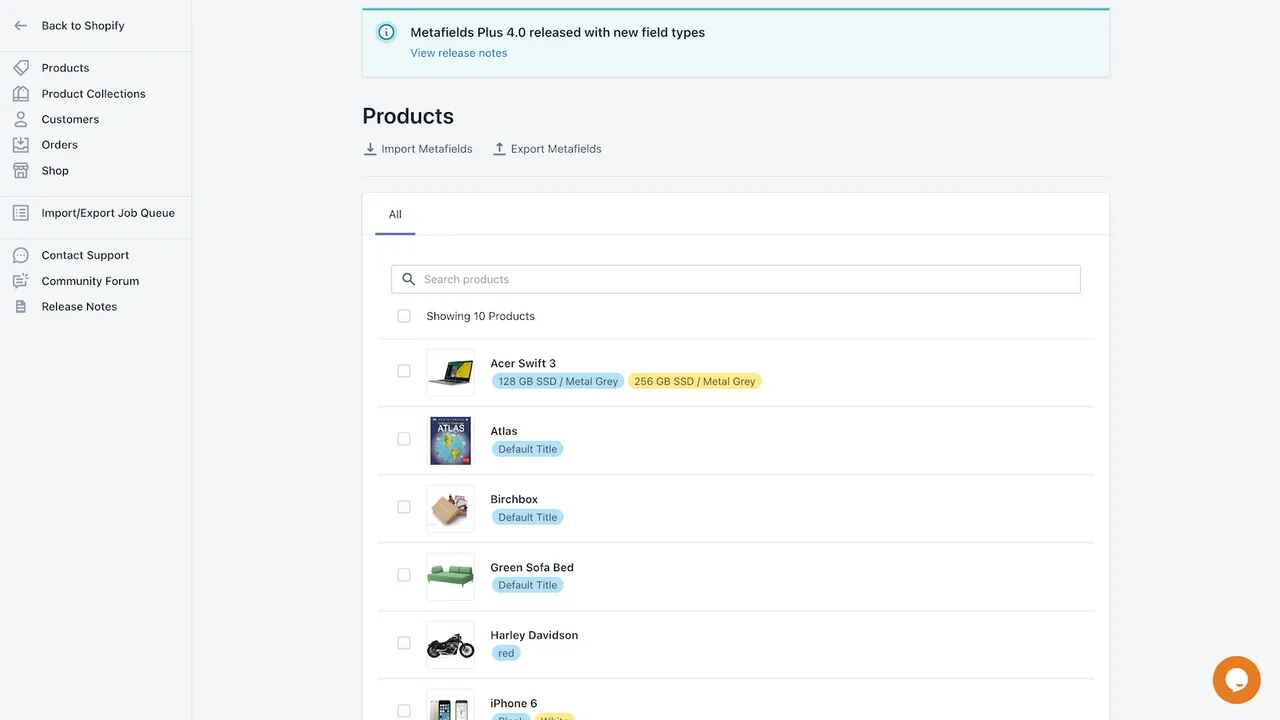
How do enterprise Shopify merchants scale internal linking across tens of thousands of SKUs without hitting platform performance limits? In our work with merchants, we solve this by bypassing standard Liquid collection loops and injecting dynamic, metafield-driven link blocks directly into templates. This programmatic SEO for ecommerce strategy ensures that deep-nested product pages remain within three clicks of the homepage, maximizing crawl budget and distributing PageRank systematically.
Key Takeaways:
- The 3-Click Rule: Keep all active product pages within three clicks of the homepage to prevent search engine crawl abandonment.
- Metafield-Driven Injection: Use collection-reference metafields to render parent-child link blocks instantly without expensive database queries.
- Automated Mapping: Scale collection relationships using the Shopify Admin API and bulk mutations rather than manual Liquid loops.
- Zero-Loop Liquid: Avoid nested loops in Liquid templates to prevent page speed degradation and Shopify execution timeouts.
Why Large Shopify Catalogs Lose PageRank and Organic Visibility
Programmatic SEO for ecommerce is the automated, database-driven creation and optimization of landing pages and internal link structures at scale. By leveraging structured data, metafields, and templated Liquid logic, enterprise stores can systematically distribute PageRank, eliminate orphaned URLs, and rank for thousands of long-tail transactional search queries without manual page creation.
Large Shopify sites naturally dilute their authority due to flat collection architectures and pagination limits. When a catalog exceeds 10,000 SKUs, deep product pages quickly drift more than 5 clicks away from the homepage.
- Search engine spiders abandon crawls when crawl paths are too deep.
- Pagination links pass minimal PageRank to products on page 10 and beyond.
- Discontinued items break existing internal link paths, leaving remaining variants orphaned.
To prevent this structural decay, you must implement automated, contextually relevant link injection. Utilizing professional technical SEO programs ensures your site architecture automatically passes PageRank to high-margin, deep-nested inventory. Learn more about our approach to search architecture on our Technical SEO & GEO Programs service page.
Metric / Feature Native Liquid Loops Metafield Direct Reference Page Load Speed Slows down exponentially with catalog size Instantaneous (O(1) lookup) Crawl Budget Efficiency Poor (creates deep, unindexed pagination) High (direct, shallow linking paths) Shopify API Limits Risk of hitting execution timeouts Zero risk (direct object access) Maintenance Overhead High manual collection management Fully automated via API scriptsConfiguring Shopify Metafields for Parent-Child Relationships in 2026
Shopify does not natively support parent-child collection hierarchies. You must build this relationship schema manually using custom metafields to define structural link paths.
Step-by-Step Metafield Configuration
- Navigate to Settings > Custom Data > Collections in your Shopify Admin.
- Click Add definition and create a metafield named
Parent Collectionwith the namespace and keycustom.parent_collection. Set the type to Collection reference. - Create a second metafield named
Related Collectionswith the namespace and keycustom.related_collections. Set the type to List of collections. - Open your target child collections and assign their corresponding parent and related collections via the Shopify Admin UI or Admin API.
The Metafield-Driven Equity Loop: Writing the Liquid Code
Looping through all collections to find matches violates Shopify's Liquid execution limits and slows down page rendering. Instead, access the metafield references directly to render links instantly without database queries.
If you require advanced customization or headless integration, our team offers specialized engineering to optimize rendering speeds at scale. Learn more on our E-commerce App and Integration Development service page.
{%- assign parent_col = collection.metafields.custom.parent_collection.value -%}
{%- assign related_cols = collection.metafields.custom.related_collections.value -%}

{%- if parent_col or related_cols -%}
  <div class="programmatic-linking-block" style="margin: 20px 0; padding: 15px; border: 1px solid #e0e0e0;">
    {%- if parent_col -%}
      <div class="parent-link" style="margin-bottom: 10px;">
        <span>Category:</span> <a href="{{ parent_col.url }}">{{ parent_col.title }}</a>
      </div>
    {%- endif -%}

    {%- if related_cols.size > 0 -%}
      <div class="related-links">
        <span>Related Categories:</span>
        <ul style="list-style: none; padding: 0; display: inline-flex; gap: 10px; margin: 0;">
          {%- for rel_col in related_cols -%}
            <li><a href="{{ rel_col.url }}">{{ rel_col.title }}</a>{%- unless forloop.last -%},{%- endunless -%}</li>
          {%- endfor -%}
        </ul>
      </div>
    {%- endif -%}
  </div>
{%- endif -%}
Automating Collection-to-Collection Cross-Linking at Scale
Manual metafield mapping becomes unmanageable as your catalog scales beyond hundreds of categories. You must automate the association process to maintain clean internal structures.
What to Avoid
- Do not use tags for structural linking, as they create duplicate, uncanonicalized URL paths.
- Do not run nested loops over the entire collection list, which triggers Shopify's Liquid iteration limits.
- Avoid linking to empty collections or out-of-stock product groupings.
How to Fix and Automate
- Use the Shopify Admin API or a bulk editor tool like Matrixify to export collection structures to a CSV.
- Write a script to map child collections to logical parents based on URL handles or product types.
- Write the calculated collection IDs back to the
custom.parent_collectionandcustom.related_collectionsmetafields via bulk API mutations. - Set up a daily cron job to update metafield relationships as inventory levels and collection statuses change.
Auditing Orphaned Pages: How to Verify Your Programmatic Internal Links
Once your Liquid templates are live, you must verify that search engine crawlers can discover and pass equity to your newly linked pages.
Verification Checklist
- Run a full crawl of your site using Screaming Frog or Sitebulb with JavaScript rendering disabled.
- Check the Crawl Depth metric; ensure no active product or collection page is more than 3 clicks away from the seed URL.
- Filter the crawl report for Orphaned URLs to confirm that every active indexable page has at least 1 incoming in-link.
- Inspect your Google Search Console Page Indexing report to ensure "Discovered - currently not indexed" counts decrease.
How Avelize Approaches This
Our team implements programmatic internal linking through a structured, four-week technical sprint designed to maximize crawl efficiency without sacrificing page performance.
- Week 1: Architecture Audit — We map your current crawl depth, identify orphaned URLs, and isolate PageRank leaks.
- Week 2: Metafield Schema Design — We configure custom collection and product metafields to establish explicit parent-child and sibling relationships.
- Week 3: API Automation Scripting — We build automated sync scripts using the Shopify Admin API to dynamically update relationships based on inventory levels.
- Week 4: Liquid Implementation & Speed Optimization — We deploy zero-loop Liquid blocks to render contextually relevant internal links instantly.
KPIs & Outcomes: Our goal is to reduce your maximum crawl depth to under 4 clicks and increase indexed catalog pages by 35% within 90 days of deployment.
Frequently Asked Questions
Is programmatic SEO for ecommerce worth it for Shopify?
Yes, especially for stores with over 10,000 SKUs. It automates internal link distribution, ensuring search engines can crawl and index deep-nested product pages without manual intervention.
How long does it take to implement automated internal linking on Shopify?
A complete implementation, from audit to API automation, typically takes 3 to 4 weeks depending on catalog complexity.
What's the difference between tags and metafields for Shopify SEO?
The difference between tags and metafields for Shopify SEO lies in structural control and URL canonicalization. Shopify tags are primarily designed for front-end filtering within a single collection. When used for internal linking, tags generate dynamic, non-canonicalized URL paths (e.g., /collections/all/tag-name) that create massive duplicate content issues and dilute PageRank across thousands of thin pages. Conversely, metafields allow developers to define explicit, structured relationships between distinct, canonical resources (such as parent-child collections or related products) using namespace and key definitions. By referencing metafields directly in Liquid templates, search engines are guided along clean, direct crawl paths to canonical URLs without executing expensive database queries or risking duplicate content penalties. Metafields provide a robust, database-level architecture suitable for programmatic SEO, whereas tags should be restricted purely to user-facing, client-side product filtering.
Ready to optimize your store's crawl paths and unlock hidden search visibility? Explore our specialized Shopify SEO services or contact our team to design a custom programmatic architecture for your catalog.
Published / Last reviewed: February 2026
Authoritative References
Use these official resources to verify platform-specific claims and implementation details before making commercial or technical decisions.
- Shopify Plus overview
- Google SEO Starter Guide
- Google canonicalization guide
- Google structured data introduction
Related Shopify and Ecommerce Growth Guides
Continue with these related guides for implementation, SEO, performance, and conversion context.
Related Avelize Services and Guides: Programmatic Seo · Custom Coding Services For Shopify