
Shopify Plus Replatforming: Data Migration Best Practices
By:
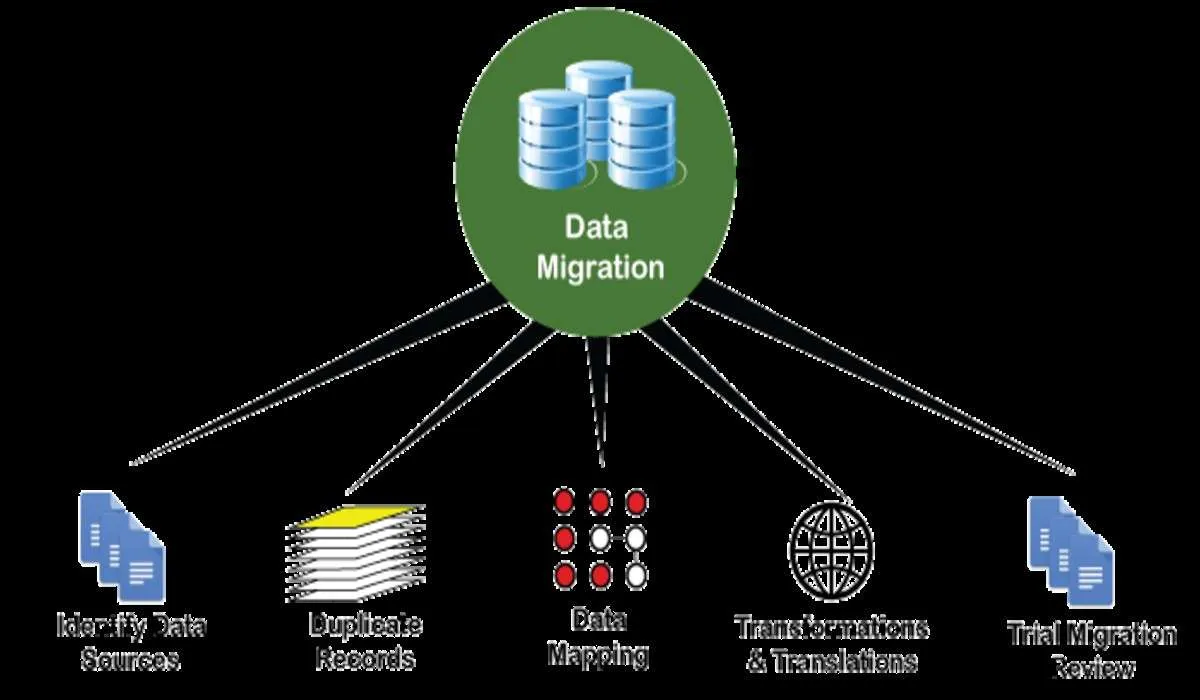
Migrating legacy e-commerce databases to Shopify Plus requires mapping nested relational schemas to Shopify’s flat, document-like JSON objects via the REST or GraphQL Admin APIs. By leveraging tools like Matrixify for catalogs under 100,000 items or custom API integrations for larger datasets, merchants can preserve customer records, order history, and SEO equity. Successful execution prevents downtime, maintains data integrity, and secures organic search rankings during the transition.
Key Takeaways
- Map legacy relational tables directly to Shopify standard objects (Customers, Orders, Products) using custom metafields for non-standard attributes.
- Use Matrixify for catalogs under 100,000 items, and switch to custom GraphQL Admin API integrations with concurrency tuning for larger enterprise catalogs.
- Bypass Shopify's strict 100-variant limit by splitting complex items into logical parent products linked by shared "Product Group" metafields.
- Protect organic search rankings by mapping legacy URL structures to Shopify's rigid paths and uploading up to 100,000 301 redirects.
Pre-Migration Audit: Mapping Legacy Data Fields to Shopify Plus Standard Objects
Shopify Plus replatforming is the process of migrating an enterprise e-commerce store's legacy database—including customers, products, and historical orders—to the Shopify Plus architecture. Safe execution requires auditing legacy data, mapping fields to Shopify's standard JSON schemas, and using APIs or migration tools to transfer data without downtime.
Legacy systems store data in deeply nested relational tables. Shopify Plus utilizes a flat, document-like structure accessible via REST and GraphQL Admin APIs. To avoid data corruption, map your legacy database schema to Shopify's core objects using this standard mapping guide:
Legacy Database Entity Shopify Plus Standard Object Mapping Strategy & Constraints Customer ID & Profile Customer Object Map legacy ID to a custom metafield; address books map to Customer Addresses (limit 1 default). Order History & Line Items Order Object Map legacy ID to Order Name/Tag; line items must match active Shopify Variant IDs. Product Attributes & SKUs Product & Variant Objects Parent SKU maps to Product; child SKU maps to Product Variant (limit 3 options, 100 variants).Use custom metafield definitions to store legacy attributes that do not map to Shopify's standard payload. For complex integrations, leverage custom Shopify development to build middleware that formats these payloads automatically.
Selecting Your Shopify Plus Migration Tools in 2026
Choosing the wrong migration tool leads to rate-limiting bottlenecks or corrupted data structures. Evaluate these three primary options based on your catalog size and complexity:
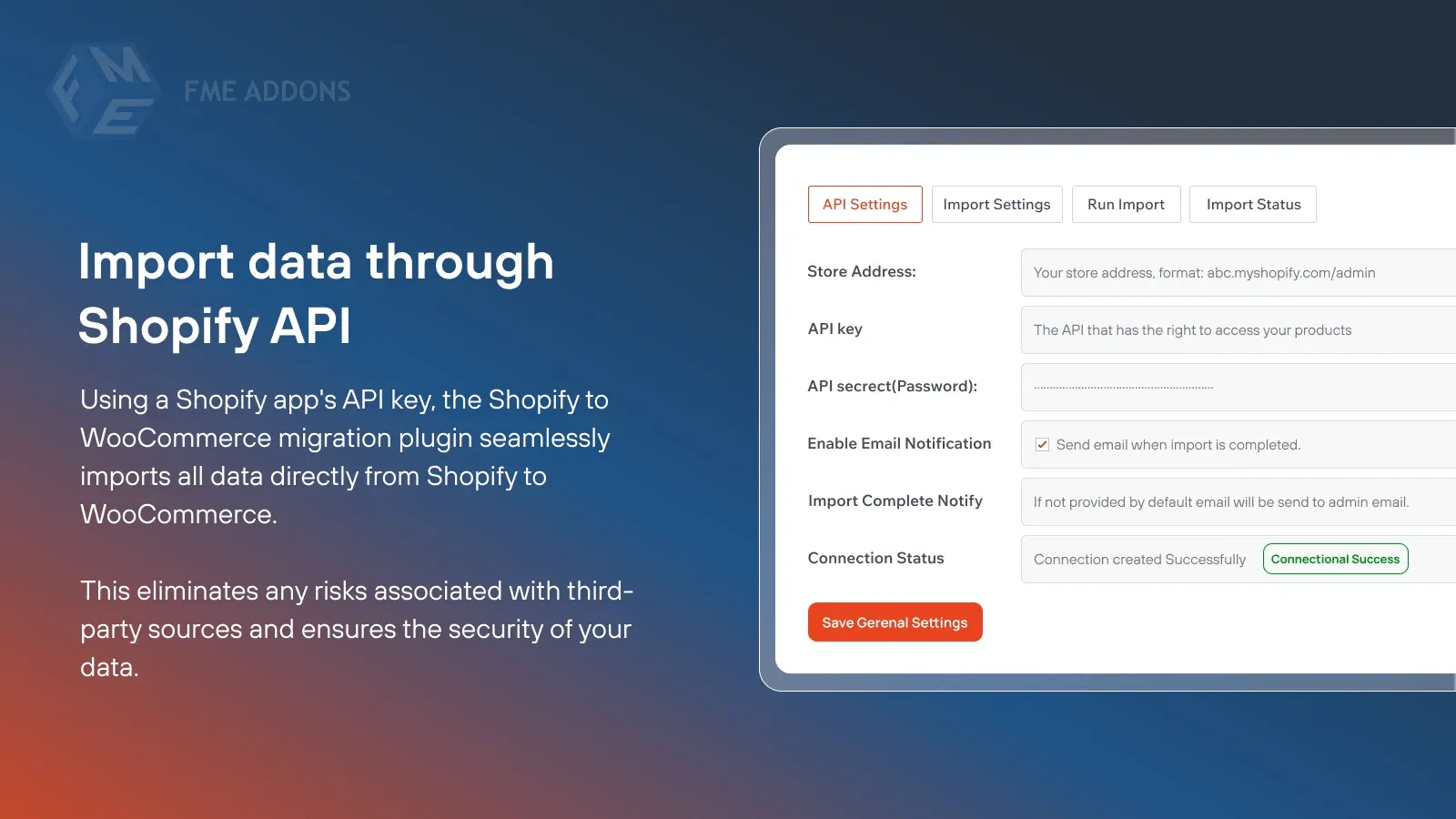
- Matrixify: Best for catalogs under 100,000 items. It handles complex Excel/CSV structures, automates batch uploads, and preserves custom metafield associations.
- Shopify Store Importer: Suitable only for basic, low-volume migrations from standard platforms. Avoid this tool for complex enterprise-grade migrations.
- Custom GraphQL Admin API Integration: Required for catalogs exceeding 100,000 SKUs, real-time ERP syncing, and complex historical orders.
In our work with merchants, we utilize the dual-pass migration playbook to maintain continuous syncing. This method involves running an initial bulk migration of historical data up to a freeze date, followed by a secondary delta sync immediately prior to DNS cutover to capture new orders and customer registrations.
To maximize API throughput during migration, request a temporary API rate limit increase from your Shopify Plus Merchant Success Manager to leverage GraphQL mutation concurrency.
Step-by-Step Customer Data Migration: Preserving Order History and Handling Passwords
Customer passwords cannot be exported in plain text from secure legacy databases due to irreversible hashing algorithms like bcrypt or Argon2. Follow this numbered checklist to migrate customer accounts and historical order data securely:
- Export legacy customer data including standard fields, custom attributes, and hashed password strings.
- Import customer records to Shopify via the Admin API with
send_email_inviteset tofalseto prevent premature system emails. - Map historical orders to the imported customer IDs using the Order API to preserve lifetime value (LTV) metrics.
- Deploy a headless or custom login flow using Shopify Multipass to authenticate users against your legacy database or an external Identity Provider (IdP).
- Launch an automated password reset campaign using Shopify Flow for users not covered by Multipass.
Ensure your development team configures these webhooks correctly to maintain continuous data syncing before the DNS switch. For advanced integration assistance, explore our e-commerce app and integration development services.
Product and Variant Mapping: Handling Multi-Option SKUs Within Shopify's Limit
Shopify enforces a strict limit of 3 options and 100 variants per product. If your legacy catalog contains highly customizable products, you must bypass this limit.
What to Avoid
Do not attempt to force more than 100 variants into a single Shopify product object, as the API will reject the payload and halt the migration sync.
How to Fix
To bypass Shopify's strict limit of 3 options and 100 variants per product, our team implements the shared-metafield parent-grouping pattern. This approach splits complex, highly customizable products into multiple logical parent products linked together via a shared metafield, allowing seamless navigation on the frontend while keeping individual product payloads within API constraints.
- Split complex products into multiple logical parent products linked by a shared "Product Group" metafield.
- Keep the parent product simple and use custom line-item properties to capture user customizations without creating unique variant SKUs.
- Utilize robust product options apps that store variant data as custom line-item properties.
SEO Data Integrity: Exporting, Mapping, and Testing 301 Redirects at Scale
A flawed migration can destroy organic search rankings. You must map legacy URL paths to Shopify's rigid URL structure, such as /products/product-handle and /collections/collection-handle.
- Export all legacy URLs from your Google Search Console, XML sitemaps, and database tables.
- Map legacy URLs to the new Shopify paths using a 1:1 redirect schema.
- Upload redirects in bulk using the Shopify Navigation API or Matrixify up to the limit of 100,000 redirects.
- Test redirect chains using command-line tools like curl or Screaming Frog to ensure zero 404 errors or infinite loops.
Implementing professional technical SEO and GEO programs ensures your organic search equity remains intact during the platform transition.
Post-Migration QA: Validating Data Integrity and API Syncing Before Launch
Before updating your DNS records, you must run a rigorous quality assurance protocol to verify that no data was corrupted or omitted during the migration process.
- Verify record counts: Run database queries to match the total number of legacy customers, products, and orders against Shopify's database.
- Perform spot checks: Manually audit 100 high-value customers and complex orders to verify address formats and line-item accuracy.
- Test checkout flows: Execute end-to-end transactions using real credit cards in test mode to confirm tax, shipping, and payment gateway configurations.
- Validate third-party integrations: Ensure your ERP, CRM, and 3PL systems are receiving webhooks and syncing inventory levels in real-time.
If your systems require custom syncing protocols, explore our technical SEO and data services to build robust post-migration validation scripts.
How Avelize Approaches Enterprise Migrations
Our team executes Shopify Plus migrations using a structured four-phase framework designed to eliminate operational downtime. We begin with a comprehensive database schema audit, followed by automated staging dry-runs, live delta syncing, and post-launch verification. This process typically spans 8 to 12 weeks depending on catalog complexity, ensuring 100% data parity and zero organic traffic loss.
Ready to transition your store without losing valuable historical data? Contact our team today to discuss our Shopify Plus migrations and replatforms service.
Published / Last reviewed: October 24, 2026
Shopify Plus Migration Risk Checklist
A Shopify Plus migration should be planned around risk, not only around launch tasks. The most important work is deciding which URLs, templates, analytics events, redirects, integrations, and checkout flows must survive the move without damaging revenue or organic search visibility.
- Map current revenue-driving URLs and search queries before changing templates.
- Validate redirects, canonicals, structured data, and sitemap output before launch.
- Test checkout, payments, analytics, consent, and third-party scripts in a staging flow.
- Measure Core Web Vitals, conversion rate, crawl errors, and revenue after launch.
Phased Shopify Plus Implementation Plan
For many teams, a phased migration is safer than changing every business-critical system at once. Start with the pages and flows that create the highest revenue or SEO risk, then move into secondary templates, automation, and experimentation after the foundation is stable.
Authoritative References
Use these official resources to verify platform-specific claims and implementation details before making commercial or technical decisions.
Related Shopify and Ecommerce Growth Guides
Continue with these related guides for implementation, SEO, performance, and conversion context.
- Shopify Plus Migration: ERP Integration & Data Blueprint
- Magento to Shopify Plus Migration: SEO & Data Guide
Related Avelize Services and Guides: Replatforming · Technical Audits · Plus Customization