
Shopify Plus Security Audit: 6 Enterprise Best Practices
By:
Stop risking merchant data leaks. Secure your enterprise store and pass compliance with our technical Shopify Plus security audit framework.
To secure an enterprise Shopify Plus store, merchants must perform a systematic Shopify Plus security audit targeting identity access management, over-privileged API scopes, and unvalidated webhook endpoints. By establishing a zero-trust architecture across custom integrations and theme scripts, brands can guarantee continuous PCI compliance and protect sensitive customer records. In our work with merchants, we have engineered this technical framework to eliminate data leaks and pass quarterly compliance reviews with zero friction.
Key Takeaways
- The Zero-Trust API Scope Protocol: Deprecate any custom app access tokens that have not performed an API call within the last 90 days.
- The HMAC-SHA256 Webhook Handshake: Validate every incoming webhook payload against Shopify's shared secret to block spoofing attempts.
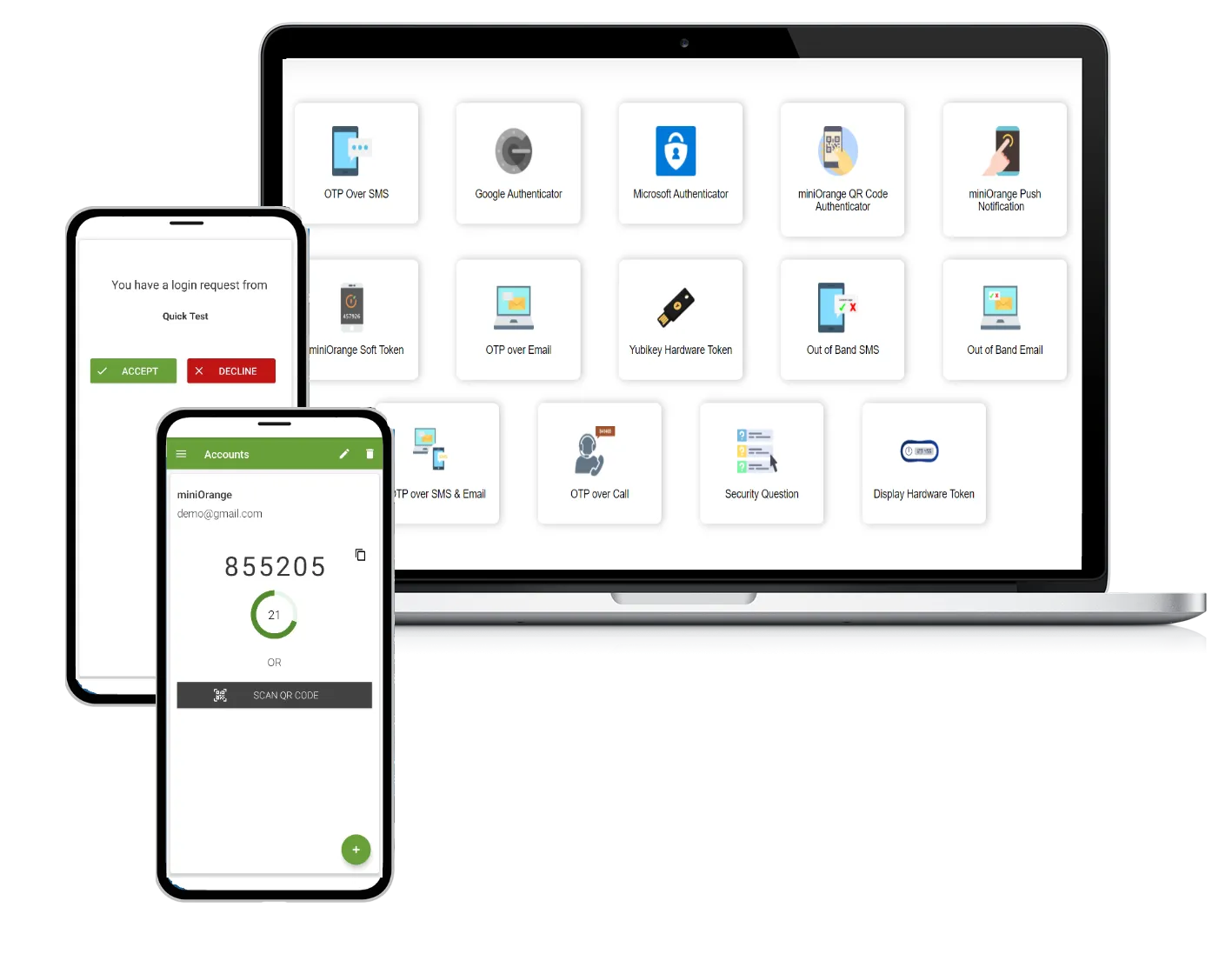
- The 2026 MFA Mandate: Enforce SAML SSO or mandatory multi-factor authentication across 100% of organization and staff accounts.
- The Script-Isolation Policy: Implement Content Security Policy (CSP) headers to restrict unauthorized third-party JavaScript execution.
What is a Shopify Plus Security Audit?
A Shopify Plus security audit is a structured technical evaluation of an enterprise store's access controls, API integrations, webhook configurations, and theme code. It ensures compliance with PCI-DSS standards, identifies over-privileged API credentials, and secures the merchant's data pipeline against unauthorized access and data leaks.
Step 1: Audit Staff Accounts, IAM Roles, and Multi-Factor Authentication (MFA)
Enterprise organizations must enforce strict Identity and Access Management (IAM) configurations across all organizational users and store-level staff accounts.
- Enforce SAML SSO or mandatory 2-factor authentication (2FA) for all users.
- Review the Organization settings to identify inactive accounts with access to multiple store instances.
- Apply the principle of least privilege by restricting staff permissions to specific locations, orders, or applications.
- Verify that only authorized personnel hold the Store Owner role, as this account bypasses standard permission limits.
Step 2: Review Custom App API Scopes and Deprecate Unused Access Tokens
Over-privileged custom apps present a significant vector for data exfiltration. You must audit all active API credentials and scope authorizations using our Zero-Trust API Scope Protocol.
- Navigate to Apps and sales channels > Develop apps to audit active Admin API integrations.
- Identify apps requesting read or write access to sensitive scopes like
read_customersorread_orders. - Deprecate any access tokens that have not performed an API call within the last 90 days.
- Ensure your development team adheres to secure coding practices during custom Shopify development to prevent token exposure in public repositories.
Step 3: Validate Webhook Signatures and Secure Endpoint Configurations
Unvalidated webhooks allow attackers to inject spoofed payloads into your ERP or fulfillment systems. Implementing the HMAC-SHA256 Webhook Handshake is critical.
- Extract the
X-Shopify-Hmac-Sha256header from all incoming webhook POST requests. - Calculate the HMAC-SHA256 signature using your shared webhook secret and compare it to the header value.
- Reject any payload where the calculated signature does not match the header with a 401 Unauthorized response.
- Configure your receiving endpoints to accept traffic exclusively from Shopify's documented IP ranges.
Step 4: Verify PCI Compliance and Payment Gateway Isolation on Shopify Plus
Shopify Plus operates as a PCI-DSS Level 1 compliant platform, but custom checkout modifications can compromise this status.
- Ensure all payment processing occurs strictly within Shopify's secure, hosted checkout environment.
- Verify that no custom scripts or checkout extensions are capturing or logging raw credit card data.
- Download the latest Shopify Attestation of Compliance (AoC) from your Shopify admin for your compliance records.
- Audit your primary and alternative payment gateways to ensure they use tokenized Hosted Fields.
Step 5: Inspect Theme Code for Unauthorized Scripts and Third-Party Trackers
Malicious JavaScript injected into your theme can lead to Magecart-style skimming attacks and unauthorized data harvesting.
- Scan your
theme.liquidand layout files for unauthorized external script tags or inline scripts. - Utilize Content Security Policy (CSP) headers to restrict the domains that can execute scripts on your store.
- Audit all tracking pixels and Google Tag Manager containers for unauthorized data collection behavior.
- Regularly prune unused tracking scripts, as optimization not only secures the site but also benefits performance, which we address directly through our technical SEO and performance services.
Step 6: Configure Shopify Plus Audit Logs and SIEM Integration for Real-Time Monitoring
Manual security reviews cannot catch real-time threats. You must centralize your Shopify logs into your enterprise security stack.
- Access the Shopify Plus Audit Log API to retrieve logs for staff logins, permission changes, and export actions.
- Configure a secure middleware to stream these logs directly to your SIEM platform (such as Splunk, Datadog, or Sumo Logic).
- Set up real-time alerts for critical events, such as bulk customer exports or modifications to payment gateway settings.
- Ensure all log retention policies comply with your industry's standards, retaining logs for at least 365 days.
Common Shopify Plus Security Mistakes to Avoid
- Sharing staff accounts: Allowing multiple customer service agents or developers to share a single login, destroying the audit trail.
- Hardcoding API keys: Storing private app access tokens or API keys directly in theme templates or public GitHub repositories.
- Neglecting webhook verification: Processing webhook payloads without validating the HMAC signature, leaving endpoints open to spoofing.
- Failing to revoke partner access: Leaving external agency or contractor partner accounts active long after their contracts have ended.
Legacy Private Apps vs. Modern Custom Apps in 2026
Feature Legacy Private Apps Modern Custom Apps (2026) Access Control Broad, monolithic API access Granular, scope-specific permissions Authentication Basic Auth (API Key & Password) OAuth 2.0 Access Tokens Security Risk High (hardcoded credentials) Low (secure token rotation) Auditability Limited tracking Fully logged via Audit Log APIHow Avelize Approaches This
Our team implements a comprehensive security remediation program over a 4-week timeline. We begin with a deep-dive API and IAM discovery phase (Week 1), transition to webhook and script isolation engineering (Weeks 2-3), and finalize with SIEM integration and staff training (Week 4). This program starts at $7,500, targeting a KPI of 100% MFA enforcement and zero unvalidated external scripts.
Frequently Asked Questions
Is Shopify Plus PCI compliant out of the box?
Yes, Shopify Plus is certified as a PCI-DSS Level 1 compliant platform out of the box, which is the highest level of security standard established by the Payment Card Industry Security Standards Council. Shopify secures the underlying hosting infrastructure, payment processing systems, and the core checkout environment. However, merchant-side compliance is not entirely automatic. Enterprise merchants remain responsible for securing any custom storefront integrations, headless React or Next.js deployments, third-party applications, and custom checkout scripts. If a merchant captures, processes, or transmits cardholder data outside of Shopify's secure hosted checkout—such as through unvalidated custom API endpoints or unauthorized third-party payment forms—they can compromise their PCI compliance status. To maintain compliance, merchants must isolate payment processing to Shopify's secure checkout, enforce strict API scopes, and regularly audit theme scripts for unauthorized data-skimming code. Our team recommends performing these technical audits quarterly to ensure no vulnerabilities are introduced during development cycles.
How long does a Shopify Plus security audit take?
A standard enterprise security audit typically takes between 2 to 4 weeks to complete, depending on the complexity of your custom integrations, the number of third-party apps, and whether you run a headless architecture.
What is the difference between private apps and custom apps on Shopify?
Private apps are a legacy authentication method that uses basic credentials and often grants overly broad API permissions. Modern Custom Apps utilize secure OAuth tokens and enforce granular API scopes, significantly reducing the risk of unauthorized data access.
Ready to secure your enterprise store? Contact our team to schedule a comprehensive Shopify Plus security audit and protect your merchant data pipeline today.
Published / Last reviewed: February 2026
Related Shopify and Ecommerce Growth Guides
Continue with these related guides for implementation, SEO, performance, and conversion context.
- Shopify CRO Audit: Enterprise UX Design Frameworks
- Shopify Plus Consultant: Enterprise Vetting Guide (2026)
- Magento to Shopify Plus: Why Enterprise Brands Hire Experts
- Shopify CRO Audit: Stop Product & Checkout Revenue Leaks
- Shopify Plus Consultant vs Agency: The Enterprise Guide
- Meta Ads Ecommerce Creative Testing: The Enterprise Guide
- Fixing a Shopify Plus Sales Slump: Growth Strategy Audit
- Shopify Flow Enterprise: Compliance & Reporting Guide
- Hiring a Shopify Plus Consultant: Enterprise Growth Guide
- Scaling with Shopify Plus: Enterprise Architecture Blueprint
Related Avelize Services and Guides: Custom Apps · Plus Customization · Technical Audits