
Shopify POS Multi-Location Pickup: Omnichannel CRO Guide
By:
Stop losing local sales. Sync inventory and boost omnichannel CRO using Shopify POS multi-location pickup.
To master multi-location pickup on Shopify Plus, merchants must eliminate inventory synchronization lag and optimize checkout UX. By establishing strict inventory buffers, configuring real-time location routing in the Shopify admin, and streamlining in-store POS workflows, we can scale local pickup without operational bottlenecks. Our team at Avelize implements these systems to bridge the gap between digital storefronts and physical retail locations, driving higher omnichannel conversion rates.
Key Takeaways
- Implement a 2-unit inventory buffer on high-velocity items to prevent walk-in ghost stock.
- Configure Shopify Plus location routing to prioritize fulfillment from the closest physical store based on customer zip codes.
- Add the "Local Pickup" tile directly to the Shopify POS smart grid to reduce staff fulfillment lead times to under 2 hours.
- Target a 10% in-store upsell attach rate by optimizing the physical pickup staging area.
Configuring Shopify POS Multi-Location Inventory Rules to Prevent Ghost Stock
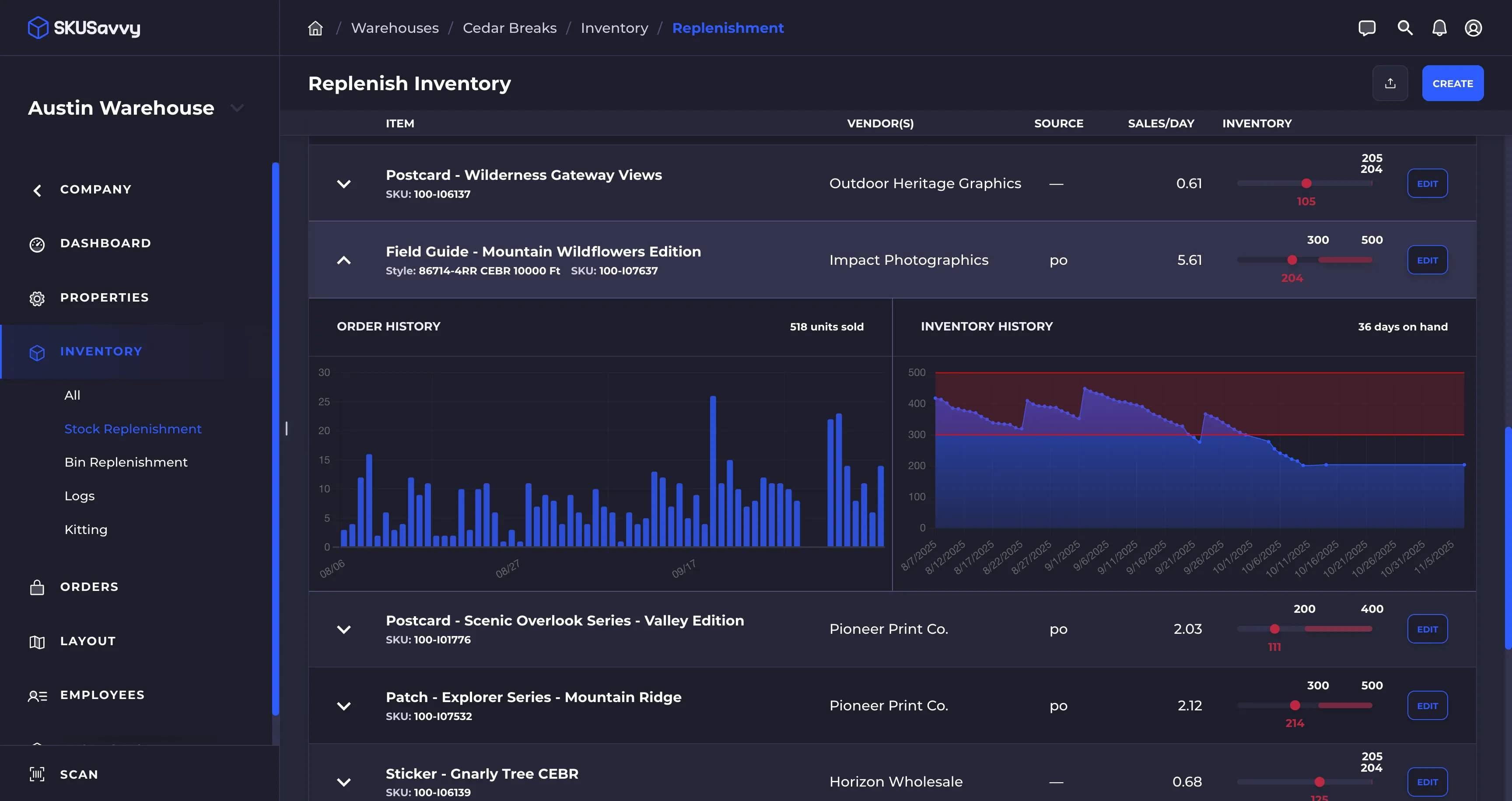
Ghost stock is the digital representation of inventory that is actually unavailable for purchase, often due to synchronization delays between physical POS systems and online storefronts. Shopify POS multi-location inventory rules control how stock is allocated and displayed across online and physical stores. By configuring these rules, merchants can prevent online customers from buying inventory reserved for walk-ins, eliminating ghost stock errors and ensuring real-time local pickup availability.
To eliminate inventory discrepancies, we must establish strict inventory boundaries between your e-commerce warehouse and physical retail storefronts.
- Set up dedicated inventory buffers (e.g., reserve 2 units of high-velocity items for in-store walk-ins).
- Configure location-specific inventory policies to prevent online orders from pulling from low-stock retail locations.
- Use Shopify's API to sync POS inventory at under 5-minute intervals if you run high-volume flash sales.
Below is a comparison of traditional online-only routing versus optimized omnichannel POS routing:
Feature Online-Only Routing Omnichannel POS Routing Inventory Source Central Warehouse Distributed Store Network Sync Latency Batch (Hourly/Daily) Real-time (<5 Minutes) Customer Friction High (Shipping delays) Low (Instant local pickup) Average Attach Rate 0% 10% (In-store upsell)For complex multi-store setups requiring custom inventory logic or ERP integrations, utilizing our custom Shopify development services ensures your physical store stock levels sync instantly with your digital storefront.
Setting Up Local Pickup in Shopify Plus Admin: Step-by-Step Location Routing
Proper location routing ensures that local pickup orders are directed only to stores that have the physical stock ready for fulfillment.
Step-by-Step Location Routing Checklist
- Navigate to Settings > Shipping and delivery in your Shopify Plus admin.
- Scroll to the Local pickup section and click Manage next to your preferred retail location.
- Select "This location offers local pickup" to activate the option.
- Set the expected pickup time to a realistic window, such as Typically ready in 2 hours or Typically ready in 24 hours.
- Go to Settings > Shipping and delivery > Routing to prioritize fulfillment from closest physical locations.
- Save your settings and perform a test checkout to verify the location displays correctly based on customer zip codes.
Optimizing the Omnichannel Checkout Flow for Higher Pickup CRO
A friction-heavy checkout flow kills local pickup conversion rates. In 2026, optimizing the checkout flow means making the pickup option obvious, fast, and geographically relevant.
- Display real-time local pickup availability directly on the product detail page (PDP) below the "Add to Cart" button.
- Use geolocated IP detection to automatically pre-select the closest retail store for the customer at checkout.
- Ensure the checkout page clearly displays the store address, operating hours, and parking/pickup instructions.
To maximize your pickup conversion rate, partner with our experts in conversion rate optimization (CRO) and UX design to build a frictionless, mobile-first checkout experience.
Streamlining In-Store Fulfillment Workflows for POS Staff
Your store associates are retail staff, not warehouse pickers. Complex fulfillment workflows lead to slow order prep times and staff bottlenecks.
What to Avoid: Common In-Store Fulfillment Mistakes
- Avoid relying on email notifications to alert staff of new pickup orders; this leads to missed orders and delayed pickups.
- Avoid mixing walk-in inventory with picked orders on the sales floor, which causes inventory count discrepancies.
- Avoid generic staff roles; do not expect a cashier to manage a rush of walk-in customers and pick 10 online orders simultaneously.
How to Fix: Implementing the Standardized Workflow
We recommend implementing the two-step verification protocol to ensure accuracy and speed:
- Add the "Local Pickup" tile directly to the Shopify POS smart grid for instant access to open orders.
- Establish a dedicated staging area behind the cash wrap specifically for holding bagged and tagged pickup orders.
- Implement a two-step verification process where staff scan the customer’s pickup QR code and the physical product barcode before handing over the order.
Tracking Omnichannel CRO: Key Shopify Analytics Metrics to Monitor
To scale your local pickup operations profitably, you must track performance metrics using Shopify's native reporting and advanced analytics integrations.
Monitor these critical metrics weekly to identify operational bottlenecks:
- Local Pickup Share of Total Sales: Aim for 15% to 25% of local orders to reduce shipping costs.
- Fulfillment Lead Time (FLT): Measure the time from order placement to "Ready for Pickup" notification; target under 2 hours.
- Order Cancellation Rate (OCR): Track pickup orders canceled due to inventory discrepancies; maintain an OCR of under 1%.
- In-Store Upsell Rate: Measure the percentage of pickup customers who purchase additional items upon arrival; target a 10% attach rate.
For deep-dive tracking of these metrics and to ensure clean data flow across your POS and online channels, leverage our professional data integration and technical setup services to build custom reporting dashboards.
How Avelize Approaches Omnichannel Optimization
Our team implements a structured, three-phase approach to deploy and optimize Shopify POS multi-location pickup configurations:
- Phase 1: Inventory Audit & API Sync Setup (Weeks 1-2): We audit your physical store inventory structures and configure real-time sync pipelines to reduce latency to under 5 minutes.
- Phase 2: Checkout UX & Geolocation Customization (Weeks 3-4): We design and build custom PDP and checkout components to display real-time store availability.
- Phase 3: POS Staff Workflow Training & Staging Setup (Week 5): We configure the Shopify POS smart grid and establish physical staging protocols to hit a sub-2-hour fulfillment lead time.
Frequently Asked Questions
Is Shopify POS multi-location pickup worth it for mid-market merchants?
Shopify POS multi-location pickup is highly valuable for mid-market merchants looking to bridge the gap between digital and physical retail. By enabling local pickup, merchants typically see a 15% to 25% increase in local digital order volume while simultaneously reducing outbound shipping costs by up to 30%. Furthermore, physical retail locations benefit from an average 10% in-store upsell attach rate when customers arrive to collect their orders. To achieve these results, merchants must implement a strict inventory synchronization protocol with a latency of under five minutes to prevent ghost stock sales. When combined with a dedicated two-unit inventory buffer for high-velocity items and a streamlined two-step verification process for retail staff, the operational efficiency gains far outweigh the initial setup complexity. For brands operating more than three physical storefronts, this omnichannel integration is a critical driver of overall conversion rate optimization (CRO).
How long does it take to sync Shopify POS inventory?
Standard Shopify POS inventory syncs occur in near real-time, but high-volume merchants running flash sales should utilize custom API configurations to guarantee sync intervals of under 5 minutes, preventing inventory discrepancies.
What is the difference between local pickup and local delivery on Shopify?
Local pickup allows customers to buy online and collect their items directly from a physical retail store, whereas local delivery involves the merchant delivering the order directly to the customer's address within a designated geographic radius.
Ready to eliminate ghost stock and scale your local pickup operations? Contact our team today to explore our Technical SEO & GEO programs and custom Shopify development services.
Published / Last reviewed: October 24, 2026
Related Shopify and Ecommerce Growth Guides
Continue with these related guides for implementation, SEO, performance, and conversion context.
- Shopify CRO Audit: Enterprise UX Design Frameworks
- Ecommerce Conversion Rate Calculator: Model Your CRO ROI
- Shopify Checkout Extensibility: A CRO Playbook for Plus
- Shopify CRO Audit: Stop Product & Checkout Revenue Leaks
- Shopify Local SEO: Multi-Store Schema & Location Pages
Related Avelize Services and Guides: Conversion Rate Optimization · Store Redesign