
Shopify Workflow Automation: Scale Operations in 2026
By:
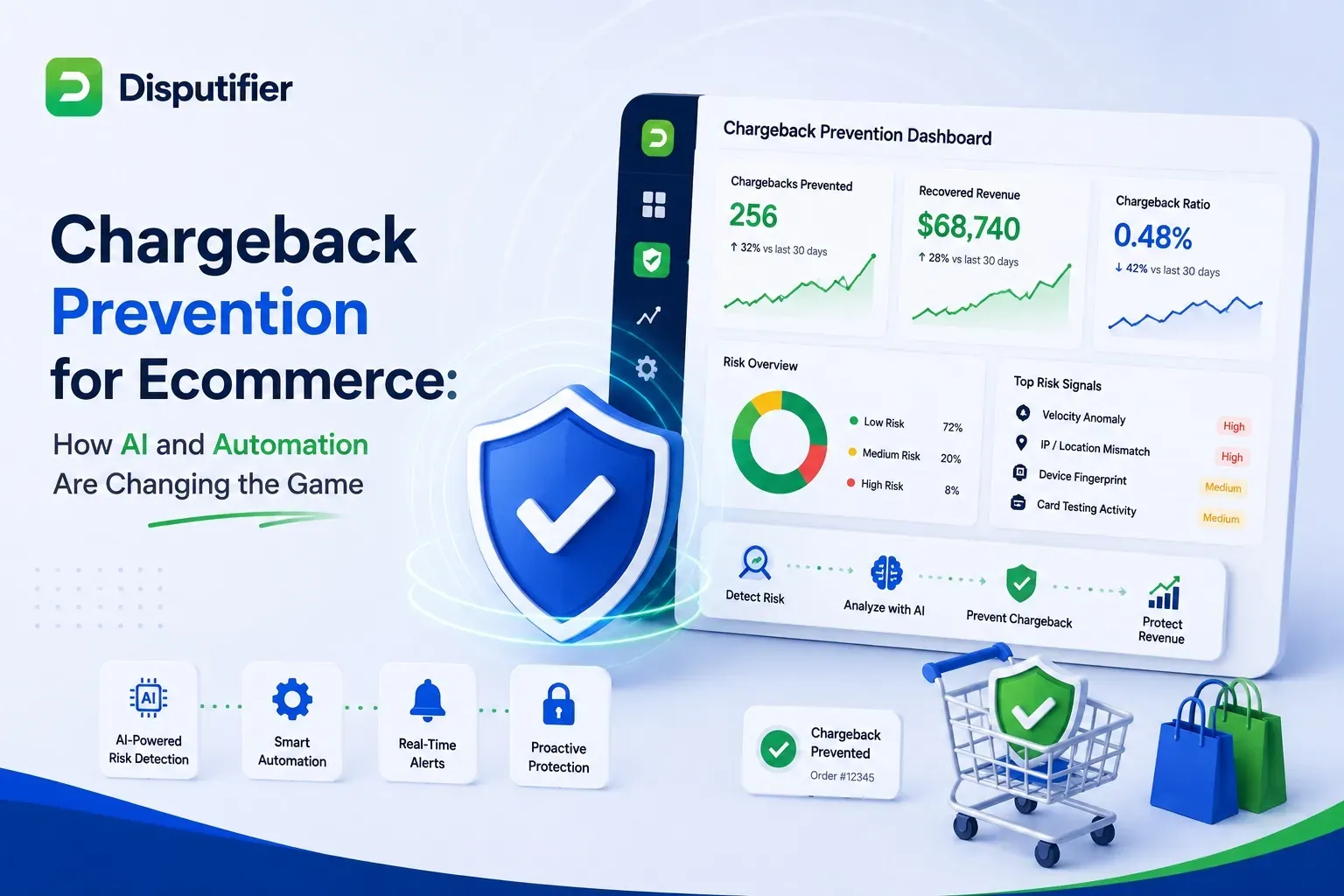
Plan Shopify Flow workflows for risk review, inventory alerts, and reporting. Check trigger timing, plan limits, retries, and testing before launch.
Shopify workflow automation is the systematic deployment of conditional logic to execute backend e-commerce tasks without manual human intervention. Triggers, conditions, and actions in Shopify Flow can reduce repetitive work. The examples below are starting points: test them against your payment settings, fulfilment provider, app permissions, and error handling. Measure time saved in your own operation; no percentage saving is established by this guide.
Key Takeaways
- The 3PL-Hold Protocol: Review high-risk orders after Shopify completes its fraud analysis, and verify how your fulfilment provider handles holds.
- LTV-Based Segmentation: A customer spend threshold such as $1,000 can drive a tag; connected marketing flows require their own configuration and consent checks.
- Automated Inventory Safeguards: Low-stock alerts can support stock reviews; delivery depends on the connector and does not replace inventory reconciliation.
- The 7-Day Delivery Buffer: Use delivery events, where available, to time review requests. Request honest feedback rather than only positive reviews.
How can Shopify Flow support high-risk order review?
Shopify workflow automation uses conditional logic to trigger automatic actions—like tagging, emailing, or putting orders on hold—based on real-time store events. For fraud review, use the completed Shopify risk assessment to decide whether to tag an order, alert staff, or hold fulfilment. Automation does not guarantee prevention of fraud or chargebacks.
Manual fraud reviews delay shipping times and risk chargebacks if high-risk orders slip through. Use the Order risk analyzed trigger, which runs after Shopify fraud analysis completes. An Order created workflow can run before that assessment is ready. This trigger covers Shopify risk assessments, not third-party assessments.
- Trigger: Order risk analyzed
- Condition: Risk level equals High
- Action: Add a "High-Risk" order tag and alert the operations team. If you use Hold fulfillment order, test it against your fulfilment orders and 3PL integration before enabling it.
Confirm that your 3PL respects fulfilment holds and that orders are not released before risk analysis finishes. Shopify also documents risk-based payment capture workflows; these require manual payment capture settings. Test the full handoff with your provider.
How do you automate customer segmentation based on lifetime value?
Segmenting your customer base manually is impossible at scale. Automating customer tags based on spend thresholds allows you to run targeted marketing campaigns and prioritize support tickets automatically.
- Trigger: Order paid
- Condition: Customer lifetime spend is greater than or equal to $1,000
- Action: Add customer tag "VIP-Tier-1"
You can use these tags to trigger automated email flows in Klaviyo or prioritize tickets in your helpdesk. If you need complex segmentation logic beyond native tools, our team offers custom Shopify development to build bespoke automated workflows.
How do you streamline inventory alerts and purchase order triggers?
Stockouts lead to lost revenue, while overstocking ties up cash flow. Automate your inventory alerts to notify your purchasing manager the moment stock dips below critical levels.
- Trigger: Product variant inventory quantity changed
- Condition: Product variant inventory quantity is less than or equal to 10
- Action: Send internal email or Slack message with the SKU, current stock level, and vendor details
Use alerts alongside stock reconciliation and a documented purchasing process. An alert does not place a purchase order or guarantee that stock will arrive before a sellout.
When should you automate post-purchase review requests?
Generating social proof shouldn't require manual outreach. Automate the timing and delivery of review requests based on actual fulfillment data rather than arbitrary timelines.
- Trigger: Fulfillment event created
- Condition: Status equals Delivered
- Action: Wait 7 days, then trigger a review request via your review app or email marketing platform
Seven days is an example delay, not evidence that a customer has used the product. Confirm that your carrier or app supplies delivery events, honour messaging consent, and choose timing appropriate to the product.
How do you sync Shopify order data to external reporting tools?
Keeping your team aligned requires real-time data visibility. Instead of manually copying order data, use webhooks to push critical events directly to your communication and reporting tools.
- Trigger: Order paid
- Action: Send HTTP request to a configured Zapier or Make endpoint. This Flow action requires Grow, Advanced, or Plus; it is not available on Basic.
- Destination: Update a master Google Sheet and post a notification in your team's Slack channel
This keeps your customer service and warehouse teams aligned on daily volume metrics without requiring manual system updates.
How should you handle temporarily out-of-stock products?
Start with a stock policy that distinguishes temporary shortages from discontinued products. For products that will return, keeping a useful product page accessible with an accurate availability message lets shoppers review details and alternatives.
- Trigger: Product variant inventory quantity changed
- Condition: Total inventory of all variants is less than or equal to 0
- Action: Notify merchandising to review collection placement and the stock message. Do not automatically unpublish a product solely because its inventory reaches zero.
Removing a product from a sales channel can make its public URL unavailable. Check the resulting HTTP status, internal links, and planned restock before changing publication. For permanent removals, review whether a relevant replacement exists; redirects and canonicals require a deliberate decision.
Troubleshooting Failed Automations: How to Audit Shopify Flow Run Histories
When automation steps fail, it can disrupt your entire fulfillment chain. You must establish a systematic process to audit and fix broken workflows.
Common Automation Mistakes to Avoid
- Infinite Loops: Creating triggers that accidentally reactivate themselves (e.g., updating an order tag that triggers the same workflow).
- Missing Fallbacks: Failing to set alternative actions when a third-party API or app integration fails to respond.
- Over-Tagging: Creating too many overlapping customer tags, which clutters your CRM database and slows down segmentation.
Step-by-Step Implementation Audit Checklist
- Open Shopify Flow: Navigate to your Shopify admin, open the Flow app, and select the specific workflow you want to audit.
- Review Run History: Open Recent runs. Shopify retains completed workflow runs for 14 days, according to its monitoring documentation.
- Identify Errors: Filter runs for errors, then inspect the results of individual steps and any retries. A completed run still needs review against the intended business outcome.
- Inspect Payload Data: Click into the failed run to review the raw JSON data payload and verify if missing fields caused the error.
- Apply and Test Fixes: Update the workflow logic, then run a test order to confirm the issue is resolved before turning the flow back on.
How to Fix Broken Workflows Quickly
Inspect the error and the receiving service before changing timing. For Send HTTP request, review the configured retry, fail, or ignore behaviour for errors. Design receivers to handle retries without duplicate side effects. A fixed Wait step does not guarantee that rate limits will be avoided.
How Avelize approaches workflow automation
Our team engineers custom automation pipelines for high-volume Shopify Plus and headless Hydrogen storefronts. We audit your operational bottlenecks, design custom Shopify Flow and Webhook architectures, and integrate tools like Klaviyo and Triple Whale.
- Scope: Agree the workflows, integrations, test cases, and deployment stages before estimating delivery.
- Pricing: Request a project-specific quote based on the agreed scope.
- Measurement: Record baseline handling time, workflow error rates, and fulfilment exceptions. Compare them after rollout; savings and error-free fulfilment are not guaranteed.
Frequently Asked Questions
Is Shopify Flow available on all Shopify plans?
Shopify Flow is available on Basic, Grow, Advanced, and Plus. Send HTTP request requires Grow, Advanced, or Plus; custom partner-app tasks require Plus. Check current plan requirements before you build custom workflows using triggers, conditions, and actions directly within the Shopify admin.
What is the difference between Shopify Flow and Zapier?
Shopify Flow automates store events and can connect to external services through supported app actions and HTTP requests. It is available on Basic, Grow, Advanced, and Plus, with plan-specific limits. Zapier is a separate integration service. Compare required connectors, plan eligibility, execution limits, retry behaviour, and app fees. Neither approach guarantees immediate execution.
Can workflow automation handle custom checkout logic?
While Shopify Flow cannot directly modify the checkout UI, it can react to checkout events. For deep checkout customization and automation, Shopify Plus merchants use Shopify Functions or custom apps to execute custom pricing, shipping, or payment rules during the checkout process.
Ready to review repetitive work and improve your fulfilment process? Explore our Technical SEO & GEO programs or contact our team to build custom automation workflows tailored to your Shopify Plus store.
Published / Last reviewed: 2026
Related Shopify and Ecommerce Growth Guides
Continue with these related guides for implementation, SEO, performance, and conversion context.
- Programmatic SEO for Ecommerce: Scale Catalog Traffic
- Shopify Plus Optimization Services: Scale Storefront Speed
- Shopify Flow Automation: 5 High-Volume Templates [2026]
- Shopify Plus Automation: Custom Integration Strategies
Related Avelize Services and Guides: Custom Apps · Plus Customization