
Magento to Shopify Plus Migration: Zero-Loss SEO Playbook
By:
Magento To Shopify Plus Migration Zero-Loss SEO Playbook: a practical Shopify Plus guide to the SEO, CRO, and revenue decisions that matter for ecommerce teams.
A Magento to Shopify Plus migration SEO strategy is a highly technical replatforming process designed to transfer legacy database paths, metadata, and search engine authority to Shopify’s strict URL taxonomy. By systematically mapping nested category paths to flat Shopify handles, e-commerce merchants can preserve historical keyword rankings and prevent catastrophic organic traffic drops. In our work with merchants, executing this transition requires rigorous pre-migration benchmarking, API-driven redirect deployment, and post-launch verification.
Key Takeaways
- The 10k-Batch Protocol: Group redirect uploads into batches of 10,000 to bypass Shopify's native API rate limits and prevent bulk import timeouts.
- Flat URL Mapping: Strip legacy
.htmlextensions and map deep nested Magento paths (e.g., 3+ levels) directly to Shopify's flat/products/and/collections/structures. - CDN-Level Offloading: For enterprise migrations exceeding 100,000 redirects, deploy routing logic at the DNS or CDN level using Cloudflare Workers to eliminate server latency.
- Baseline Benchmarking: Export 12 months of organic landing page data and backlink profiles to prioritize high-equity URLs before DNS propagation.
Why Magento and Shopify Plus URL Structures Clash
Magento and Shopify Plus handle routing in fundamentally different ways. While Magento supports deep, nested, and highly customizable URL paths, Shopify Plus enforces a rigid, flat taxonomy that cannot be altered. Understanding these architectural differences is critical for designing an effective magento to shopify plus migration seo plan in 2026.

/catalog/category/sub/product.html)
Flat (strictly /products/product-handle)
Collection/Category Path
Customizable (e.g., /apparel/mens/outerwear/)
Flat (strictly /collections/collection-handle)
URL Suffixes
Supports .html or trailing slashes
No suffixes allowed (clean handles only)
Redirect Limits
Database-dependent (can slow queries)
100,000 native limit (API throttled beyond)
Pre-Migration: Crawling and Benchmarking Your Magento Store
To preserve your search engine visibility, we must capture an exhaustive, multi-dimensional snapshot of your legacy Magento store's indexation footprint. This baseline data ensures no high-value URL is left unmapped.
- Crawl your entire production site using Screaming Frog or DeepCrawl, capturing all HTML status codes (200, 301, 404), canonical tags, and metadata.
- Export your complete Magento URL inventory, including product pages, category pages, CMS pages, and blog posts.
- Pull 12 months of organic landing page traffic from Google Analytics and Google Search Console to prioritize high-value URLs.
- Export your historical backlink profile from Ahrefs or Semrush to identify pages holding external link equity.
Mapping Magento URL Structures to Shopify Plus Handles
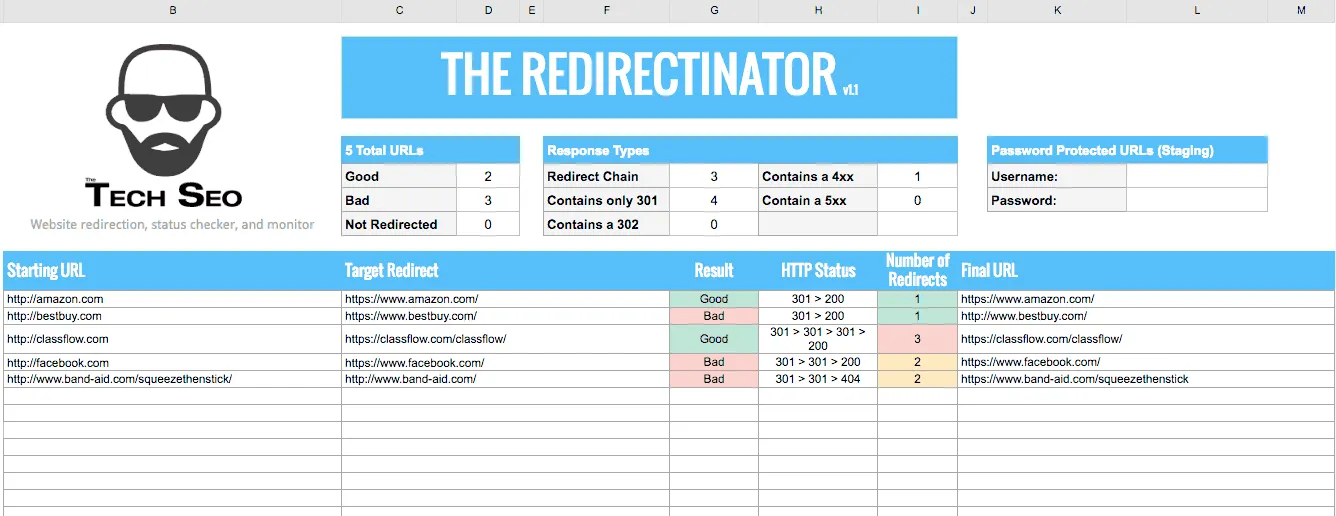
Because Shopify Plus enforces a flat URL taxonomy, every legacy Magento URL must be mapped to its new Shopify equivalent. For example, a Magento URL like /apparel/mens/jackets/waterproof-parka.html must be mapped to /products/waterproof-parka.
To bridge this structural gap without losing search equity, we recommend utilizing professional technical enterprise SEO services to handle complex database extractions and custom mapping rules.
Common Mapping Mistakes to Avoid
- Do not preserve .html extensions: Shopify does not support
.htmlsuffixes. All legacy URLs ending in.htmlmust be mapped to clean, extension-free Shopify handles. - Ignoring nested category structures: Do not let deep Magento subcategories default to the homepage; map them to highly relevant collections or product tags.
- Using capital letters: Shopify handles are strictly lowercase. Ensure your mapping sheets convert all uppercase characters to lowercase to prevent redirect loops.
Configuring 301 Redirects in Shopify Plus Without Bulk Limit Failures
Enterprise Magento stores often require tens of thousands of redirects. Uploading these directly to Shopify's native redirect tool can trigger API rate limits, slow down site speed, or fail entirely if your file exceeds 100,000 rows.
To manage high-volume redirections, our team deploys the 10k-batch DNS bypass protocol. This methodology bypasses native platform limitations by routing traffic before it even hits Shopify's servers.
How to Implement Bulk Redirects Safely
- Group your redirect map into batches of 10,000 URLs to prevent bulk upload timeouts.
- Use a reliable third-party app like Easy Redirects or utilize Shopify's URL Redirect API to programmatically import redirects.
- For migrations exceeding 100,000 redirects, implement redirect logic at the DNS or CDN level (using Cloudflare Workers or Fastly) to offload server processing.
- Test a sample batch of 500 redirects on your Shopify development store before pushing the full list live.
If you need technical assistance executing API-driven redirects, consider leveraging dedicated Shopify development services to automate and validate your redirect mapping.
Preserving Metadata, Schema Markup, and Canonical Tags
Losing your optimized title tags, meta descriptions, and structured data during a platform switch will trigger an immediate drop in click-through rates (CTR) and keyword rankings.
Ensure your Shopify theme is fully configured to receive and render your legacy Magento SEO assets.
- Export all Magento meta titles and descriptions, then import them into Shopify using custom metafields or bulk CSV import tools.
- Audit your Shopify theme files to ensure canonical tags point to the primary product URL, especially when products are accessed via collection paths (e.g.,
/collections/collection-name/products/product-name). - Re-implement structural JSON-LD schema (Product, Review, AggregateRating, and FAQ) within your Shopify theme liquid or custom apps to match your Magento rich snippets.
Post-Launch SEO Audit: Verifying Redirects and Indexation
The critical work begins immediately after pointing your DNS records to Shopify Plus. You must verify that search engines are correctly processing your structural updates.
Run a post-launch technical audit to catch and resolve indexation issues before they impact your bottom line.
Post-Launch Technical SEO Checklist
- Run a full crawl of your legacy Magento URL list to confirm that every URL returns a 301 Redirect status code and points to the correct Shopify destination.
- Generate and upload your new Shopify XML sitemap (located at
yourdomain.com/sitemap.xml) to Google Search Console to accelerate re-indexing. - Monitor the Index Coverage Report in Google Search Console daily for a sudden spike in 404 errors or excluded pages.
- Inspect high-priority landing pages using the GSC URL Inspection Tool to verify Google can successfully render your new Shopify Plus pages and schema markup.
How Avelize Approaches Magento to Shopify Plus SEO Migrations
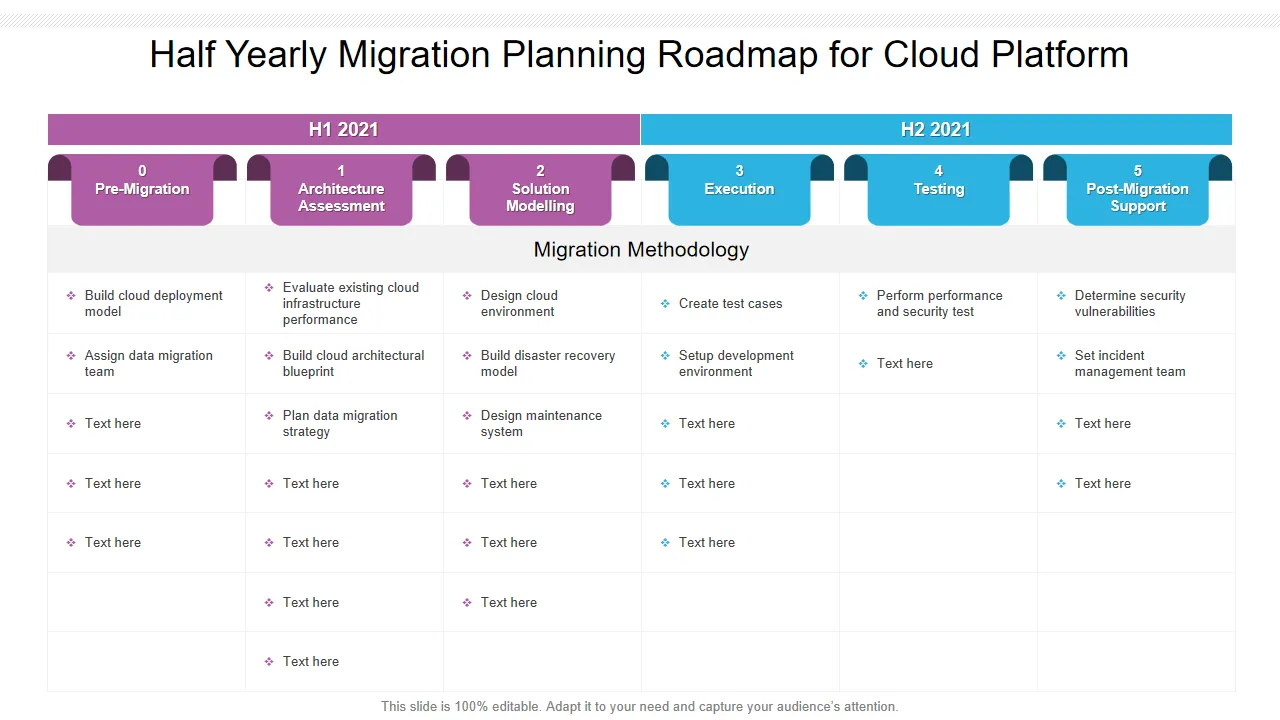
Our team treats replatforming not just as a database transfer, but as an opportunity to clean technical debt and accelerate organic growth. We execute migrations using a structured, four-phase methodology:
- Phase 1: Discovery & Crawl Audit (Weeks 1-2): We run deep crawls of your legacy Magento store, mapping out every URL, canonical tag, and backlink profile. KPI: 100% indexation mapping accuracy.
- Phase 2: URL Mapping & Redirect Architecture (Weeks 3-4): We build the redirect matrix, converting nested Magento structures into Shopify-friendly handles and setting up CDN-level routing if you exceed 100,000 URLs. KPI: Zero unmapped high-value URLs.
- Phase 3: Theme SEO & Schema Integration (Weeks 5-6): We inject structured JSON-LD schema, optimize Liquid canonical logic, and import historical metadata via custom metafields. KPI: Complete parity of rich snippet eligibility.
- Phase 4: Post-Launch Validation & GSC Monitoring (Weeks 7-8): We run automated daily crawls post-launch to catch 404s, validate 301 redirect chains, and monitor Google Search Console indexation. KPI: Less than 1% drop in organic visibility within 30 days.
Our migration programs typically range from $15,000 to $45,000 depending on catalog complexity and database size. To secure your organic traffic during your upcoming replatform, explore our Technical SEO & GEO programs.
Ready to execute a seamless, risk-free replatforming project? Partner with our team to safeguard your search rankings and build a high-performance storefront. Contact us today to discuss our Technical SEO & GEO programs.
Published / Last reviewed: February 2026
Shopify Plus Migration Risk Checklist
A Shopify Plus migration should be planned around risk, not only around launch tasks. The most important work is deciding which URLs, templates, analytics events, redirects, integrations, and checkout flows must survive the move without damaging revenue or organic search visibility.
- Map current revenue-driving URLs and search queries before changing templates.
- Validate redirects, canonicals, structured data, and sitemap output before launch.
- Test checkout, payments, analytics, consent, and third-party scripts in a staging flow.
- Measure Core Web Vitals, conversion rate, crawl errors, and revenue after launch.
Phased Shopify Plus Implementation Plan
For many teams, a phased migration is safer than changing every business-critical system at once. Start with the pages and flows that create the highest revenue or SEO risk, then move into secondary templates, automation, and experimentation after the foundation is stable.
Authoritative References
Use these official resources to verify platform-specific claims and implementation details before making commercial or technical decisions.
Related Shopify and Ecommerce Growth Guides
Continue with these related guides if you want to connect the strategy to implementation, SEO risk, performance, or conversion impact.
- Programmatic SEO for Shopify Plus: Scaling Organic Traffic
- Magento to Shopify Plus Migration: SEO & Data Guide
- Magento to Shopify Plus Post-Migration Checklist [2026]
- Shopify Plus Headless: Architecture & Implementation
- Shopify Vs Shopify Plus Guide
- Magento to Shopify Plus: Why Enterprise Brands Hire Experts
- Shopify Checkout Extensibility: A CRO Playbook for Plus
Related Avelize Services and Guides: Services · Ecommerce Web Design Agency